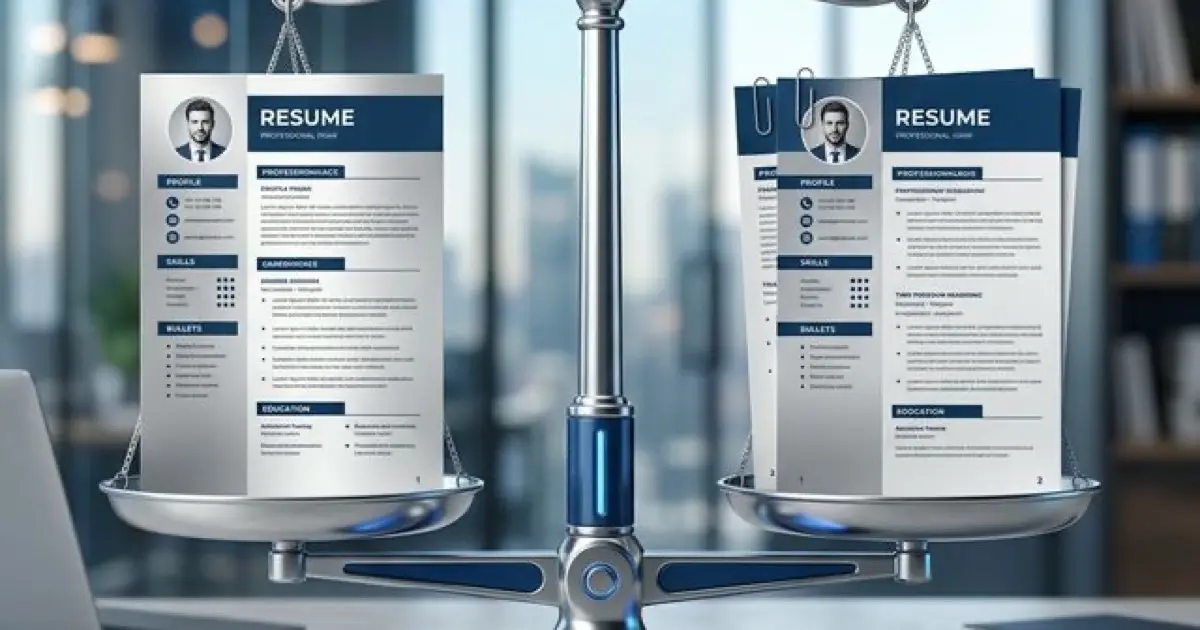
Resume Length: One Page or Two? The 2026 Verdict
The One-Page Myth (And Why It Won't Die)
For decades, career centers and well-meaning uncles have repeated the same mantra: "Your resume must be one page, or it goes in the trash."
In 2026, this is not just bad advice—it is career-limiting advice.
The "one-page rule" originated in the 1980s and 90s, driven by physical constraints. Hiring managers carried stacks of paper folders home. A two-page resume literally doubled the weight of their briefcase. Fax machines jammed on multi-page documents. Filing cabinets had limited depth. In that analog world, brevity was a logistical necessity.
Today, those physical constraints are extinct. Resumes are digital entries in an ATS database or PDFs viewed on 27-inch monitors. No one is carrying your resume in a briefcase. The "cost" of a second page is zero.
The new constraint is cognitive load, not paper weight.
A resume that crams 15 years of experience into 8-point font on one page is not "efficient." It is unreadable. It fails the ATS parsing logic because columns get merged, and it fails the human scan because the information density is too high. Recruiters would rather scroll comfortably through two clean pages than squint at one page of microscopic text blocks.
Conversely, a two-page resume filled with fluff is just as fatal. If you use page two to list your daily duties from 2015, you aren't showing depth; you're showing a lack of prioritization.
Here is the technical verdict on resume length for 2026, based on experience level and ATS parsing logic.
The framework below is built on thousands of resume reviews across different seniority levels. It accounts for both ATS parsing accuracy and human scan efficiency—because your resume must pass both filters.
Date Formatting as Tenure Signal: The decision between one-page and two-page resumes depends heavily on accurately communicating your total years of experience—which requires proper date formatting that ATS systems can parse and calculate. Using inconsistent date formats (mixing "Jan 2020" with "01/2023" with "2024 - Present") prevents ATS from correctly computing your tenure, which impacts both automatic screening thresholds and length justification. For complete specifications on date formatting that ensures accurate tenure calculation while handling promotions, overlaps, and gaps, see our resume date formatting ATS rules.
The 2026 Framework: Experience Determine Length
The length of your resume is not a stylistic choice. It is a function of your career density.
Level 1: The One-Page Standard (0-10 Years)
If you have less than 10 years of experience, your resume should be one page.
Who this applies to:
- Students and New Grads
- Junior to Mid-Level Professionals (Analysts, Associates, Specialists)
- Career Switchers (irrelevant past experience should be minimized)
- Individual Contributors without significant project leadership scope
Why: At this stage, your career narrative is usually linear. You haven't yet accumulated the complex, multi-layered achievements that require extensive real estate. If you are spilling onto page two, it’s almost certainly because of content bloat, not content value. You are likely failing to prioritize the signal over the noise.
What to Cut (The "Kill List"):
- Generic Objectives: "To obtain a position..." (Delete. Use a Summary or nothing).
- References Available Upon Request: (Obsolete placeholder).
- High School Details: If you have a college degree, remove High School.
- Detailed "Old" Jobs: That lifeguard job from college or the 3-month internship from 5 years ago does not need 4 bullet points. List it as formatted title only, or remove it if irrelevant.
- "Responsibilities" Blocks: "Responsible for managing files." This is job description text, not achievement text. Cut it.
The Rule: If you can’t sell your value in one page at this level, you aren't showing "depth"—you are showing a lack of editing skills. Senior leaders prioritize brevity. Proving you can be concise is a skill in itself.
Level 2: The Two-Page Pivot (10+ Years)
If you have 10+ years of experience, or 7+ years with high technical complexity, a two-page resume is standard.
Who this applies to:
- Senior Managers, Directors, and VPs
- Staff/Principal Engineers and Architects
- Executives (C-Suite)
- Specialists with extensive publication/patent lists (R&D, Medical)
- Consultants with diverse project portfolios
Why: A senior career involves complex narratives that cannot be compressed into single-line bullets without losing critical context. You might have led multiple teams, managed P&L, or shipped products across different companies. Cramming this into one page forces you to cut the evidence of your success (the "How") and leave only the claim (the "What").
The "Density vs. Length" Trade-off: Recruiters do not hate scrolling. They hate visual density. A one-page resume with 0.4-inch margins, 8-point font, and zero white space is physically painful to read. A two-page resume with 1-inch margins, 10-point font, and clear section breaks is a relief. By moving to two pages, you allow your content to breathe. You can use sub-bullets to explain complex strategies. You can include context ("Managed a $2M budget during a hiring freeze"). This additional context is often what separates a "Manager" from a "Director" in the eyes of a recruiter.
The Logic: It is better to have a spacious, readable two-page resume than a dense, microscopic one-page resume. Recruiters would rather scroll to page two than squint at page one.
What Justifies Page Two?
Just because you can use two pages doesn't mean you should fill them with noise. Page two is expensive real estate.
✅ Valid reasons for Page 2:
- Case Studies: Detailed breakdowns of major projects (Problem → Action → Result).
- Technical Complexity: Extensive tech stacks, migrations, or architectural details (common for Engineering roles).
- Leadership Scope: Listing multiple direct report teams, budgets, and strategic initiatives.
- Publications/Patents: Essential for R&D and Academic roles.
❌ Invalid reasons for Page 2:
- Daily Duties: "Attended meetings," "Replied to emails."
- Old History: Detailed bullets for jobs from 2010. (Group these under an "Early Career" section with just titles).
- Soft Skills definitions: "I am a motivated self-starter..." (Show this in your bullets, don't state it).
- References: "References available upon request" wastes 2 lines. Delete it.
The "Technical" Exception (Engineering & Academia)
Certain industries operate on different rules.
Software Engineering: Technical resumes often run 1.5 to 2 pages even at mid-level (5-7 years). Why? Because the "Skills" section (Languages, Frameworks, Tools, Infrastructure) takes up significant space, and project descriptions require technical specificity. ATS parsing needs these keywords to be explicit.
Academia / Medicine / Law (CVs): These are Curriculum Vitae, not resumes. They have no length limit. Do not confuse a CV with a corporate resume. If you are applying to a corporate role (e.g., Data Scientist at Tech Co), convert your 10-page CV into a 2-page resume.
The "Hybrid Trap": Why 1.5 Pages Fails
A common question is: "My resume is 1.5 pages. Is that okay?"
No. It looks unfinished.
A resume that ends in the middle of page two signals poor planning. It looks like you ran out of things to say or forgot to edit. Visually, the empty white space at the bottom of page two dominates the page, making your actual content look sparse.
The solution:
- Cut it down: If you are at 1.2 or 1.3 pages, simply editing "widows" (single words on their own line) and tightening phrasing can often get you back to one page.
- Expand it up: If you are at 1.6 or 1.7 pages, use the extra space to add value. Add a "Technical Skills" breakdown, expand on a key project with a case study, or increase line spacing for better readability. Aim to fill at least 75% of the second page.
Formatting for Two Pages
If you go to two pages, follow these structural rules to ensure ATS compatibility:
- Contact Info on Both Pages? No. Only the first page needs your full header (Email, Phone, LinkedIn, Location). Page 2 can be a continuation. However, many professionals add a minimal header on page two (e.g., "John Doe - Page 2") in the actual header section of the document. This is helpful for human readers if pages get printed and separated, though purely digital reviews make this less critical.
- Fill at least 50-75% of Page 2. As mentioned above, a resume that bleeds 3 lines onto the second page looks accidental. Either cut to one, or expand to fill the majority of the page.
- Keep "Key Info" on Page 1. Your Professional Summary, Skills Section, and Current Job must be on the first page. The 6-second scan happens on page one. If the recruiter has to scroll to find your current title, you've lost them.
- Do Not Split Bullet Points. Ensure that a specific job role doesn't get cut in half across pages if possible. If a role must split, try to split it between the company header/blurb and the bullets, or ensure at least 3 bullets appear on the next page. Do not leave a single "orphan" bullet point at the top of page two.
- Page Numbers: Yes, include them. "Page 1 of 2" and "Page 2 of 2" in the footer is a professional touch that ensures the reader knows the document is complete.
Summary Verdict
- < 10 Years: One Page. Edit ruthlessly.
- 10+ Years: Two Pages. prioritizing readability and evidence.
- Navigation: Put the most critical data (Skills, Current Role) on Page 1.
- Density: Readability beats brevity. Two clean pages > One cluttered page.