Administrative Assistant Resume: Examples, Skills & Template

You're the backbone of the office. You keep executives on schedule, manage chaos, and somehow make it all look effortless. But your resume? It's getting lost in the pile.
Here's the truth: administrative assistant roles are competitive, and your resume has about 6 seconds to prove you're worth an interview. Generic "duties included" bullet points won't cut it. You need a resume that showcases your organizational superpowers, technical skills, and measurable impact.
This guide will show you exactly how to build an administrative assistant resume that gets past ATS systems and lands on the hiring manager's desk. We'll cover proven examples, essential skills, formatting strategies, and a template you can use today.
Why Your Administrative Assistant Resume Isn't Working
For comprehensive strategies on optimizing your resume language, our professional impact dictionary covers the exact verbs and metrics for administrative roles.
I've been there. Fresh out of college, I applied to 50 admin positions with a resume that listed "answered phones" and "managed calendars." Zero responses.
The problem? I was describing tasks, not demonstrating value. Every administrative assistant answers phones. What hiring managers want to know is: Did you reduce wait times? Improve customer satisfaction? Implement a new phone system?
Here's what's killing most admin resumes:
The fix? A resume that speaks the language of ATS optimization while highlighting your unique contributions.
Essential Skills for Administrative Assistant Resumes
Administrative roles require a blend of technical proficiency and interpersonal skills. Here's what to include:
Technical Skills
These are the hard skills that ATS systems scan for. Match them to the job description:
Core Competencies
These soft skills demonstrate how you work. Use them in your professional summary and bullet points:
For a comprehensive breakdown of how to structure your skills section, check out our ultimate resume guide.
How to Format Your Administrative Assistant Resume
Format matters. A poorly structured resume gets rejected by ATS before a human ever sees it.
Step 1: Choose the Right Resume Format
Chronological format is your best bet. It lists your work experience in reverse order and is the most ATS-friendly. Use this if you have consistent work history in administrative roles.
Avoid functional or hybrid formats unless you're making a major career change. They confuse ATS systems and raise red flags for recruiters.
Step 2: Structure Your Resume Sections
Your resume should include these sections in this order:
- Header: Name, phone, email, LinkedIn, location (city/state only)
- Professional Summary: 2-3 sentences highlighting experience and value
- Work Experience: 3-5 bullet points per role with metrics
- Skills: Technical skills and core competencies
- Education: Degree, school, graduation year
- Certifications (if applicable): CAP, MOS, or relevant training
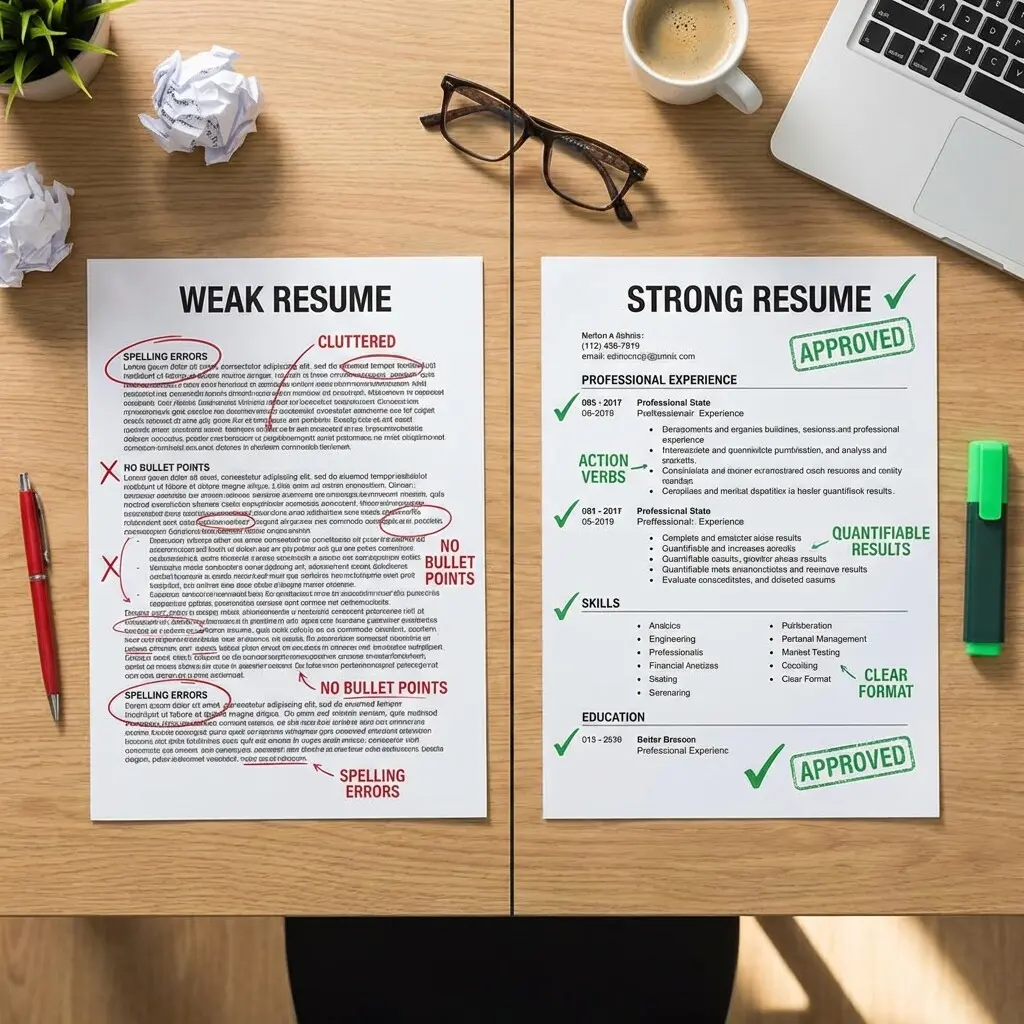
Step 3: Write Achievement-Focused Bullet Points
Transform task descriptions into achievement statements using this formula:
Action Verb + Task + Metric/Result
Notice the difference? These bullets show impact, not just responsibility.
Administrative Assistant Resume Template
Here's a proven template structure you can adapt:
Professional Summary Example
"Detail-oriented Administrative Assistant with 5+ years of experience supporting C-level executives in fast-paced corporate environments. Expert in calendar management, travel coordination, and office operations. Proven track record of improving efficiency through process optimization and proactive problem-solving. Proficient in Microsoft Office Suite, Salesforce, and Concur."
Work Experience Example
Senior Administrative Assistant
TechCorp Solutions, San Francisco, CA
June 2021 - Present
Key Skills to Highlight by Experience Level
Entry-Level Administrative Assistants
Focus on transferable skills from internships, volunteer work, or academic projects:
Mid-Level Administrative Assistants
Emphasize specialized skills and increased responsibility:
Senior/Executive Assistants
Highlight strategic contributions and high-level support:
Common Mistakes to Avoid
After reviewing hundreds of administrative resumes, here are the mistakes I see most often:
1. Using a Two-Column Layout
ATS systems can't read two-column resumes properly. Your carefully crafted content gets scrambled, and you're automatically rejected. Stick to a single-column format. See our guide on chronological vs functional resumes for the best format options.
2. Listing Duties Instead of Achievements
"Answered phones" tells me nothing. "Managed 50+ daily calls with 95% first-call resolution rate" shows competence and impact.
3. Including Irrelevant Information
Your high school diploma doesn't matter if you have a college degree. Your 2010 internship isn't relevant if you have 5 years of recent experience. Keep it focused.
4. Forgetting Keywords
ATS systems scan for specific keywords from the job description. If the posting mentions "Salesforce" and you list "CRM software," you might get filtered out. Use exact keyword matches. Learn more about words that hurt your resume.
5. Neglecting Your LinkedIn Profile
Recruiters will check your LinkedIn. Make sure it matches your resume and includes a professional photo, detailed experience, and recommendations.
Resume Examples by Specialty
Corporate Administrative Assistant
Focus on: Executive support, board meeting coordination, confidential correspondence, budget management, vendor relations
Medical Administrative Assistant
Focus on: HIPAA compliance, medical terminology, patient scheduling, insurance verification, EMR systems (Epic, Cerner)
Legal Administrative Assistant
Focus on: Legal document preparation, court filing procedures, case management software, client communication, billing and timekeeping
Virtual Administrative Assistant
Focus on: Remote collaboration tools, self-motivation, time zone management, digital file organization, asynchronous communication
How to Tailor Your Resume for Each Application
Generic resumes get generic results. Here's how to customize for each job:
Step 1: Analyze the Job Description
Highlight keywords, required skills, and preferred qualifications. Note specific software, certifications, or experience levels mentioned.
Step 2: Match Your Experience
Reorder your bullet points to prioritize the most relevant achievements. If they want event planning experience, lead with your event coordination bullets.
Step 3: Mirror Their Language
If they say "calendar management," use "calendar management" instead of "scheduling." ATS systems look for exact matches.
Step 4: Adjust Your Professional Summary
Rewrite your summary to address their specific needs. Mention the company name or industry if appropriate. Need help with headers? Check out our guide on resume header mistakes.
Step 5: Update Your Skills Section
Move the most relevant skills to the top of your list. Add any specific tools or software they mention that you have experience with.
Certifications That Boost Your Resume
Professional certifications demonstrate commitment and expertise:
List certifications in a dedicated section with the certification name, issuing organization, and date earned.
Frequently Asked Questions
What if I have gaps in my employment history?
Be honest but strategic. If you took time off for family, education, or health, you can include a brief one-line explanation. Focus on any freelance work, volunteer activities, or skills development during that time. For strategies on this, see our guide on handling resume gaps.
Should I include a photo on my resume?
In the US, no. Photos can introduce bias and are not standard practice. In some European and international markets, photos are expected. Know your target market.
How do I transition from administrative assistant to executive assistant?
Highlight increasing levels of responsibility, executive-level support experience, strategic contributions, and specialized skills like board meeting coordination or confidential correspondence. Show progression in your job titles and scope of work.
Can I use color on my administrative assistant resume?
Minimal color is fine for section headers or your name, but keep it professional (navy, dark gray, burgundy). Avoid bright colors, and ensure the resume is still readable when printed in black and white.
What's the best file format for submitting my resume?
Unless specified otherwise, submit as a PDF to preserve formatting. Some ATS systems prefer .docx, so read the application instructions carefully. Always name your file professionally: "FirstName_LastName_Resume.pdf"
How often should I update my resume?
Update your resume every 3-6 months, even if you're not actively job searching. Add new skills, certifications, and achievements while they're fresh. This makes job searching much easier when opportunities arise.
Next Steps: Build Your Resume Today
You now have everything you need to create an administrative assistant resume that stands out. Here's your action plan:
- Choose your format: Start with the chronological template provided above
- Write your professional summary: Focus on years of experience and key skills
- List your work experience: Use the achievement formula with metrics
- Add your skills: Match keywords from target job descriptions
- Include education and certifications: Keep it relevant and recent
- Optimize for ATS: Use standard headings, single column, and exact keyword matches
- Proofread ruthlessly: One typo can cost you the interview
Create Your ATS-Optimized Administrative Assistant Resume in Minutes
Remember, your resume is a living document. Update it regularly, tailor it for each application, and always focus on demonstrating value, not just listing tasks. You've got this.