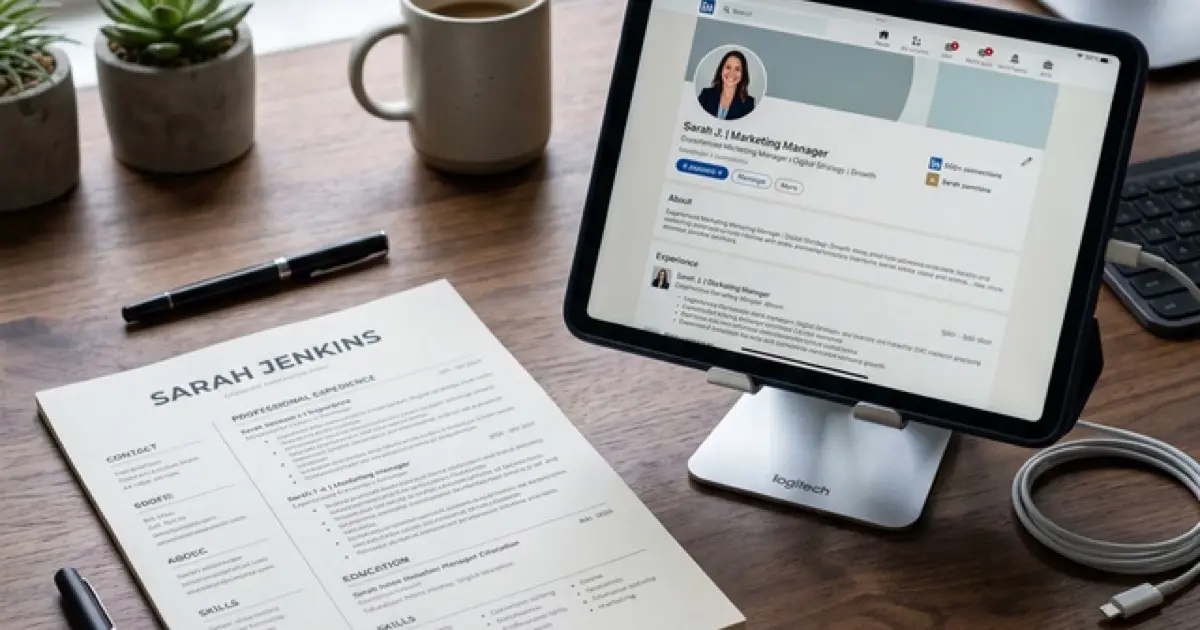
LinkedIn About Section Formula: Write a Summary That Sells Your Experience

One of my clients had a LinkedIn About section that read like an obituary. "Experienced marketing professional with 10+ years in brand management." I read it and learned absolutely nothing about what makes her different from the other 500,000 marketing professionals on LinkedIn who describe themselves with the same sentence. We rewrote it in 20 minutes using a formula, and her profile views tripled in two weeks.
Your LinkedIn About section is the single largest block of free-text real estate on your profile. It is where you control the narrative. Your headline is limited to 220 characters, your experience entries are structured, but your About section is 2,600 characters of pure positioning power. Most professionals waste it with generic descriptions that could apply to anyone in their industry. That is a missed opportunity that costs you recruiter attention every day.
Master the pitch with our Career Pitch Mastery guide for the complete verbal positioning system that connects your LinkedIn presence to your interview performance.
The LinkedIn About Section Formula: Five Parts
Every effective LinkedIn summary follows a predictable structure. I call it the HPSC formula: Hook, Positioning, Social Proof, Specialization, and Call to Action. Each section serves a specific purpose, and together they transform your About section from a biography into a pitch.
Part 1: The Hook (First 300 Characters)
LinkedIn truncates your About section after approximately 300 characters. Everything after that is hidden behind a "see more" link. This means your opening is the most important real estate on your entire profile. If it does not compel the reader to click, the rest of your carefully crafted summary never gets read.
Hooks that work:
Hooks that fail:
The difference is specificity. Generic hooks describe a category. Effective hooks describe a person.
Part 2: The Positioning Statement (1-2 Sentences)
After your hook, state clearly who you serve, what you deliver, and the outcome you produce. This is your professional value proposition.
Formula: I help [target audience] achieve [specific outcome] through [your method/expertise].
Examples:
Software Engineer: "I architect backend systems that scale from startup to enterprise without the rewrites that cost teams months of velocity."
Marketing Manager: "I build demand generation engines for B2B SaaS companies, turning marketing spend into pipeline with attribution you can actually trust."
Financial Analyst: "I translate complex financial data into executive decisions, building models that have informed $500M+ in strategic investments."
Your positioning statement is not about what you do day-to-day. It is about the transformation you create. The verb matters: build, architect, design, translate, transform. These are active, value-creating verbs. Avoid "responsible for," "managed," or "oversaw."
Part 3: Social Proof (3-5 Bullet Points)
Now back up your positioning with evidence. List 3-5 achievements with specific numbers, company context, and scope. These are your proof points.
Format each proof point as: [Action] + [Metric] + [Context]
Example proof points for a Product Manager:
These proof points serve double duty. They validate your positioning statement AND inject keywords that recruiters search for. "Cross-functional," "data-driven," "product portfolio," "recurring revenue" are all terms that appear in product manager job postings and recruiter searches.
Part 4: Specialization Areas (4-6 Keywords)
List your areas of expertise as a clean, scannable section. This serves two purposes: it tells humans what you specialize in, and it feeds keywords to LinkedIn's search algorithm.
Format:
Areas of expertise: Product Strategy | Roadmap Development | Go-to-Market Planning | Stakeholder Management | Agile/Scrum | Data Analytics
Choose keywords that appear in job postings for your target role. Do not list generic skills like "leadership" or "communication." Instead, use the specific language that your industry uses: "revenue forecasting" instead of "financial planning," "demand generation" instead of "marketing."
Part 5: The Call to Action (1-2 Sentences)
Tell the reader exactly what to do next. Most LinkedIn summaries end with a period and a hope that someone will reach out. A clear call to action increases your response rate.
Examples:
"Exploring opportunities in [target area]. Connect with me or reach out at name@email.com."
"Open to conversations about [specific topic]. Send me a message and let's talk."
"Currently advising startups on [specialty]. If that is relevant to your team, let's connect."
LinkedIn About Section Formula: Complete Example
Here is the full formula in action for a senior data analyst:
"The last dashboard I built saved my team 15 hours per week. Not because it was pretty, but because it answered the only three questions the VP actually cared about.
I help analytics teams stop building reports nobody reads and start delivering insights that change decisions. Over 8 years in data analytics, I have built reporting systems that executives actually use, not dashboards they politely ignore.
What I have delivered:
- Built real-time analytics platform serving 500+ daily active users across 4 departments
- Reduced monthly reporting cycle from 5 days to 4 hours through automated ETL pipeline
- Identified $2.3M cost optimization opportunity through supply chain data modeling
- Trained 30+ non-technical stakeholders on self-service analytics tools
Specialization: Data Analytics | Business Intelligence | ETL & Data Pipeline | SQL & Python | Tableau & Power BI | Executive Reporting
Currently exploring senior analytics and analytics management roles. Connect or reach out at email@example.com."
This summary is specific, keyword-rich, and structured. A recruiter scanning for "data analytics" and "business intelligence" will find this profile. A hiring manager reading the proof points will see evidence of impact. And the call to action tells both of them what to do next.
Adapting the Formula by Career Level
Entry-Level Professionals
Replace proof points with project outcomes, academic achievements, and internship results. Your hook can be aspirational rather than retrospective.
"I graduated top 5% of my class in Computer Science, shipped two production apps during internships, and built a side project with 1,200 users. Now I am looking for a team where I can turn that energy into engineering impact."
Mid-Career Professionals
Lean heavily on the proof points section. You have enough results to let numbers speak. Focus your hook on your defining specialization rather than years of experience.
Senior and Executive Level
Your hook should reference the scale of your impact. Proof points should include revenue figures, team sizes, and strategic outcomes. Your call to action can be more selective, signaling that you are open to specific types of opportunities rather than any opportunity.
Keywords That Belong in Your About Section
Your About section is indexed by LinkedIn's search algorithm. Every keyword you include creates a potential match with a recruiter search query.
High-value keyword categories to include:
| Category | Examples |
|---|---|
| Role titles | "Product Manager," "Data Analyst," "Software Engineer" |
| Skills | "Financial Modeling," "Machine Learning," "SEO Strategy" |
| Tools | "Salesforce," "Tableau," "AWS," "Python" |
| Methodologies | "Agile," "Six Sigma," "Design Thinking," "OKRs" |
| Industries | "FinTech," "Healthcare," "SaaS," "E-commerce" |
| Outcomes | "Revenue Growth," "Cost Reduction," "Team Building" |
Naturally embed these keywords throughout your summary rather than listing them in a block. The algorithm reads your entire About section, and keywords that appear within contextual sentences carry more weight than keyword lists.
Build a LinkedIn About section that gets recruiters to click 'see more'
Frequently Asked Questions
Should I use emojis or special characters in my LinkedIn About section?
Use them sparingly and only for structural clarity. Bullet point symbols or line breaks can improve readability, but excessive emojis reduce professional credibility. A clean, well-structured summary without emojis always outperforms a cluttered one filled with rocket ships and checkmarks. Let your content and structure create visual appeal, not decorative characters.
Do recruiters actually read the LinkedIn About section?
Yes, but selectively. Recruiters first scan your headline and current title to determine relevance. If those match, they click into your profile and scan your About section for keywords and proof points. The average time spent is 10-15 seconds, which is why structure and scanability matter more than prose quality. Bullet points, clear sections, and bold numbers catch scanning eyes faster than paragraph text.
How do I write a LinkedIn About section for a career change?
Lead with transferable value, not your history. Your hook should reference the outcome you deliver (which is relevant to your new field), not the industry you are leaving. Your proof points should emphasize skills and results that translate. For example, a teacher moving into corporate training should highlight curriculum design, audience engagement metrics, and learning outcome improvements rather than classroom management.
Is it okay to mention that I am actively job searching?
Yes, but frame it as selective interest rather than desperation. "Exploring senior product management opportunities in B2B SaaS" signals targeted intent. "Open to any opportunities" signals desperation. LinkedIn also has a separate "Open to Work" feature that signals availability to recruiters privately, so your About section can focus on positioning rather than availability.
Should I include personal interests in my About section?
Only if they directly reinforce your professional positioning. A data scientist who competes in Kaggle competitions should mention it because it demonstrates applied skill. A marketing manager who runs marathons should not include it unless they are targeting the fitness industry. Every sentence in your About section should earn its space by contributing to your professional narrative.
Final Thoughts
Your LinkedIn About section is not a biography. It is a pitch. It follows a formula because pitches are structured, not improvised. Hook the reader in the first 300 characters. State your value in one sentence. Prove it with 3-5 numbered achievements. List your specialization keywords. And tell the reader what to do next. This formula works for entry-level professionals writing their first summary and for executives refining their digital presence. The only difference is the scale of the proof points. The structure stays the same because the structure is what makes it work.