LinkedIn Experience Section vs Resume: What to Change and Why
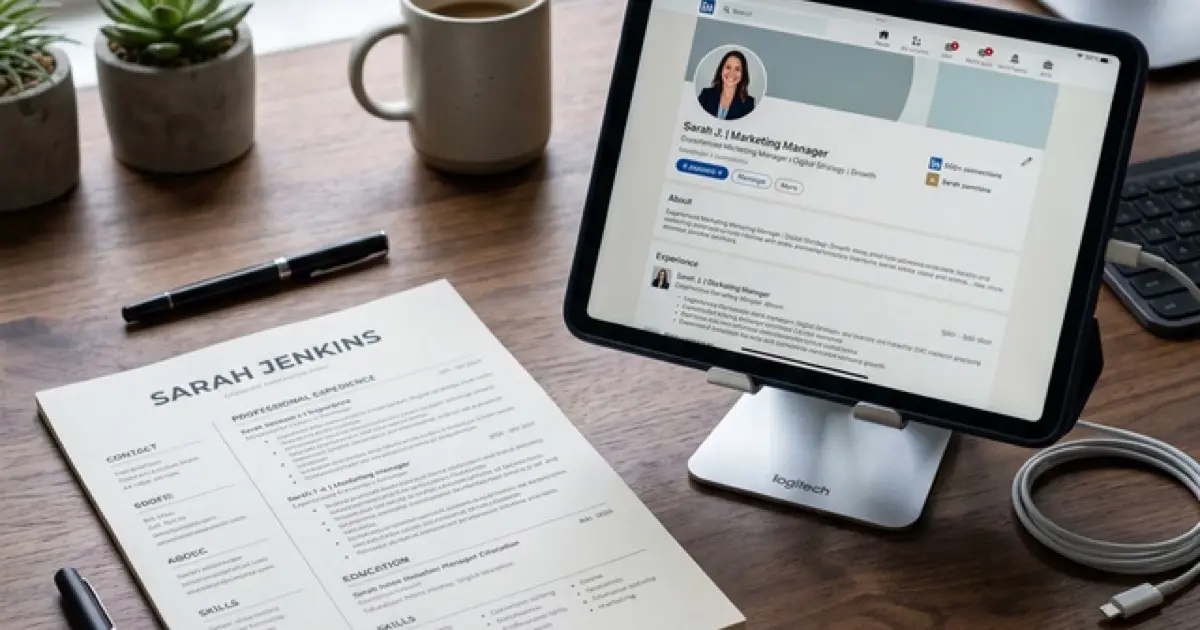
I ran an experiment last year. I took my resume, copied every bullet point directly into my LinkedIn experience section, and tracked the results for 30 days. Profile views dropped by 12% compared to the previous month. Then I rewrote my LinkedIn experience using platform-specific optimization and the views jumped 40% above baseline. Same career history. Same accomplishments. Completely different results based on how the content was formatted for each platform.
Most professionals treat LinkedIn as a digital filing cabinet for their resume. They copy-paste their bullet points, maybe add a profile photo, and call it done. This approach ignores the fundamental differences between how resumes and LinkedIn profiles are consumed, searched, and evaluated. Your resume is a targeted document for a specific application. Your LinkedIn experience section is a persistent, searchable, public-facing representation of your entire career. Optimizing them differently is not optional; it is the difference between being found and being invisible.
Master the pitch with our Career Pitch Mastery guide for the complete system that connects your written positioning to your verbal delivery.
The Core Differences: Resume vs LinkedIn Experience
Understanding why these two formats need different content starts with understanding how they are consumed.
| Factor | Resume | LinkedIn Experience |
|---|---|---|
| Audience | One hiring manager for one role | Thousands of recruiters across many roles |
| Parser | ATS software (keyword matching) | LinkedIn search algorithm (broader indexing) |
| Length | 1-2 pages maximum | No page limit per entry |
| Tailoring | Customized per application | One version for all viewers |
| Media | Text only (PDF/DOCX) | Text + images, links, documents, video |
| Tone | Formal, concise | Conversational, detailed |
| Keyword scope | Narrow (one job description) | Broad (entire target market) |
| Visibility | Private (sent to specific employer) | Public (searchable by anyone) |
This table explains why copy-pasting fails. A resume optimized for "Senior Product Manager at Stripe" contains keywords specific to that role and company. A LinkedIn profile optimized for "product management careers broadly" needs a wider keyword net, more context per achievement, and a tone that works for networking alongside recruiting.
What to Keep the Same
Not everything should differ between your resume and LinkedIn. Some elements need consistency.
If your resume says you managed a team of 8 and your LinkedIn says 12, you have a credibility problem. The facts stay the same. The packaging changes.
What to Change on LinkedIn
1. Expand Your Keyword Coverage
Your resume targets one job posting. Your LinkedIn targets an entire career market. This means your LinkedIn experience entries should include keywords that are relevant to your broader professional brand, not just the specific role you applied for last.
Resume bullet (targeted):
"Developed predictive analytics models using Python and scikit-learn, reducing customer churn by 18%"
LinkedIn bullet (broader):
"Built predictive analytics and machine learning models (Python, scikit-learn, TensorFlow) to reduce customer churn by 18%, applying data science methodologies across a 2M-user SaaS platform"
The LinkedIn version adds "machine learning," "TensorFlow," "data science," and "SaaS" as additional searchable keywords without changing the underlying achievement. Each keyword creates a new potential match when recruiters search.
2. Add Context That Resumes Cannot Fit
Resumes have a one-to-two-page constraint. LinkedIn has no page limit per experience entry. Use this space to add context that helps readers understand the significance of your achievements.
Resume version:
"Led migration from monolithic architecture to microservices, reducing deployment time by 70%"
LinkedIn version:
"Led the migration of a 500K-line monolithic Java application to a microservices architecture (Kubernetes, Docker, AWS ECS) serving 3M daily requests. Reduced deployment time from 4 hours to 45 minutes (70% reduction) and enabled the engineering team to ship features independently for the first time in the company's history."
The LinkedIn version tells a story. It gives scale (500K lines, 3M requests), names the technology stack, quantifies the before and after, and explains why the achievement mattered. A recruiter reading this understands the scope immediately.
3. Shift the Tone From Formal to Conversational
Resume language tends toward stiff, compressed phrasing designed to maximize information density. LinkedIn benefits from a more natural voice because readers encounter it in a social context.
Resume tone:
"Spearheaded enterprise-wide CRM implementation resulting in 25% increase in sales pipeline visibility"
LinkedIn tone:
"Led our Salesforce implementation from scratch across 4 regional offices and 200+ sales reps. Within 6 months, the sales team had full pipeline visibility for the first time, and leadership could finally forecast quarterly revenue without guesswork. Pipeline visibility improved by 25%."
The LinkedIn version reads like a person describing their work to a colleague. It is still professional, still metric-driven, but more human. This tone generates more engagement and connection requests.
4. Add Media Attachments
LinkedIn allows you to attach images, documents, links, and presentations to each experience entry. This is the single biggest feature advantage LinkedIn has over a resume, and most professionals ignore it entirely.
What to attach:
Media attachments serve two purposes. They provide proof of your claims (a screenshot of the dashboard you built is more compelling than a bullet saying you built a dashboard). And they increase engagement on your profile, which signals to LinkedIn's algorithm that your profile is valuable.
5. Include Roles You Would Not Put on a Resume
Your resume is curated for a specific application. Irrelevant roles get cut. But LinkedIn benefits from a complete timeline.
Roles to add to LinkedIn (even if not on your resume):
- Freelance or consulting engagements that add keywords
- Volunteer positions that demonstrate leadership or skills
- Board memberships or advisory roles
- Side projects or startup experiences
- Teaching or mentoring roles
Each of these entries adds keywords to your profile, fills potential timeline gaps, and demonstrates breadth that a narrowly focused resume cannot show.
Formatting Your LinkedIn Experience for Maximum Impact
The First Line Rule
LinkedIn displays the first 1-2 lines of each experience description before truncating with a "show more" link. Your first line must communicate value immediately.
Weak first line:
"Responsible for managing the marketing team's daily operations..."
Strong first line:
"Grew organic traffic from 50K to 300K monthly visitors in 18 months, building and leading a 6-person content and SEO team."
The strong version leads with the result, includes a metric, and names the team scope. A recruiter scanning your profile sees impact before they even click to expand.
Bullet Point Structure
Each bullet should follow the Result-Action-Context framework:
- Result: What measurable outcome did you produce?
- Action: What specifically did you do?
- Context: What was the scale, team size, or business impact?
Example:
"Reduced infrastructure costs by $400K annually (Result) by redesigning the cloud architecture from single-region to multi-region deployment on AWS (Action), supporting 99.99% uptime for a platform serving 2M daily active users (Context)."
Handling Multiple Promotions
When you have been promoted within the same company, LinkedIn lets you list multiple positions under one company header. Use this feature because it visually demonstrates career growth.
Structure:
- Company Name (total tenure: 5 years)
- Senior Product Manager (2 years) - current bullets
- Product Manager (2 years) - previous bullets
- Associate Product Manager (1 year) - early career bullets
This shows progression clearly. On your resume, you might consolidate these into one or two entries to save space. On LinkedIn, expand them to show the full growth trajectory.
Common Mistakes When Adapting Resume to LinkedIn
Mistake 1: Copy-Pasting Without Any Changes
This is the most common error. Resume bullets optimized for ATS keyword matching are often too compressed and too narrowly targeted for LinkedIn's broader search context. Always expand, add context, and broaden your keyword coverage.
Mistake 2: Using Resume Abbreviations
Resumes use abbreviations to save space: "Mgr" for Manager, "Dept" for Department, "YoY" for Year over Year. LinkedIn has no space constraint, and abbreviations hurt search matching. Always spell out terms on LinkedIn.
Mistake 3: Leaving Older Roles Empty
Many professionals fill in detailed bullets for their current role but leave older positions with just a title and date. Every experience entry is keyword real estate. Add at least 2-3 bullets to every role, even positions from 10 years ago.
Mistake 4: Ignoring the Skills Connection
LinkedIn links skills to experience entries. When you write your experience bullets, use the same language as your listed skills. If "data analysis" is in your skills section, the phrase "data analysis" should also appear in your experience descriptions. This reinforces the connection for the algorithm.
Optimize your LinkedIn experience section to attract more recruiter searches
Frequently Asked Questions
Will recruiters notice if my LinkedIn and resume are different?
Recruiters expect them to be different. LinkedIn is a broader professional profile; your resume is a targeted application document. What recruiters will notice is contradictions: different job titles, conflicting dates, or mismatched company names. The content and depth can differ, but the facts must be consistent.
Should I include my job description on LinkedIn?
No. Do not paste your job description into your experience entry. Job descriptions describe what the role requires. Your LinkedIn bullets should describe what you accomplished. "Responsible for managing a team of analysts" is a description. "Built and managed a team of 8 analysts who delivered the analytics platform now used by all 4 business units" is an accomplishment.
How far back should my LinkedIn experience go?
Include every role that adds value to your professional narrative or contributes useful keywords. For most professionals, this means going back 15-20 years. Unlike a resume, where older roles are condensed to save space, LinkedIn benefits from a complete history because each entry is independently searchable. Early career roles can have brief descriptions, but they should exist.
Should I update LinkedIn before or after applying to jobs?
Before. Many recruiters check LinkedIn profiles before reviewing resumes. If your LinkedIn is outdated or inconsistent with your application, it creates doubt. Update your LinkedIn as a persistent, always-current representation of your career, and then tailor individual resumes from that master profile.
Can I list freelance work differently on LinkedIn vs my resume?
Yes. On your resume, you might group freelance work under one heading ("Freelance Consultant, 2023-2025") to minimize the appearance of job-hopping. On LinkedIn, you can list each freelance client or project as a separate experience entry, which adds keywords, demonstrates breadth, and fills timeline gaps. Just be transparent that these were contract or freelance engagements.
Final Thoughts
Your resume and LinkedIn experience section share the same raw material but package it for different audiences, different algorithms, and different contexts. Stop treating LinkedIn as a backup copy of your resume. Expand your keyword coverage to capture a broader search market. Add context and media that a one-page resume cannot accommodate. Shift your tone from compressed formality to conversational authority. And include supplementary roles that round out your professional timeline. The professionals who optimize each platform independently are the ones who get found by recruiters on LinkedIn AND get callbacks from applications. The ones who copy-paste get neither.