Resume File Format: PDF vs DOCX for ATS and Recruiters
The Format Decision That Costs Interviews
A candidate emailed me last month asking why she had submitted 40 applications and received zero responses. Her resume was excellent. Her experience matched every posting. The problem: she was submitting a Canva-designed PDF that was an image file. Zero text extractable. Every ATS saw a blank document.
Forty applications. Forty automatic rejections. Because of a file format.
Learn formatting rules in our ATS Logic for Professionals guide. This article covers the specific file format decision and when each option is the right choice.
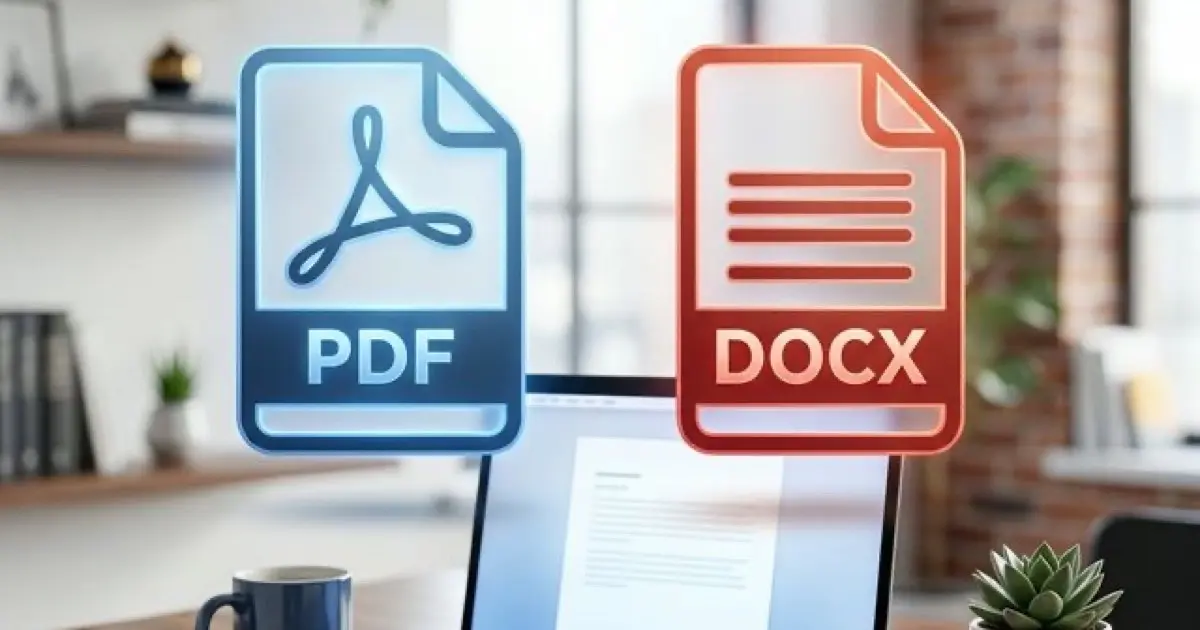
DOCX: The Safe Default
Microsoft Word's .docx format has the highest ATS parsing compatibility rate across all major platforms. Here is why:
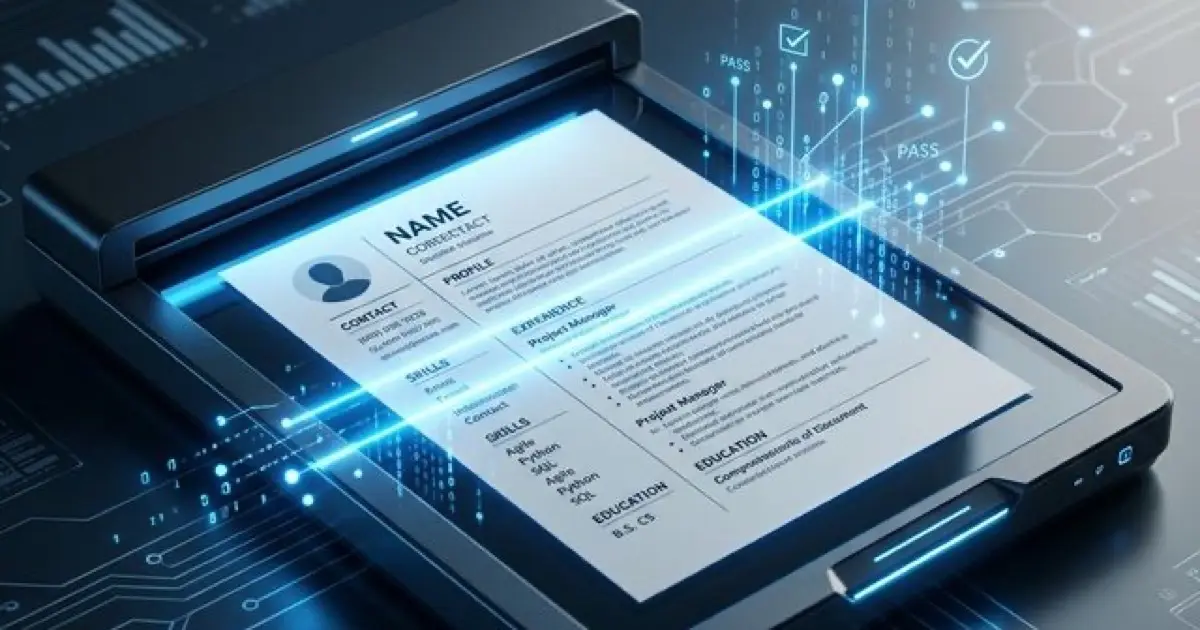
Parsing reliability: DOCX is a structured XML format. ATS systems can reliably identify and extract text, headings, formatting, and metadata from the document structure. Text extraction is deterministic, meaning the same document produces the same parsed output every time.
Universal support: Every major ATS platform (Workday, Taleo, Greenhouse, Lever, iCIMS, BambooHR, JazzHR) handles DOCX files with near-100% accuracy for standard formatting.
Editing flexibility: Recruiters and hiring managers can open, edit, and annotate DOCX files directly. This matters because recruiters often reformat candidate resumes before presenting to hiring managers.
When DOCX fails: Rare, but it happens. Complex formatting (tables, text boxes, embedded objects) in DOCX can still cause parsing issues. The format is safe; the content formatting is what matters.
PDF: The Conditional Choice
PDF is not inherently bad for ATS. The problem is how PDFs are created.
Text-Based PDFs (Usually Safe)
PDFs created by exporting from Word, Google Docs, or LaTeX contain embedded text data. ATS systems can extract this text with high reliability. Most modern ATS platforms in 2026 handle text-based PDFs correctly.
The test: Open the PDF. Click and drag to select a word. If individual characters highlight, it is text-based. If the entire page selects as one block, it is image-based.
When to use text-based PDF:
- Emailing directly to a human (formatting is preserved exactly)
- Job posting specifically requests PDF
- Uploading to a system you know parses PDFs correctly
- When formatting precision matters (design, creative, or presentation roles)
Image-Based PDFs (Never Safe)
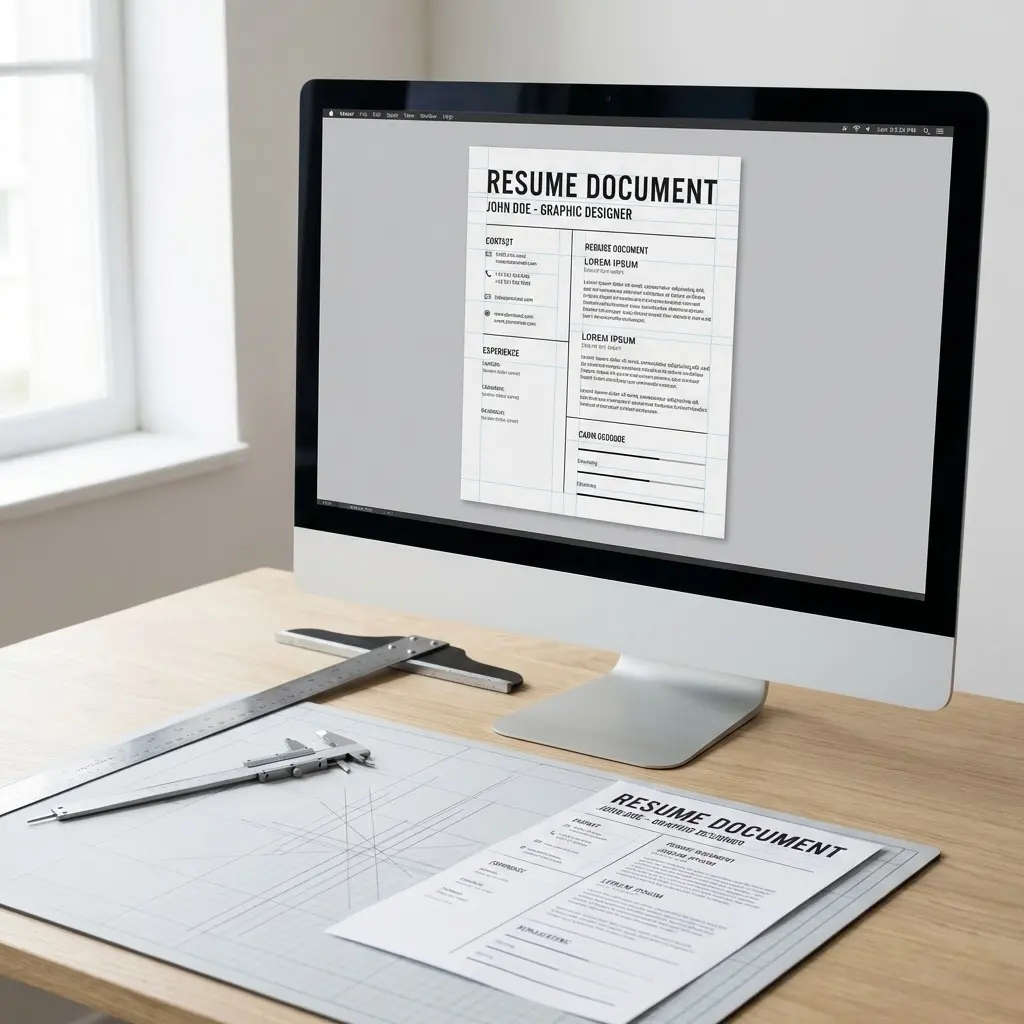
PDFs created by Canva, Photoshop, InDesign (flattened export), or document scanners are image files wrapped in PDF format. They contain zero extractable text. Every ATS system sees a blank document.
How image-based PDFs happen:
The rule: If you used a design tool to create your resume, always verify the output is text-based before submitting.
The Decision Framework
| Scenario | Recommended Format | Why |
|---|---|---|
| Online application portal | DOCX | Highest ATS parsing compatibility |
| Email to recruiter | Formatting preserved, professional appearance | |
| Email to hiring manager | Same as recruiter | |
| Job posting says "PDF only" | PDF (text-based) | Follow instructions exactly |
| Job posting says "Word only" | DOCX | Follow instructions exactly |
| Job posting says "PDF or Word" | DOCX | Default to higher compatibility |
| Career fair handout (printed) | Print formatting is preserved | |
| LinkedIn upload | Profile displays PDF formatting correctly | |
| Networking contact request | Professional, non-editable presentation |
File Naming: The Small Detail That Matters
Your file name does not affect ATS parsing, but it directly affects recruiter experience. Recruiters download dozens of resume files daily. Help them find yours.
Good file names:
Bad file names:
The format: FirstName-LastName-Resume.extension. Simple, findable, professional.
Common Format Mistakes
Mistake 1: Submitting .pages Files
Apple Pages documents are not readable by any major ATS system. They are also not openable by Windows users (the majority of corporate environments). Always export from Pages to DOCX or PDF before submitting.
Mistake 2: Sharing Google Docs Links
Unless a posting specifically asks for a Google Docs link, do not share one. The link requires the recruiter to have a Google account, click a link (which may trigger security filters), and view your resume in a browser rather than their ATS. Download as DOCX or PDF and upload the file.
Mistake 3: Using .doc (Old Word Format)
The legacy .doc format (pre-2007 Word) has lower parsing reliability than .docx. Some modern ATS systems handle it, but many have dropped legacy format support. Always use .docx, not .doc.
Mistake 4: Password-Protecting the File
Some candidates password-protect their resume PDFs. ATS systems cannot open password-protected files. The document is flagged as unreadable and either skipped or rejected. Never add password protection to a resume file.
Mistake 5: Embedding Fonts in PDF
Custom fonts embedded in PDFs can cause character mapping issues during text extraction. The ATS may extract garbled characters or missing letters. Use standard fonts (Arial, Calibri, Helvetica, Times New Roman) that do not require embedding.
Platform-Specific Format Behavior
Different ATS platforms handle file formats with varying reliability. Here is what I have tested:
| Platform | DOCX Parsing | PDF Parsing | Notes |
|---|---|---|---|
| Workday | Near-perfect | Good (text-based only) | Skips headers/footers in both formats |
| Greenhouse | Excellent | Excellent | Best PDF parser in the market |
| Lever | Excellent | Good | Occasional text box issues in PDF |
| Taleo | Excellent | Moderate | Older parser, DOCX strongly preferred |
| iCIMS | Excellent | Good | Strict on date format parsing |
| BambooHR | Good | Moderate | Simple parser, DOCX recommended |
The pattern: DOCX performs at "excellent" or "near-perfect" across every platform. PDF performance ranges from "moderate" to "excellent" depending on the platform and how the PDF was created. When you do not know which ATS the company uses, DOCX eliminates the variable entirely.
What About International Applications?
File format expectations vary by region:
United States and Canada: DOCX preferred for ATS submissions. PDF accepted. Most online portals use major ATS platforms that handle both formats.
United Kingdom and Europe: PDF is more common because the term "CV" implies a formatted document. However, UK companies using Workday or Greenhouse follow the same ATS parsing rules as US companies. Match the format to the submission method, not the geography.
Asia-Pacific: Formats vary significantly. Some Japanese and Korean portals require specific formats or even web form entry. Research each country's norms. When in doubt, DOCX.
Remote/Global Companies: These typically use modern ATS platforms (Greenhouse, Lever, Ashby) with strong PDF support. DOCX or text-based PDF both work reliably.
The Master File Strategy
Maintain two versions of your resume at all times:
Version 1: Master DOCX Your working document in Microsoft Word or Google Docs. This is the file you edit, update, and submit to online application portals. Standard formatting, ATS-optimized, ready to upload.
Version 2: Export PDF Generated from your master DOCX by using "Save As" or "Export to PDF." This preserves the formatting from your DOCX exactly. Use this for email submissions, networking, and any situation where a human will read the file directly.
Update workflow: Edit the DOCX. Export a fresh PDF. Never edit the PDF directly because changes will not sync back to your master document.
Get the file format right before your next application
Frequently Asked Questions
Should I submit my resume as PDF or DOCX?
DOCX for online applications through ATS portals. PDF for direct email to humans. If the posting specifies a format, follow those instructions exactly.
Can ATS read PDF resumes?
Text-based PDFs, yes. Image-based PDFs (from Canva, Photoshop, scanners), no. Always verify your PDF is text-based by trying to select individual words.
What file format should I avoid?
Never submit .pages, .odt, .rtf, or image files. These have poor or zero ATS compatibility. Stick to .docx and text-based .pdf only.
Does the file name matter?
Not for ATS parsing, but significantly for recruiter experience. Use FirstName-LastName-Resume.docx so your file is immediately identifiable among hundreds of downloads.
Can I submit both formats?
If the system allows multiple uploads, yes. Otherwise, choose DOCX for ATS portals and PDF for human recipients.
Final Thoughts
The file format decision takes 10 seconds and affects whether your resume is readable by the system that decides if a human sees it. DOCX for ATS. PDF for humans. Text-based always. And name the file so a recruiter can find it at 4 PM on a Friday after downloading 60 resumes that day.
Simple rules. Zero ambiguity. Get this right and move on to the content that actually matters.