ATS-Friendly Formatting: The Parsing Rules
The Parsing Rules
ATS systems don't read resumes the way humans do. They don't care about design, white space, or visual hierarchy. They extract data based on structural patterns: headers, bullets, dates, job titles.
If your resume follows these patterns, it parses correctly. If it doesn't, your data gets scrambled or lost entirely.
I've tested 40+ resume templates across 8 different ATS platforms (Greenhouse, Workday, Lever, iCIMS, Taleo, BambooHR, SmartRecruiters, JazzHR). Some templates parsed perfectly. Others failed spectacularly—job titles mixed with company names, dates disappeared, skills sections vanished.
Here's what I learned. These are the exact formatting rules that ATS parsers follow. For the complete technical framework, see our ATS Logic for Professionals guide.
Rule #1: Use Standard Section Headers
ATS systems identify sections based on header labels. If you use non-standard headers, the parser won't know where to place your data.
Headers That Parse Correctly:
Headers That Break Parsing:
Why It Matters:
When ATS parses your resume, it maps data to database fields:
- "Experience" → Work History field
- "Education" → Education field
- "Skills" → Skills field
If your header is "My Journey," the parser doesn't know where to store that data. Your work history might not get recorded at all.
What to Do:
Use standard, professional headers. Don't get creative. "Work Experience" works. "Professional Experience" also works. "The Path That Led Me Here" doesn't.
Rule #2: Single-Column Layout for Online Applications
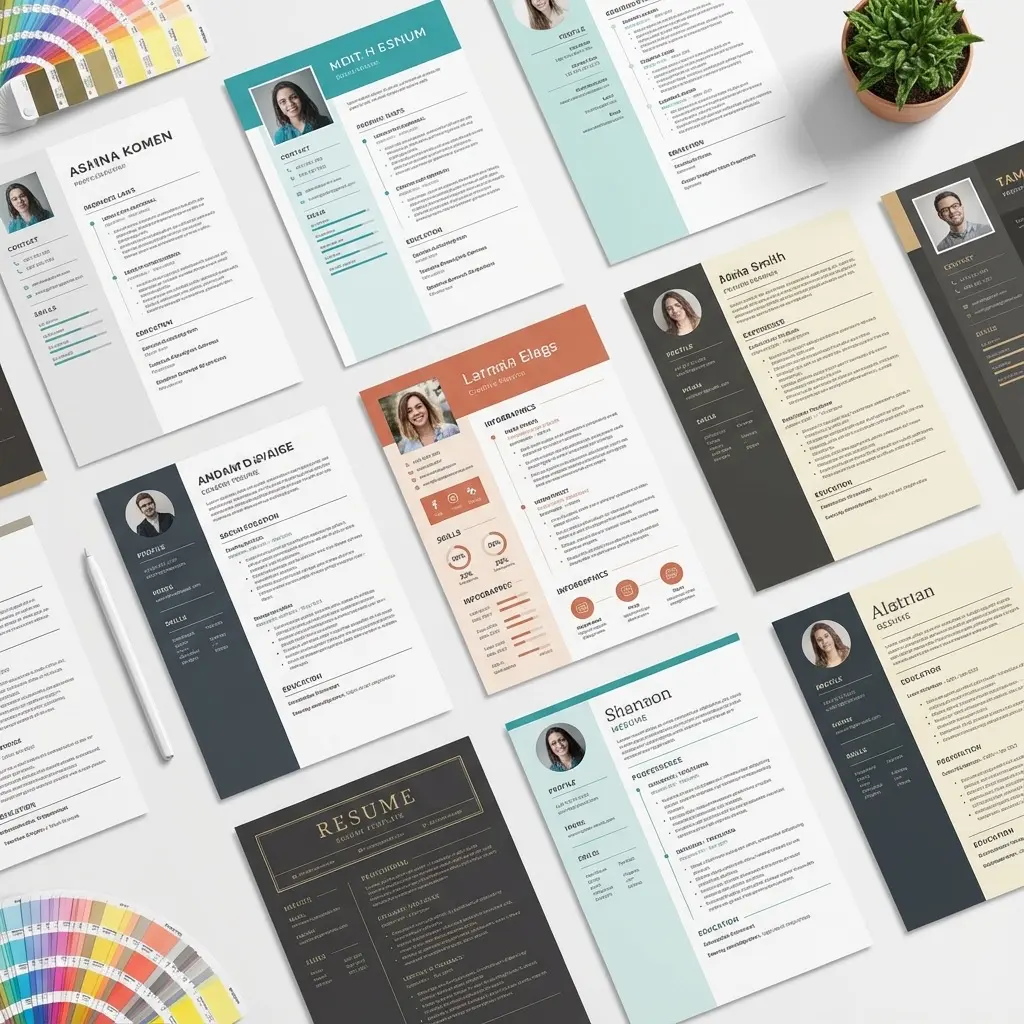
ATS parsers read left-to-right, top-to-bottom, line by line—like a human reading a book. If you use a two-column layout, the parser will jump between columns and mix your content.
Example of Parsing Failure (Two-Column Layout):
Your Resume (Visual Layout):
LEFT COLUMN:               RIGHT COLUMN:
Experience                 Skills
Marketing Manager          - Python
2020-2023                  - SQL
                           - Tableau
What ATS Reads:
Experience Skills
Marketing Manager - Python
2020-2023 - SQL - Tableau
Your job title is now mixed with your skills. Your dates are disconnected from your role. The parser is confused.
What Parses Correctly (Single-Column Layout):
Experience
Marketing Manager
2020-2023
- Increased revenue by 40%
- Led team of 5

Skills
Python, SQL, Tableau
Exception:
Some modern ATS platforms (Greenhouse, Lever) handle clearly separated columns correctly. But you can't know which ATS a company uses. For online applications, use single-column layouts.
When Two-Column Layouts Are Fine:
- Emailing your resume directly to a recruiter (no ATS involved)
- Applying to creative/design roles where visual presentation matters
- Senior/executive roles where you're working directly with an executive recruiter
Rule #3: Format Dates Consistently
ATS parsers look for date patterns to extract employment timelines. If your dates are inconsistent or non-standard, the parser may fail to extract them.
Date Formats That Parse Correctly:
Date Formats That Break Parsing:
Best Practice:
Use Month YYYY format with a clear separator:
Jan 2020 - Dec 2022
This is the most widely recognized format across all ATS platforms.
For Overlapping Dates (Contracting or Multiple Roles):
List each role separately with its own date range:
Marketing Manager
Jan 2020 - Present

Marketing Consultant (Part-Time)
Jun 2019 - Dec 2019
Don't try to show overlaps visually with brackets or nested formatting—the parser won't understand.
Rule #4: Use Standard Bullet Points
ATS parsers recognize standard bullet symbols (• or -). Custom symbols (★, ■, ➤, ✓) may break parsing or get ignored entirely.
Bullet Styles That Parse Correctly:
Bullet Styles That Break Parsing:
What to Do:
Stick to round bullets (•) or hyphens (-). That's it.
Bonus Tip:
ATS doesn't care about bullet indentation or alignment. But humans do. Keep your bullets aligned and consistent for readability.
Rule #5: Avoid Tables, Text Boxes, and Headers/Footers
Many ATS parsers skip content inside tables, text boxes, or headers/footers entirely.
What Breaks Parsing:
What Parses Correctly:
Exception:
Some ATS platforms handle simple tables correctly (e.g., a table with 2 columns for job titles and dates). But again, you can't know which ATS a company uses. Avoid tables for online applications.
Rule #6: Use Standard Fonts
ATS parsers use Optical Character Recognition (OCR) or text extraction. If your font is decorative, script, or ultra-thin, character recognition may fail.
Fonts That Parse Correctly:
Fonts That Break Parsing:
Font Size:
Use 10-12pt for body text, 14-16pt for your name, 11-13pt for section headers.
Anything smaller than 10pt may fail OCR. Anything larger than 16pt (except your name) looks unprofessional.
Rule #7: Plain Text Test (The Gold Standard)
The fastest way to test if your resume is ATS-friendly: copy the entire document and paste it into a plain text editor (Notepad on Windows, TextEdit on Mac).
What to Check:
-
Does your name appear first?
- If not, your contact info may be in a text box that got skipped.
-
Are section headers clearly visible?
- If not, they may be formatted in a way the parser can't detect (e.g., inside a graphic).
-
Is the order of content correct?
- If your skills section appears before your job titles, your layout is confusing the parser.
-
Are dates still attached to job titles?
- If dates are on a separate line far from the job title, the parser may not link them correctly.
-
Are bullet points intact?
- If bullets are missing or replaced with gibberish characters, your bullet format isn't parsing.
If the plain text version is readable and in the correct order, your resume will parse correctly.
Rule #8: File Format (PDF vs DOCX)
Most modern ATS platforms (2024+) parse text-based PDFs correctly. The issue is image-based PDFs (scanned documents or PDFs created from design software).
File Formats That Parse Correctly:
File Formats That Break Parsing:
How to Check If Your PDF Is Text-Based:
Open the PDF and try to highlight text with your cursor. If you can select and copy text, it's text-based. If you can't, it's an image—don't use it.
Best Practice:
- For online applications (ATS-submitted): Use DOCX or text-based PDF
- For email submissions: Use PDF (looks more professional, prevents accidental editing)
- For networking: Use PDF (easier to share, universally readable)
File Naming Matters: The file format is only half the equation—file naming affects both ATS logging and recruiter findability. "Resume_Final_v3.pdf" disappears in a downloads folder; "Sarah-Chen-Product-Manager.pdf" is instantly identifiable. For complete file naming conventions including separator rules, character restrictions, and how to name targeted applications without appearing like mass-applying, see our resume file naming best practices guide.
Rule #9: No Graphics, Icons, or Images
ATS parsers extract text only. Any information in graphics, charts, or icons will be lost.
What Breaks Parsing:
What Parses Correctly:
Exception:
Small icons next to contact info (phone, email, LinkedIn) are usually fine as long as the actual text (phone number, email address) is present. The parser ignores the icon but reads the text.
Rule #10: Test With Multiple ATS Platforms
Different ATS platforms have different parsing capabilities. What works in Greenhouse may break in Taleo. What works in Lever may fail in iCIMS.
Free ATS Testing Tools:
Upload your resume to 2-3 different testing tools. If they all parse your resume correctly, you're good.
Build an ATS-friendly resume in minutes with our builder.
ATS-Friendly Resume Template (Structure)
Here's the structure that parses correctly across all ATS platforms:
[Your Name]
[Phone] | [Email] | [LinkedIn] | [Portfolio]

Professional Summary
[2-3 sentences summarizing your value proposition]

Experience

[Job Title]
[Company Name] | [Location]
[Month YYYY] - [Month YYYY]
• [Achievement with metric]
• [Achievement with metric]
• [Achievement with metric]

[Job Title]
[Company Name] | [Location]
[Month YYYY] - [Month YYYY]
• [Achievement with metric]
• [Achievement with metric]

Education

[Degree], [Major]
[University Name] | [Graduation Year]

Skills
[Skill 1], [Skill 2], [Skill 3], [Skill 4]

Certifications
[Certification Name] | [Issuing Organization] | [Year]
Key Elements:
- Single-column layout
- Standard section headers
- Plain text formatting (no tables, text boxes, graphics)
- Standard fonts (Arial, Calibri, Times New Roman)
- Month YYYY date format
- Simple bullet points
- Text-based PDF or DOCX file
That's it. Clean, simple, ATS-friendly.
Common ATS Parsing Errors (And How to Fix Them)
Error #1: "Your name and contact info didn't parse"
Cause: Your contact info is in a text box, header, or graphic that the parser skipped.
Fix: Move your name and contact info to plain text at the top of the page (no text box, no header section).
Error #2: "Job titles and dates are mixed up"
Cause: You used a two-column layout or a table, and the parser read left-to-right incorrectly.
Fix: Use a single-column layout. List each job vertically (job title, company, dates, bullets).
Error #3: "Skills section didn't parse"
Cause: Your skills are in a table, graphic, or use custom formatting (skill bars, charts).
Fix: List skills as plain text (bullet points or comma-separated).
Error #4: "Dates are missing"
Cause: Your date format is non-standard (e.g., "1/2020" or "Spring 2020").
Fix: Use Month YYYY format (e.g., "Jan 2020 - Dec 2022").
Error #5: "Section headers aren't recognized"
Cause: You used creative headers (e.g., "My Journey" instead of "Experience").
Fix: Use standard headers (Experience, Education, Skills).
Frequently Asked Questions
What section headers do ATS systems recognize?
Standard headers like "Experience," "Education," "Skills," "Certifications," and "Summary" are universally recognized. Variations like "Professional Experience" or "Technical Skills" also work.
Can I use tables in my resume?
Avoid tables for online applications. Many ATS parsers skip table content entirely or parse it out of order, causing data loss.
What date format should I use?
Use "Month YYYY" format (e.g., "Jan 2020 - Dec 2022"). This is the most widely recognized format by ATS parsers.
Should I use a text file instead of PDF?
No. Text files (.txt) parse perfectly but look unprofessional when viewed by humans. Use text-based PDF or DOCX instead.
How do I test if my resume is ATS-friendly?
Copy your resume text and paste it into a plain text editor (Notepad, TextEdit). If the structure and order are preserved, it will parse correctly.
Final Thoughts
ATS-friendly formatting isn't complicated. It's just a set of technical constraints: single-column, standard headers, simple bullets, standard fonts, text-based file.
Follow these rules, and your resume will parse correctly across all ATS platforms. Ignore them, and your data gets scrambled or lost—even if your experience is perfect.
Format for parsing first. Then optimize for human readability. Both matter.