Resume File Naming: SEO for Your PDF
The File Name Problem No One Talks About
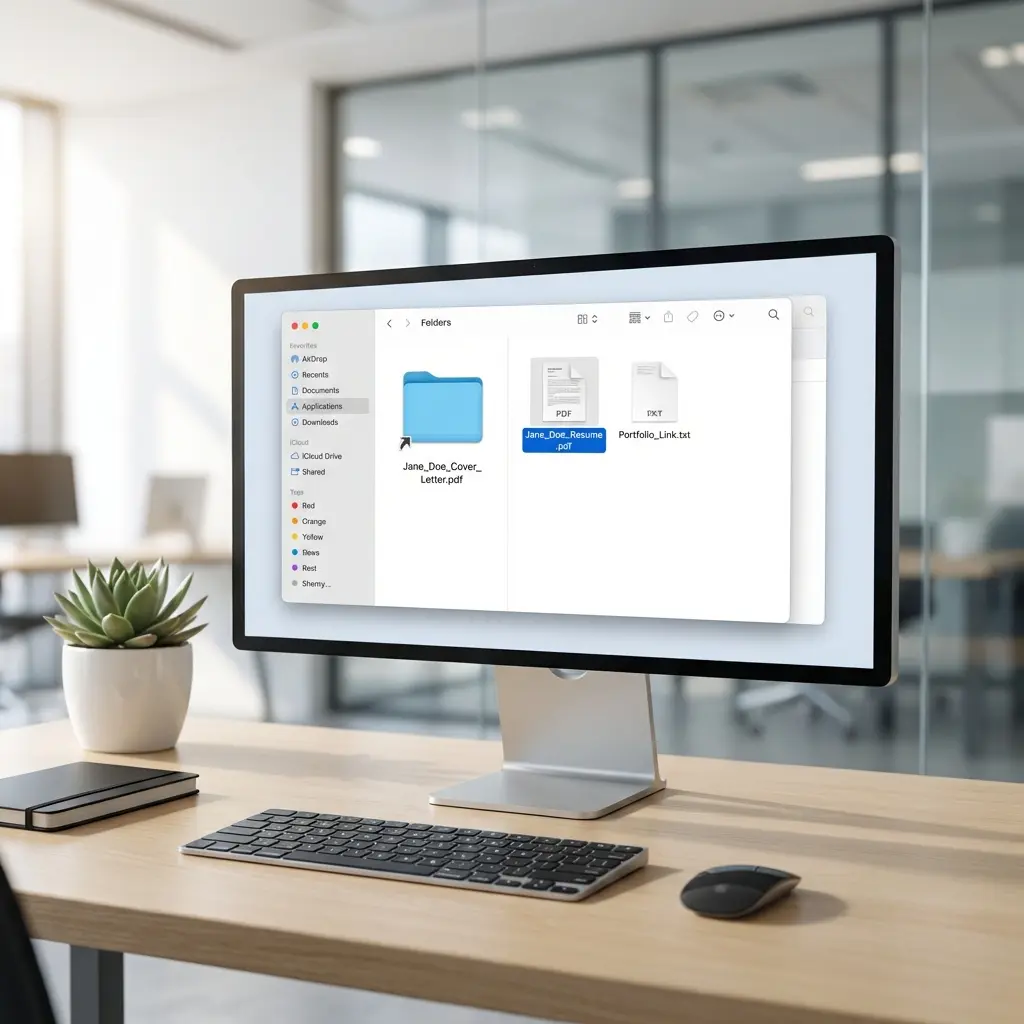
I have a folder on my desktop called "Candidates - Q4 Hiring." It contains 247 resume files. Here is what I see when I sort alphabetically:
- CV.pdf
- Document.pdf
- My Resume.pdf
- Resume (1).pdf
- Resume - Copy.pdf
- Resume Final.pdf
- Resume FINAL FINAL.pdf
- Resume_2024_v3_SEND_THIS_ONE.pdf
None of these people made it to the interview round.
Not because of their qualifications. Because when I needed to find their resume two weeks later, I could not identify which file belonged to which candidate. They disappeared into the noise.
Your file name is the first micro-impression you make. For the complete picture of how ATS systems process your application, see our ATS Logic for Professionals guide.
Why File Names Matter
File names matter for three reasons: findability, professionalism, and tracking.
Findability
Recruiters download dozens of resumes daily. When they want to pull up your file for a hiring manager, they search their downloads folder. If your file is named "Resume.pdf," it is effectively lost. If it is named "Sarah-Chen-Senior-Engineer.pdf," it appears instantly.
Professionalism
"Resume_FINAL_v2_REAL.pdf" signals disorganization. It suggests you do not have your documents under control. It makes recruiters wonder if this lack of attention to detail extends to your work.
"Michael-Torres-Data-Analyst.pdf" signals competence. You understood the assignment. You made their job easier.
Tracking
Many companies track applications through their ATS using file names as identifiers. Some systems auto-populate candidate names from file names. A poorly named file can create data entry errors that follow you through the hiring process.
The Perfect Resume File Name Format
Here is the formula that works in every situation:
[FirstName]-[LastName]-[Role/Resume].pdf
Examples:
This format is searchable, professional, and universally accepted.
Variations That Also Work
With company name (for targeted applications):
[FirstName]-[LastName]-[Company]-[Role].pdf
Example: Sarah-Chen-Google-Product-Manager.pdf
Formal variation (for conservative industries):
[LastName]-[FirstName]-Resume.pdf
Example: Chen-Sarah-Resume.pdf
Underscore variation:
[FirstName]_[LastName]_Resume.pdf
Example: Sarah_Chen_Resume.pdf
File Names to Avoid
These naming patterns actively hurt your application:
Generic Names
When I search for "Resume.pdf" in my downloads folder, I get 73 results. Your file is buried.
Version Indicators
Version numbers tell recruiters you have been sending different resumes to different places. While tailoring is expected, advertising it looks scattered.
Internal Notes
Your file name is external-facing. Keep internal tracking separate.
Special Characters and Spaces
Many ATS systems, email clients, and download managers handle special characters poorly. Stick to letters, numbers, hyphens, and underscores.
The Company Name Decision
Should you include the company name in your file name?
Yes, if:
- You are applying to a high-priority target company
- You genuinely customized the resume for that role
- You want to demonstrate specific interest
No, if:
- You are mass-applying with the same resume
- The file name would exceed 50 characters
- You might reuse this resume for similar roles
The risk of including company names: if you send "John-Smith-Amazon-PM.pdf" to Google, you look careless. Double-check before sending.
A safer approach: use the role title without the company name. "John-Smith-Senior-Product-Manager.pdf" works for any senior PM role without risking a mismatch.
Separators: Hyphens vs Underscores vs Spaces
Hyphens (-)
- Most common in modern file naming
- Easy to read
- URL-safe
- Example:
Sarah-Chen-Resume.pdf
Underscores (_)
- Traditional file naming convention
- Clear word separation
- Also URL-safe
- Example:
Sarah_Chen_Resume.pdf
Spaces
- Problematic in many systems
- Convert to %20 in URLs
- Can break email links
- Example:
Sarah Chen Resume.pdf(avoid)
CamelCase
- No separators needed
- Works but harder to read
- Example:
SarahChenResume.pdf
My recommendation: Use hyphens. They are the current standard and cause the fewest issues.
Case Sensitivity
File names should use consistent capitalization:
Title case (capitalizing each word) is most common and reads most naturally. Lowercase is acceptable for a minimalist approach. Avoid all caps.
File Name Length
Keep your file name under 50 characters.
Long file names get truncated in:
- Email preview panes
- Download notification popups
- Windows Explorer columns
- ATS candidate lists
If your full format exceeds 50 characters, abbreviate:
| Too Long | Better |
|---|---|
| Jennifer-Williams-Senior-Software-Engineering-Manager.pdf (58 chars) | Jennifer-Williams-Sr-Eng-Manager.pdf (38 chars) |
| Christopher-Johannessen-Business-Development.pdf (50 chars) | Chris-Johannessen-BizDev.pdf (29 chars) |
Common abbreviations that work:
- Senior → Sr
- Junior → Jr
- Manager → Mgr
- Engineer → Eng
- Development → Dev
- Business → Biz
- Marketing → Mktg
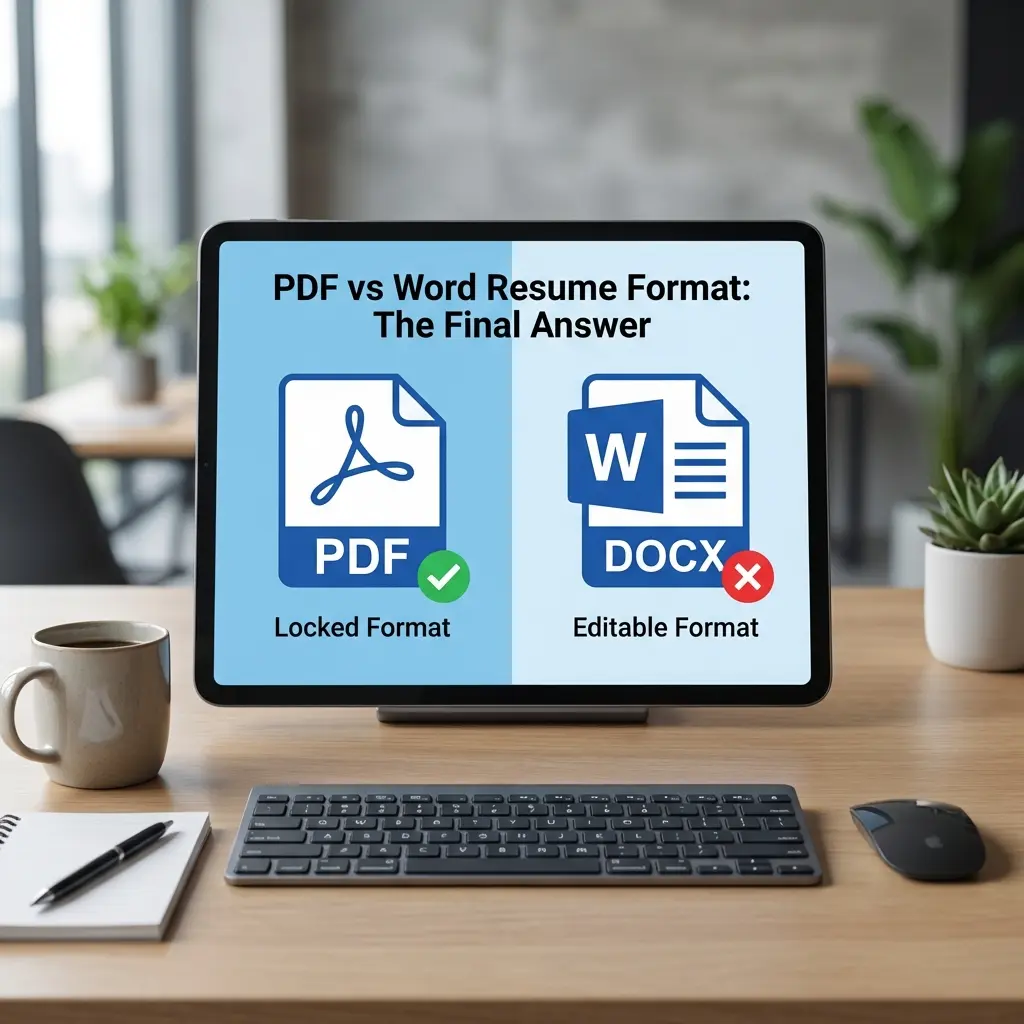
PDF vs Word: The File Format Question
Your resume file name ends with an extension. Which should you use?
PDF (.pdf)
- Preserves formatting exactly
- Opens on any device
- Cannot be accidentally edited
- Preferred by most recruiters
- Use this as your default
Word (.docx)
- Editable (some ATS systems prefer this)
- May display differently on different systems
- Some companies specifically request Word
- Use only when required
Other formats
- .doc (old Word format) - Avoid, considered outdated
- .pages (Apple) - Never, Windows users cannot open
- .odt (OpenDocument) - Avoid, compatibility issues
- .txt (plain text) - Only if specifically requested
When in doubt, send PDF. If a job posting requests Word, send Word. Never send both unless asked. For the complete breakdown of format selection by submission type—including ATS parsing behavior, when Word actually wins, and how to test your PDF exports—see our PDF vs Word resume format guide.
Tracking Multiple Versions
You should tailor your resume for different roles. How do you manage file names without exposing your version system?
External file names:
Sarah-Chen-Product-Manager.pdf
Sarah-Chen-Program-Manager.pdf
Sarah-Chen-Product-Lead.pdf
Internal tracking (in a separate folder or document):
2024-01-15_Google_PM_Sarah-Chen.pdf
2024-01-16_Meta_TPM_Sarah-Chen.pdf
2024-01-17_Stripe_ProdLead_Sarah-Chen.pdf
Keep your internal tracking system separate from external-facing names. Rename files before sending.
A master document or spreadsheet tracking which version went to which company prevents mistakes.
Email Attachment Considerations
When emailing your resume directly:
-
File name should match email content
- If your email mentions "Product Manager," your file should include "Product-Manager"
-
Keep total email size under 5MB
- Large PDFs may be blocked
- Compress images if needed
-
Test the attachment
- Send to yourself first
- Verify the file opens correctly
- Check the name displays as expected
-
Do not rename after attaching
- Some email clients cache the original name
- Changes may not propagate
Common Questions
What should I name my resume file?
Name your resume file with your full name and the word "Resume" or the job title. Example: John-Smith-Resume.pdf or John-Smith-Product-Manager.pdf. Use hyphens or underscores, not spaces.
Should I include the date in my resume file name?
Generally no. Dates make your resume look outdated if reviewed later. Exception: if applying to multiple positions at the same company over time, a date helps you track versions internally.
Is it better to use PDF or Word for resume submissions?
PDF is preferred for most applications as it preserves formatting. Only use Word (.docx) if the job posting specifically requests it or if the application system requires it.
Should I include the company name in my resume file name?
Yes, for targeted applications. "John-Smith-Google-PM.pdf" shows preparation. However, ensure you actually customize the resume content, not just the filename.
What characters should I avoid in resume file names?
Avoid spaces, special characters (&, @, #, %), and accented characters. Use hyphens or underscores instead. Some ATS systems and email clients handle special characters poorly.
How long should my resume file name be?
Keep it under 50 characters. Long file names get truncated in email clients and download folders, making your resume harder to identify.
The 30-Second File Name Audit
Before sending any resume, run this checklist:
| Check | Pass? |
|---|---|
| Contains your full name | ☐ |
| Includes "Resume" or target role | ☐ |
| No spaces (use hyphens/underscores) | ☐ |
| No special characters | ☐ |
| Under 50 characters | ☐ |
| .pdf extension (unless Word requested) | ☐ |
| Company name matches recipient (if included) | ☐ |
| Opens correctly when downloaded | ☐ |
Final Thoughts
A file name takes 10 seconds to get right. There is no reason to lose an opportunity because a recruiter could not find your resume in their downloads folder.
Format: FirstName-LastName-Role.pdf
That is the entire system. Apply it to every resume you send, and you will already be ahead of the candidates with "Resume_Final_v3_SEND_THIS.pdf" sitting somewhere in the noise.