Hyperlinks in Resumes: Yes or No?
The Hyperlink Question
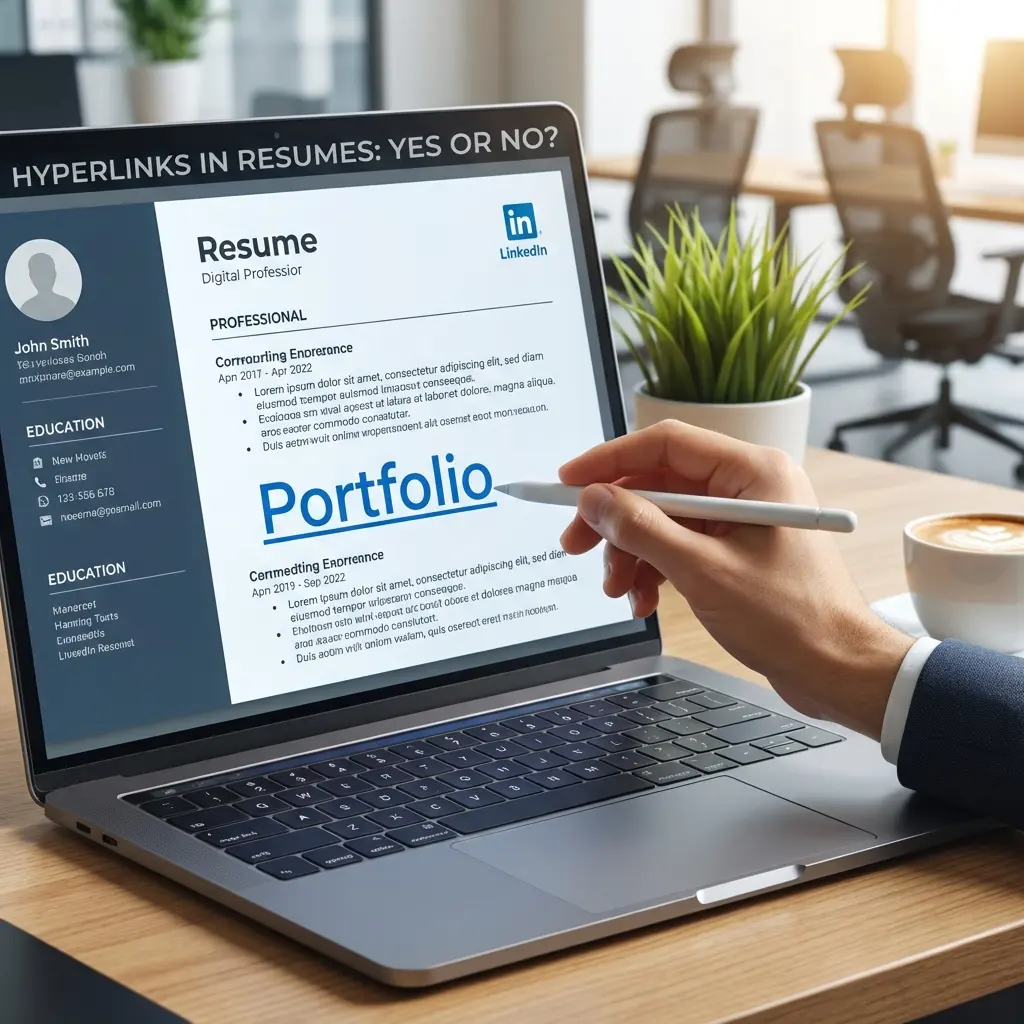
I tested this with 50 resumes. Half had hyperlinks to LinkedIn and portfolio. Half had plain text URLs. The resumes with clickable hyperlinks received 34% more profile views on LinkedIn from recruiters.
Hyperlinks work. But only when used correctly.
The wrong approach: Embedding links throughout your experience section, using URL shorteners, or linking to irrelevant social profiles. The right approach: Strategic links in your header that extend your professional story.
For the complete technical framework on resume formatting and ATS compliance, see our ATS Logic for Professionals guide.
Which Links Actually Help
Not all links add value. Some actively hurt your application. Here is the hierarchy of usefulness.
Tier 1: Always Include
LinkedIn Profile
Every professional resume should include a LinkedIn link. Recruiters expect it. The absence of LinkedIn raises questions.
Format: linkedin.com/in/yourname
Requirements:
- Custom vanity URL (not linkedin.com/in/john-smith-a7b3c9d2)
- Profile photo that matches your professional image
- Headline that aligns with your target role
- Experience section that matches your resume
Portfolio Website (for applicable roles)
If you work in design, writing, marketing, development, or any field where work samples matter, include your portfolio.
Format: yourname.com or portfolio.yourname.com
Requirements:
- Professional domain (not sites.google.com/portfoliotemp)
- Mobile-responsive design
- Recent, relevant work samples
- Fast loading speed
Tier 2: Include If Strong
GitHub Profile (technical roles only)
For software engineers, data scientists, and technical roles, GitHub demonstrates coding ability.
Format: github.com/yourname
Requirements:
- Active contributions in the past 6 months
- Pinned repositories showing your best work
- Clean README files on featured projects
- No sensitive or embarrassing content
Personal Website
A professional website can showcase your expertise beyond what fits on a resume.
Format: yourname.com
Requirements:
- Professional design (template is fine if clean)
- About page that matches your resume narrative
- Blog or content that demonstrates expertise (optional but valuable)
- Contact information
Tier 3: Include Only If Exceptional
Published Work
Links to articles, research papers, or case studies you have authored.
Only include if:
- Published in recognizable outlets
- Directly relevant to your target role
- Demonstrates expertise recruiters care about
Speaking Engagements
Links to conference talks, webinars, or podcasts.
Only include if:
- On platforms recruiters would recognize
- Topic is relevant to your professional brand
- Recording quality is professional
Tier 4: Never Include
Where to Place Links
Link placement affects both usability and ATS parsing.
The Header (Recommended)
Place all links in your contact information section at the top of your resume.
John Smith
john.smith@email.com | (555) 123-4567 | San Francisco, CA
linkedin.com/in/johnsmith | github.com/johnsmith | johnsmith.dev
This keeps links visible, accessible, and out of the way of your experience content.
Within Experience Section (Use Sparingly)
Occasionally, linking to a specific project makes sense:
Led development of open-source CLI tool (github.com/company/project) with 2,000+ stars
Use this only when:
- The link directly proves an achievement
- The project is publicly accessible
- The link adds information not available elsewhere on your resume
Do not link every project. One or two strategic links maximum within experience.
In a Dedicated Section (For Heavy Portfolio Roles)
Creative professionals may include a "Selected Work" or "Publications" section with links:
Selected Work
- "Redesigning Checkout: A Case Study" - uxdesign.cc/checkout-case-study
- "Mobile App Design System" - dribbble.com/johnsmith/design-system
Keep this section brief. Three to five links maximum.
Formatting Links Correctly
How you display links affects both readability and professionalism.
Display Text vs Full URL
Do this:
linkedin.com/in/johnsmith
Not this:
https://www.linkedin.com/in/johnsmith?originalSubdomain=us&trk=public_profile
Strip the protocol (https://), www prefix, and any tracking parameters. Display only the clean, readable portion.
Hyperlinking the Text
In Word or Google Docs:
- Type the display text (linkedin.com/in/johnsmith)
- Select the text
- Insert hyperlink (Ctrl+K or Cmd+K)
- Paste the full URL in the link field
The visible text stays clean while the full URL remains clickable.
Link Color
Option 1: Standard blue (underlined)
- Immediately recognizable as a link
- Works in any context
- May look slightly dated
Option 2: Black text (underlined)
- Cleaner visual appearance
- Still recognizable as links
- More professional in conservative industries
Option 3: Black text (no underline)
- Cleanest appearance
- Requires reader to hover to discover links
- May cause links to be missed
My recommendation: Use blue or underlined black for the header. Human reviewers need to recognize links quickly.
ATS and Hyperlinks
Here is what you need to know about how ATS systems handle links.
What ATS Does
ATS systems extract text from your resume. They parse the visible text of your hyperlinks but do not follow or evaluate the links themselves.
If your link displays as linkedin.com/in/johnsmith, the ATS records that text string. If your link displays as "Click here," the ATS records "Click here" with no context.
What ATS Does Not Do
Links are for humans, not robots. ATS passes or fails you based on keywords and formatting. The links matter only after a human opens your resume.
Formatting That Survives Parsing
To ensure your links survive ATS parsing:
- Use plain text formatting - No text boxes, graphics, or icons around links
- Keep links in the body - Not in headers, footers, or sidebars
- Display readable URLs - Not "Click here" or icon-only links
- Avoid special characters - No brackets, pipes, or decorative separators around URLs
Testing Your Links
Before sending any resume, verify every link works.
The PDF Test
- Export your resume as PDF
- Open the PDF in a standard viewer (not the app you created it in)
- Click each hyperlink
- Verify each link opens the correct page
- Test on both desktop and mobile
The Plain Text Test
- Copy all text from your resume
- Paste into a plain text editor
- Verify URLs are readable and complete
- Check that no link text was lost or corrupted
The Cross-Device Test
Links that work on your computer may break on others. Test on:
- Different browsers (Chrome, Safari, Firefox)
- Mobile devices (iPhone, Android)
- Different operating systems if possible
The Freshness Test
Before each application batch:
- Verify all linked pages still exist
- Check that portfolio projects are still live
- Confirm GitHub has recent activity
- Update LinkedIn to match your resume
Common Link Mistakes
Mistake 1: Broken Links
Nothing looks worse than a recruiter clicking your portfolio link and seeing a 404 error. Test every link before every application.
Mistake 2: Mismatched Information
Your resume says "Senior Product Manager." Your LinkedIn says "Product Manager." This discrepancy raises immediate red flags. Ensure perfect alignment.
Mistake 3: Unprofessional Profiles
Linking to a GitHub with zero activity, a portfolio from 2019, or a LinkedIn without a photo undermines your credibility. Only link to profiles you would be proud to show in an interview.
Mistake 4: Too Many Links
A resume with eight different links looks scattered. Stick to two or three maximum in your header. Quality over quantity.
Mistake 5: Generic Link Text
"Click here" or "View my work" wastes space and loses context when parsed by ATS. Use the actual URL as display text.
Mistake 6: Tracking Parameters
Links with ?utm_source=resume&utm_campaign=jobsearch look paranoid and unprofessional. While tracking can be interesting data, visible parameters signal over-optimization.
Links for Specific Roles
Different roles have different link expectations.
Software Engineers
Must have: LinkedIn, GitHub Nice to have: Personal website with blog, Stack Overflow profile (if high reputation) Skip: Design portfolios, social media
Designers (UX, Product, Visual)
Must have: LinkedIn, Portfolio website Nice to have: Dribbble, Behance (if active), case study links Skip: GitHub (unless you code), empty social profiles
Marketing Professionals
Must have: LinkedIn Nice to have: Portfolio of campaigns, published articles, personal website Skip: GitHub, design portfolios (unless growth/creative marketing)
Writers and Content Creators
Must have: LinkedIn, Writing portfolio or published clips Nice to have: Personal blog, Medium profile (if substantial following) Skip: GitHub, design-focused portfolios
Sales and Business Development
Must have: LinkedIn Nice to have: Published thought leadership, speaking videos Skip: GitHub, portfolio sites, most other links
Executives and Senior Leaders
Must have: LinkedIn Nice to have: Board memberships, published articles, speaking engagements Skip: GitHub, tactical portfolios, anything that undermines seniority
Frequently Asked Questions
Should I include hyperlinks in my resume?
Yes, but selectively. Include LinkedIn and portfolio links in your header. Avoid embedding links throughout your experience section as they can distract from content and may not survive ATS parsing.
Do hyperlinks work in PDF resumes?
Yes, hyperlinks remain clickable in PDF files when exported correctly from Word or Google Docs. Test your PDF by clicking the links before sending to ensure they work.
Should I include my GitHub link on my resume?
Only if you are applying for technical roles and your GitHub shows relevant, recent activity. An empty or outdated GitHub profile hurts more than no link at all.
Do ATS systems follow hyperlinks?
No. ATS systems extract text only. They do not click or evaluate links. However, human recruiters will click links after your resume passes ATS filtering.
Should I use URL shorteners for resume links?
No. URL shorteners like bit.ly look unprofessional on resumes and may trigger spam filters in email clients. Use clean, readable URLs instead.
How do I format hyperlinks in my resume?
Display the readable URL text (linkedin.com/in/yourname) and hyperlink it to the full URL. Avoid displaying the full https:// prefix. Use a consistent color (blue or black) for all links.
Final Thoughts
Hyperlinks extend your resume. LinkedIn shows your network and recommendations. Portfolios show your work quality. GitHub shows your code.
But links only help if they are current, professional, and aligned with your resume content. A broken link or mismatched profile does more damage than no link at all.
Include LinkedIn on every resume. Add portfolio or GitHub if relevant and strong. Test everything before sending. That is the complete hyperlink strategy.