PDF vs Word Resume: The Final Answer
The Format Question Recruiters Actually Care About
I receive 200+ resumes daily. Half arrive as PDF. Half as Word. Know what I care about?
Whether I can read it.
The PDF vs Word debate has been overblown for years. Modern ATS systems handle both formats. The real question is: which format serves your specific submission channel?
For the complete technical breakdown of ATS parsing behavior, see our ATS Logic for Professionals guide.
Here is the definitive answer, based on how resumes actually flow through hiring systems.
The Decision Matrix
| Submission Type | Recommended Format | Reason |
|---|---|---|
| Email to recruiter | Formatting preserved, looks professional | |
| Networking contact | Universal compatibility, clean appearance | |
| Modern ATS (Greenhouse, Lever, Workday) | Full parsing support, formatting intact | |
| Older ATS or government portal | Word (.docx) | Better parsing on legacy systems |
| Job posting says "Word only" | Word (.docx) | Comply with explicit requirements |
| Job posting says "PDF preferred" | Comply with explicit requirements | |
| No format specified | Safer default for most systems |
This is not opinion. This is how the systems work.
Why PDF Wins Most Battles
1. Formatting Lock
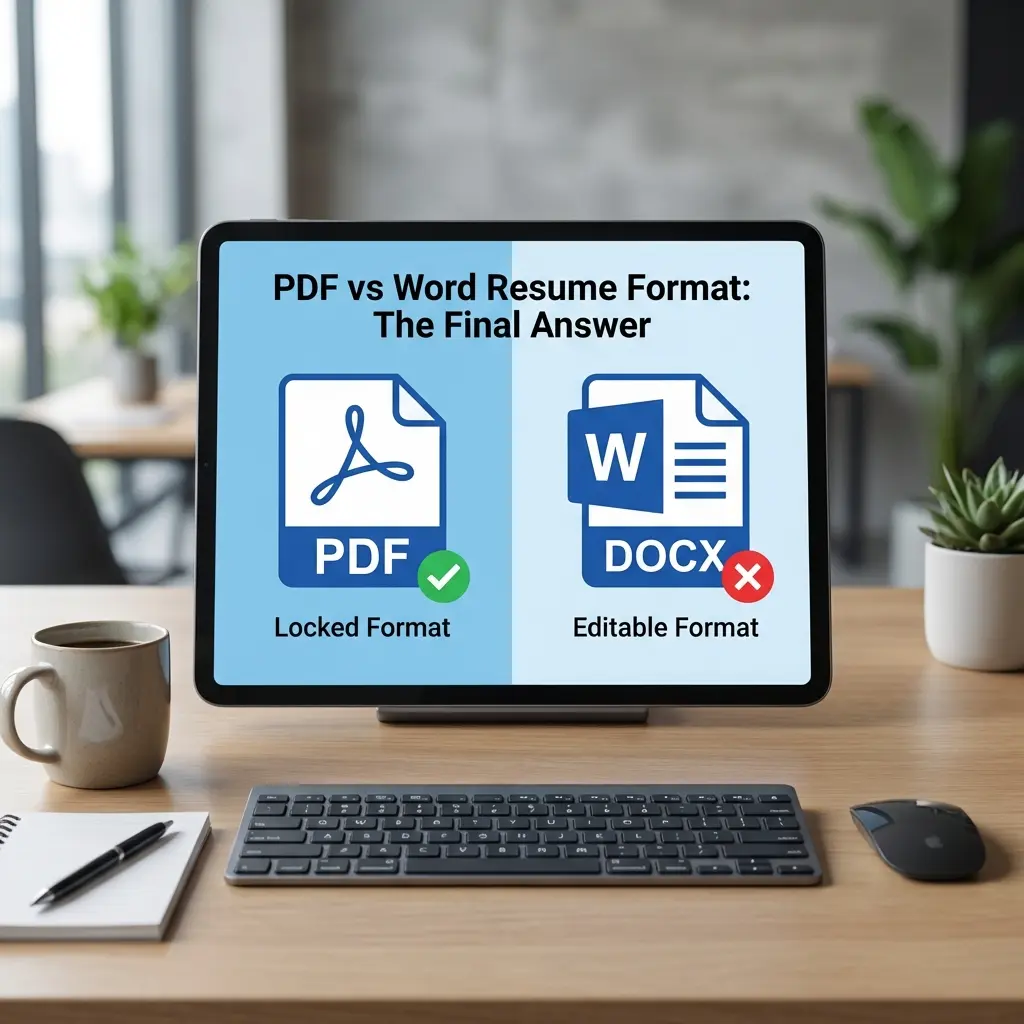
PDF stands for Portable Document Format. The "portable" part matters.
When you export to PDF, you freeze your resume exactly as designed:
Word documents break when opened on different systems:
I have seen perfectly formatted Word resumes turn into disasters when opened on a different machine. PDF eliminates this variable.
2. Universal Compatibility
Every device can open a PDF. Phones, tablets, laptops, ancient computers in HR departments. No special software required.
Word requires Microsoft Word or a compatible application. Google Docs, LibreOffice, and Apple Pages all render Word files slightly differently. You cannot control what the recipient uses.
3. Professional Appearance
PDF signals "final document." It looks polished, intentional, complete.
Word signals "editable draft." Some recruiters interpret this as less prepared or as an invitation to make changes (which they sometimes do, not always to your benefit).
4. Hyperlink Reliability
Links in PDF files work consistently across all viewers. Click your LinkedIn URL, it opens.
Links in Word can break when the document is opened in compatibility mode or converted between formats.
When Word Actually Wins
Despite PDF's advantages, Word is the correct choice in specific situations.
1. Explicit Request
If the job posting says "Submit resume in Word format" or "Upload .docx file," do not argue. Comply.
Companies request Word for reasons:
Your goal is to get hired, not to prove PDF superiority. Follow instructions.
2. Older ATS Systems
ATS technology has improved dramatically since 2020. Most modern platforms parse PDF and Word equally well.
But older systems exist. Government portals, small company HR software, and legacy enterprise systems sometimes struggle with PDF parsing.
Signs you might need Word:
3. Recruiters Who Edit
Some third-party recruiters edit resumes before sending to clients. They may:
- Remove your contact information (so the client must go through them)
- Add their agency branding
- Adjust formatting to match their template
- Correct typos they notice
This practice is more common with staffing agencies than corporate recruiters. If you are working with an agency, ask which format they prefer.
The ATS Parsing Myth
Let me kill a persistent myth: "ATS cannot read PDFs."
This was partially true in 2010. It is false in 2026.
Modern ATS platforms—Greenhouse, Lever, Workday, iCIMS, Taleo—all parse PDF files correctly. They extract:
What ATS cannot parse (regardless of format):
The format is not the problem. The content structure is.
A simple, text-based PDF parses perfectly. A designed PDF with text in image boxes fails. Same applies to Word documents with embedded graphics.
How to Create ATS-Friendly Files
PDF Creation Best Practices
-
Export from Word, not print to PDF
- Word > File > Save As > PDF preserves text
- Print to PDF can rasterize text as images
-
Use standard fonts
- Arial, Calibri, Times New Roman, Garamond
- Avoid custom fonts that may not embed correctly
-
Test text selectability
- Open your PDF
- Try to highlight and copy text
- If you cannot select text, it is an image (ATS cannot read it)
-
Check file size
- Resume PDF should be under 1MB
- Large files may be rejected by email filters or upload systems
-
Verify hyperlinks
- Click every link in the final PDF
- Broken links look unprofessional
Word Creation Best Practices
-
Use .docx, not .doc
- .docx is the modern format (2007+)
- .doc is legacy and may cause parsing issues
-
Avoid text boxes and graphics
- Use regular paragraphs and lists
- Text boxes often get skipped by parsers
-
Use built-in styles
- Heading 1, Heading 2, Normal text
- Custom formatting may not transfer correctly
-
Embed fonts or use system fonts
- File > Options > Save > Embed fonts
- Or stick to universally available fonts
-
Test on different systems
- Open on Mac and Windows if possible
- Try in Google Docs to see how it renders
The Workflow: Maintaining Both Versions
Here is the professional approach: maintain a master Word file and export PDF as needed.
Step 1: Master Resume in Word
Your canonical resume lives as a .docx file. This is where you make edits, update experience, and adjust content.
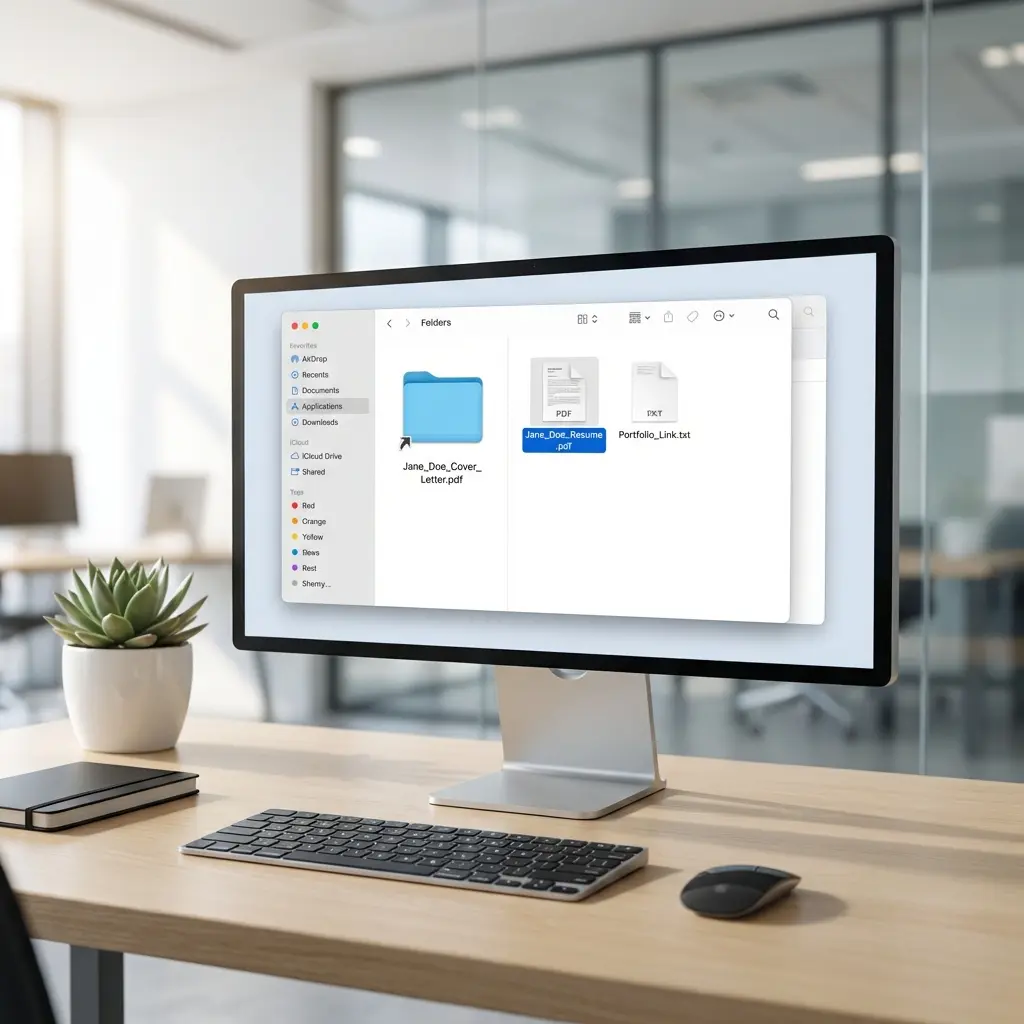
Name it: FirstName-LastName-Resume-Master.docx
Step 2: Export PDF for Submissions
When applying, export a fresh PDF from your current master:
- Open master Word file
- File > Save As > PDF
- Name it:
FirstName-LastName-Resume.pdf - Test the export (open it, check formatting, verify links)
Step 3: Keep Word Ready
If a job posting requests Word, you have it ready. Submit the master file (after removing "Master" from the filename).
Name it: FirstName-LastName-Resume.docx
Step 4: Version Control
When you update your resume:
- Edit the master Word file
- Export new PDF
- Archive old versions if needed (add date:
FirstName-LastName-Resume-2026-01.pdf)
This ensures consistency. Your PDF and Word versions always match because they come from the same source.
Common Mistakes to Avoid
Mistake 1: Image-Based PDFs
Scanning a printed resume or "printing" to PDF from an image editor creates an image, not a text document. ATS cannot read it. Humans can, but search functions fail.
Fix: Always export PDF from Word, Google Docs, or a text-based editor.
Mistake 2: Password-Protected PDFs
Some people add password protection to their resume PDFs. This blocks ATS parsing entirely.
Fix: Never password-protect a resume. It is a public document you are distributing.
Mistake 3: Submitting Both Formats
Unless requested, do not attach both PDF and Word versions to an email. It looks uncertain and creates confusion about which to review.
Fix: Choose one format based on the guidelines above. One clean file.
Mistake 4: Google Docs Links
Never send a Google Docs link as your resume. Links require sharing permissions, can change after sending, and look unprofessional.
Fix: Export to PDF, attach the file directly.
Mistake 5: Outdated Word Versions
Submitting a .doc file (pre-2007 format) signals you are using ancient software. It may also cause parsing issues.
Fix: Always use .docx format for Word submissions.
Format by Industry
Some industries have stronger preferences:
| Industry | Typical Preference | Notes |
|---|---|---|
| Tech/Startups | Modern ATS, design-conscious | |
| Finance/Banking | Either | Conservative but tech-savvy |
| Government | Word | Legacy systems common |
| Legal | Document preservation matters | |
| Creative/Design | Formatting critical | |
| Healthcare | Either | Varies by institution |
| Education | Either | Academic CVs often PDF |
| Staffing Agencies | Word | They often edit before forwarding |
When in doubt, check the job posting. When nothing is specified, PDF is the safer choice.
Testing Your Files
Before any job application:
PDF Test Checklist
Word Test Checklist
Frequently Asked Questions
Should I submit my resume as PDF or Word?
Use PDF for direct submissions to recruiters, networking, and email applications. Use Word (.docx) when specifically requested or when applying through older ATS systems that specify Word format. When in doubt, PDF is the safer choice for most modern systems.
Do ATS systems prefer PDF or Word?
Modern ATS systems (2020+) parse both PDF and Word equally well. The parsing myth that ATS cannot read PDFs is outdated. However, some older systems still prefer Word, so check the job posting requirements.
Why do some companies ask for Word format?
Companies request Word format for three reasons: they use older ATS systems, they want to edit your resume before sending to hiring managers, or it is a legacy requirement that was never updated. Always comply when specified.
Can I submit both PDF and Word versions?
Only if the system allows multiple uploads or the job posting requests both. Never attach multiple versions in an email unless asked. One clean PDF is better than two formats that might confuse the recipient.
What about Google Docs format?
Never submit Google Docs links as your resume. Always export to PDF first. Sharing links requires permission settings, can break, and looks unprofessional. Download as PDF, then attach the file.
Does PDF preserve formatting better than Word?
Yes. PDF locks your formatting exactly as designed regardless of the viewer's device, fonts, or software version. Word documents can shift formatting when opened on different systems or Word versions.
Final Thoughts
The PDF vs Word debate is simpler than the internet makes it seem:
- PDF for most situations (formatting preserved, universal compatibility)
- Word when explicitly requested or for legacy systems
- Both ready so you can respond to any requirement
The format you choose matters less than the content inside. A mediocre resume in the "correct" format still loses to a strong resume in either format.
Focus on the content. Let the format handle itself.