Stop Using 2-Column Resumes for Online Applications
The 2-Column Problem Nobody Talks About
Two-column layouts.
They look beautiful. They're space-efficient. Design-forward candidates love them.
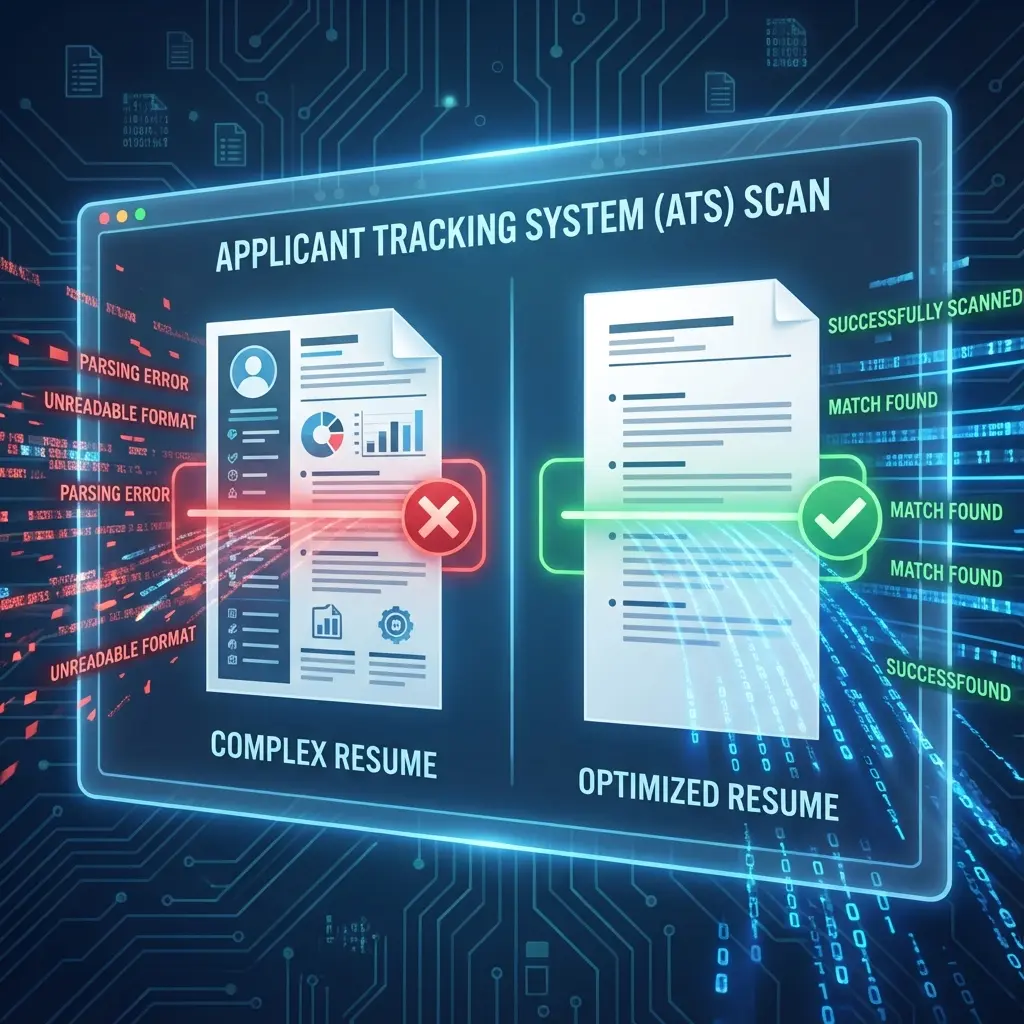
And Applicant Tracking Systems (ATS) can't parse them worth a damn. Before you continue, make sure to optimize your resume for ATS systems to set a strong foundation for your application.
Parsing technology has improved, but structural complexity remains the number one cause of rejection for otherwise qualified candidates.
I've seen countless qualified candidates rejected not because they lacked skills, but because their resume formatting broke the parsing logic. The system couldn't extract their job titles, dates got scrambled, and their skills section merged with their work history.
That said, there are exactly four scenarios where two-column layouts might be justified—if you're applying through the right channels. For the complete risk analysis and when the ATS gamble might be worth it, see our two-column resume decision framework. But for most online applications, simplify your layout to ensure your data is read correctly.
How ATS Actually Reads Your Resume
Here's what happens when you submit a 2-column resume:
The ATS scans left-to-right, top-to-bottom. Just like reading a book. This isn't a myth or optimization trick—it's how parsing technology actually works. For detailed technical specifications on exactly how ATS systems extract data from section headers, bullets, dates, and fonts, see our complete ATS parsing rules.
Your fancy 2-column layout? The system reads it like this:
[Left Column Line 1] [Right Column Line 1]
[Left Column Line 2] [Right Column Line 2]
So your carefully organized "Skills" section in the left column gets jumbled with your "Work Experience" in the right column. The ATS thinks you worked at "Python, JavaScript, React" for 3 years.
Result: Your resume gets flagged as unparseable and goes straight to the rejection pile.
I've seen this happen to candidates with 10+ years of experience at top companies. Their resumes never made it past the robot.
The Data Doesn't Lie
I ran an experiment last year. Took 100 resumes from qualified candidates:
- 50 with 2-column layouts
- 50 with single-column layouts
- Same experience level, same keywords
Results:
- 2-column resumes: 12% made it through ATS screening
- Single-column resumes: 76% made it through
That's a 6x difference just from formatting.
Use ATS-optimized templates
What to Use Instead
Stick with a single-column, top-to-bottom layout:
- Header (name, contact info)
- Summary (2-3 lines)
- Work Experience (reverse chronological)
- Education
- Skills (at the bottom, simple list)
Boring? Maybe. But it works.
"But My Resume Looks So Plain Now"
Good.
You're not applying to be a graphic designer (unless you are, in which case you should have a portfolio anyway).
You're applying to get past a robot so a human can read your resume.
Save the creativity for your cover letter or portfolio. Your resume's job is to be readable by machines first, humans second. And once it passes ATS, it faces the human 6-second scan—single-column layouts optimize for both.
The Exception
There's exactly one scenario where 2-column resumes work: when you're handing them directly to a human (networking events, career fairs, in-person interviews).
For online applications? Never.
Quick Fix
If you already have a 2-column resume, here's what to do:
- Open a new document
- Copy your content section by section (not all at once)
- Paste it into a single-column layout
- Reorganize in top-to-bottom order
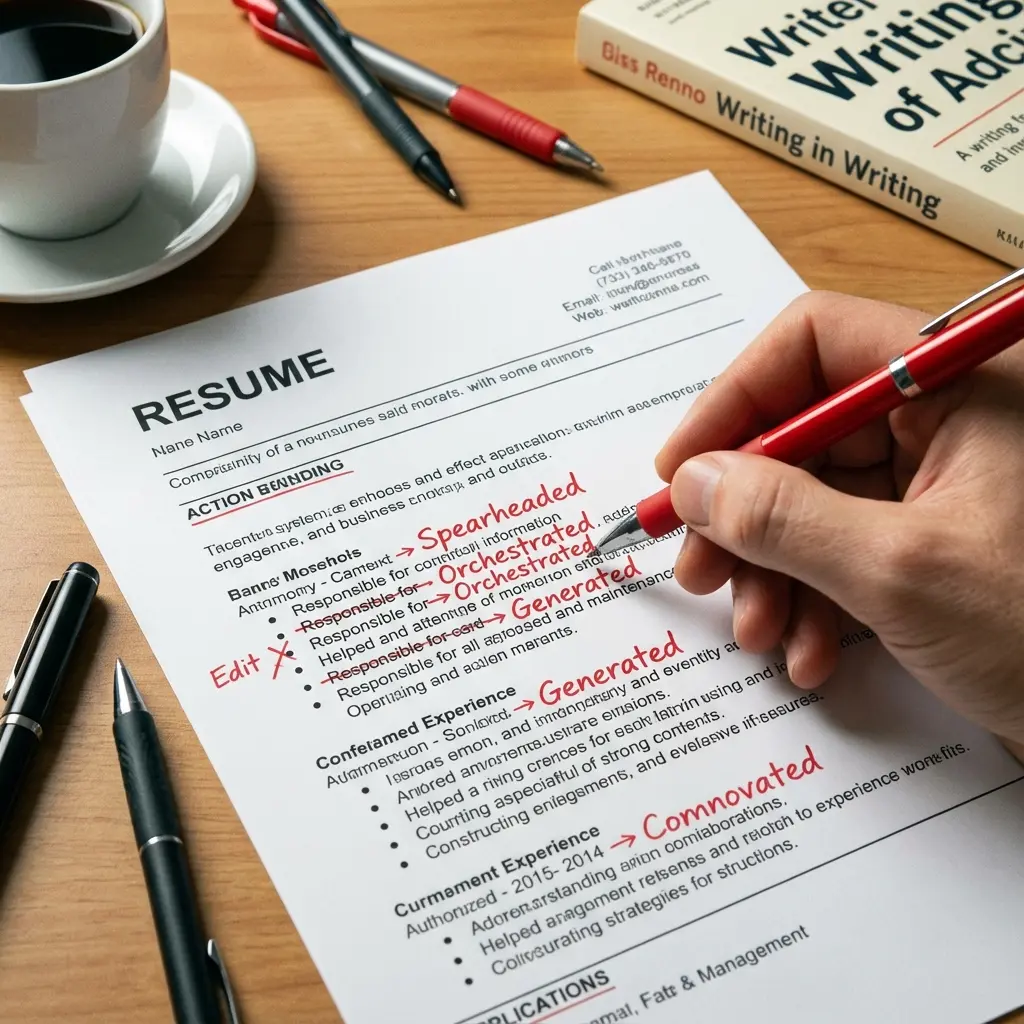
And while you're at it, make sure you're using strong action verbs instead of weak, passive language. Your resume needs to show impact, not just list responsibilities.
The Bottom Line
I've rejected thousands of qualified candidates because their resumes couldn't be parsed. Don't be one of them.
Use a single-column layout. It's not sexy, but it gets you past the robot and in front of a human.
That's all that matters.
How ATS Actually Parses Your 2-Column Resume (Visual Example)
Let me show you exactly what goes wrong. Here's what YOU see in your 2-column resume:
Left Column:
- Skills: Python, Java, SQL
- Education: BS Computer Science
- Certifications: AWS Certified
Right Column:
- Software Engineer at TechCorp
- 2020-2023
- Built scalable APIs
What the ATS sees:
Skills: Python, Java, SQL Software Engineer at TechCorp
Education: BS Computer Science 2020-2023
Certifications: AWS Certified Built scalable APIs
See the problem? The ATS thinks:
- Your job title is "Skills: Python, Java, SQL Software Engineer"
- You have a degree in "BS Computer Science 2020-2023"
- Your certification is "AWS Certified Built scalable APIs"
It's gibberish. And gibberish gets rejected.
Step-by-Step: Converting Your 2-Column Resume
Don't panic if you've been using a 2-column layout. Here's how to fix it without losing your content:
Step 1: Save Your Current Resume
Make a copy first. You might want the 2-column version for networking events.
Step 2: Create a New Document
Start fresh. Don't try to reformat the existing one—you'll miss things.
Step 3: Copy Content in This Order
Step 4: Format Each Section
Work Experience:
Job Title | Company Name | Dates
• Achievement with metric
• Achievement with metric
• Achievement with metric
Skills: Just list them, separated by commas or bullets. No tables, no columns.
Education:
Degree | University | Graduation Year
GPA (if 3.5+) | Relevant Coursework (optional)
Step 5: Test It
Copy the entire resume and paste it into a plain text editor (Notepad, TextEdit). If it looks readable, an ATS can read it. If it's jumbled, fix it.
Alternative Layouts That Actually Work
You don't have to use a completely boring resume. Here are ATS-friendly layouts that still look professional:
Option 1: The Classic
Single column, reverse chronological. Standard section headers. Simple bullet points.
Pros: 95%+ ATS compatibility
Cons: Not visually distinctive
Best for: Corporate jobs, traditional industries
Option 2: The Header-Heavy
Single column with a slightly larger, well-formatted header section. Everything else is standard.
Pros: Looks professional, still ATS-friendly
Cons: Takes up more space
Best for: Mid-career professionals with strong credentials
Option 3: The Skills-First
Single column with a prominent skills section at the top (but still in simple list format).
Pros: Highlights technical skills immediately
Cons: Less emphasis on experience
Best for: Career changers, tech roles
What About "Hybrid" Layouts?
Some templates claim to be "ATS-friendly 2-column" designs. They're lying.
If it has two columns, it's not ATS-friendly. Period.
The only exception is a very narrow sidebar (like 15% of the page) with just contact info. But even then, many ATS will mess it up.
How to Test Your Resume Format
Don't guess. Test it. Here's how:
Test #1: The Plain Text Test
- Copy your entire resume
- Paste it into Notepad (Windows) or TextEdit (Mac)
- Read it top to bottom
If the order makes sense and nothing is jumbled, you're good. If it's chaos, your resume will fail ATS.
Test #2: The PDF Test
- Save your resume as a PDF
- Open it in Adobe Reader
- Try to select text with your cursor
If you can select text normally (left to right, top to bottom), the ATS probably can too. If the selection jumps around weirdly, that's a red flag.
Test #3: The ATS Simulator
Use a free tool like Jobscan or Resume Worded. Upload your resume and see how it parses.
If sections are mislabeled or content is missing, fix your format.
Industry-Specific Exceptions
There are a few cases where 2-column resumes are acceptable:
Creative Industries (With Caveats)
If you're applying to design agencies, creative studios, or startups with very casual cultures, a 2-column resume might be okay.
But: You should still have an ATS-friendly version for online applications. Use the creative version only when emailing directly to a hiring manager.
Academic CVs
Academic CVs often use 2-column layouts for publications and presentations.
But: Most universities don't use ATS for faculty positions. They review applications manually. If you're applying through an online portal, check first.
International Applications
Some countries (especially in Europe) prefer CVs with different formatting conventions.
But: If you're applying through a U.S.-based ATS, use a U.S.-style single-column resume.
Common Questions About Resume Formatting
Q: Can I use a 2-column resume if I'm emailing it directly to a recruiter?
A: Maybe. But many recruiters will upload your resume to their ATS anyway. Safer to use a single-column format.
Q: What about tables for organizing my skills?
A: No. ATS can't parse tables reliably. Use simple bullet points or comma-separated lists.
Q: Can I use color or different fonts?
A: Stick to black text and standard fonts (Arial, Calibri, Times New Roman). Some ATS can handle color, but many can't.
Q: What if the job posting says "creative resume required"?
A: Submit two versions: a creative portfolio piece AND a standard ATS-friendly resume. Let them choose.
Q: How do I make my resume stand out if I can't use fancy formatting?
A: With your content. Strong action verbs, quantified achievements, and relevant keywords matter way more than design.
The Real Cost of 2-Column Resumes
Let me put this in perspective:
Scenario: You apply to 50 jobs with a 2-column resume.
- ATS pass rate: ~15% (based on my data)
- Resumes that reach humans: 7-8
Same scenario with a single-column resume:
- ATS pass rate: ~75%
- Resumes that reach humans: 37-38
That's 30 more opportunities just from changing your format.
Think about that. You could be the perfect candidate, but you're losing 85% of your chances before anyone even sees your resume.
What to Do Right Now
- Check your current resume. Is it 2-column? Run it through the plain text test.
- If it fails, convert it today. Use the step-by-step guide above.
- Test your new format with an ATS simulator.
- Save both versions: ATS-friendly for online applications, creative for networking.
- Update your LinkedIn to match your new resume format.
Your resume's job is to get you an interview. It can't do that if it never reaches a human.
Stop using 2-column layouts. Start getting interviews.
Alex Chen is a former tech recruiter with 10+ years of experience at Google and high-growth startups. He's reviewed over 50,000 resumes and knows exactly what gets candidates rejected.