How to Update Your Resume for the New Year
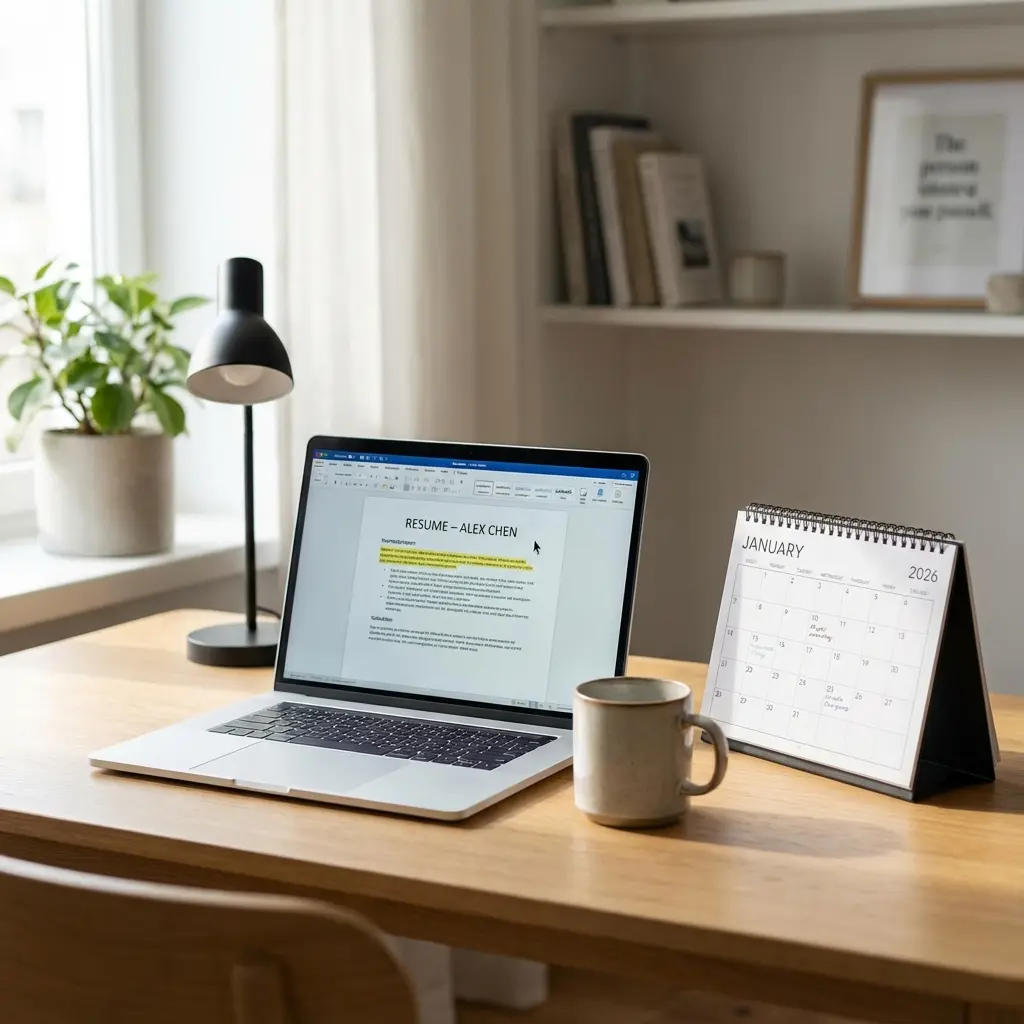
Why New Year Is the Perfect Time to Refresh Your Resume
Every January, millions of people set career goals. But here's what I learned when I landed my first job straight out of college: goals without preparation are just wishes.
The new year isn't just about making resolutions. It's about setting yourself up for opportunities. Whether you're actively job searching, casually open to offers, or perfectly happy in your current role, an updated resume is career insurance.
I update my resume every December—even though I'm not looking to leave my job. Why? Because the best opportunities arrive without warning, and I refuse to scramble when they do. For comprehensive strategies on translating your experience, our ultimate experience translation guide covers the complete framework.
Here's my complete checklist for updating your resume as we head into 2026. This isn't about major rewrites—it's about strategic refreshes that keep you competitive.
The Annual Resume Update Checklist
Before adding anything new, start with what's already there. Pull up your current resume and review it section by section.
Step 1: Review Your Professional Summary
Your summary should reflect who you are right now, not who you were when you wrote it.
Ask yourself:
If your summary mentions skills or goals that no longer apply, rewrite it. Your summary is prime real estate—make every word count.
Before: "Marketing professional seeking opportunities to leverage creative skills in a dynamic environment."
After: "Digital Marketing Manager with 4 years driving 40% revenue growth through paid social and email campaigns. Specializing in DTC brand growth and marketing automation."
The difference? The second version tells a story with proof. Hiring managers spend six seconds on average scanning resumes—your summary needs to hook them immediately. For structured formulas that eliminate generic phrasing and create value-driven summaries for different career stages (Generalist, Specialist, Career Changer), see The Professional Summary That Isn't Cringe.
Step 2: Add Your 2025 Achievements
This is the most important step. Your resume should showcase what you accomplished this year, not just what you did.
Grab a notebook and brainstorm everything notable from 2025:
Now translate these into resume bullets using this formula:
Action verb + What you did + Quantified result
Examples:
- "Launched email automation sequence increasing subscriber engagement by 25% and generating $50K in attributed revenue"
- "Managed cross-functional team of 6 delivering product feature 2 weeks ahead of schedule"
- "Reduced customer support tickets by 30% through improved onboarding documentation"
Don't worry if you don't have exact numbers for everything. Estimates, percentages, and scale indicators ("team of 6," "Fortune 500 client," "10,000+ users") all work.
Step 3: Remove Outdated Information
Adding new content is exciting. Removing old content is just as important.
What to delete:
If you started your career as a cashier but now lead engineering teams, that first job probably doesn't need a spot anymore. Let your resume evolve with you.
Also check for outdated terminology. "Social media marketing" is now just expected knowledge; "AI-assisted campaign optimization" might be worth adding.
Step 4: Update Your Skills Section
Your skills section is one of the first things recruiters scan—and it's where ATS systems look for keyword matches.
Add skills you gained in 2025:
Consider new tools you've learned, certifications you've earned, and methodologies you've adopted. If you started using AI tools in your workflow, that's worth noting.
Remove skills that are dated:
Look for technologies or practices that have faded from relevance. Flash development? Gone. Windows XP administration? Probably not helping.
Organize by category for scanability:
Technical Skills: Python, SQL, Tableau, Google Analytics 4, HubSpot
Soft Skills: Cross-functional collaboration, stakeholder communication,
             project management
Certifications: Google Analytics Certified, HubSpot Inbound Marketing
If you're in a technical role, exploring role-specific resume examples can help you benchmark your skills section against industry standards.
Step 5: Modernize Your Formatting
Resume design trends evolve. What looked modern in 2020 might feel dated now.
2026 resume formatting best practices:
What to avoid:
If your resume uses a creative template, test it by copying and pasting into a plain text document. If the content scrambles, ATS systems will struggle too.
Step 6: Verify All Contact Information
This seems obvious, but outdated contact details cost candidates interviews.
One detail about location: remote-first candidates might list "Remote | [City]" or simply their city. Be honest about your work preferences—remote flexibility is often a filter in hiring systems.
Build Your Best Resume Yet for 2026
What to Do with Career Gaps
If you have employment gaps from 2020-2024, you're not alone. The pandemic reshuffled careers globally, and hiring managers understand this.
How to frame gaps positively:
If you took time off intentionally, brief context helps: "Career sabbatical for family caregiving" or "Professional development period focused on [skill]."
If you were laid off, you don't need to explain on your resume. Focus on what you accomplished in roles before and after.
Freelance or contract work fills gaps:
Any paid work during gaps can be listed as "Freelance [Role]" or "Independent Consultant." This is legitimate and demonstrates continuous professional activity.
Tailoring Your Updated Resume
Your refreshed resume is a master document—but you shouldn't send the same version everywhere.
For each application:
- Review the job description for priority keywords
- Adjust your summary to match the role's emphasis
- Reorder or emphasize relevant achievements
- Ensure your skills section mirrors the job requirements
This customization takes 15-20 minutes per application but dramatically increases response rates. Many job seekers now use AI tools to help with keyword optimization and customization—just make sure to review the output carefully before sending.
The Resume Maintenance Habit
The best resume updates happen throughout the year, not just in December.
Create a "brag document":
Keep a running Google Doc or Notion page where you log achievements as they happen. When it's time to update your resume, you'll have a year's worth of material waiting.
What to log:
Review this document quarterly and add highlights to your resume. This prevents the end-of-year scramble to remember what you did in February.
Your 2026 Resume Readiness Checklist
Before finalizing your updated resume, run through this quick checklist:
Frequently Asked Questions
How often should I update my resume?
Update your resume at least twice per year and after any significant career change. The new year and mid-year are ideal times for comprehensive reviews. Keep a running document of achievements to make updates easier.
What should I remove from my resume for the new year?
Remove outdated skills, old contact information, positions from 10+ years ago (unless highly relevant), obsolete technologies, and any achievements that no longer represent your current capabilities.
Should I update my resume even if I am not job searching?
Yes. Updating your resume regularly ensures you capture achievements while fresh in your memory and keeps you prepared for unexpected opportunities. A current resume is also valuable for performance reviews and internal promotions.
How do I add 2025 achievements to my resume?
List measurable accomplishments from the year with specific metrics. Use action verbs and the formula: What you did + How you did it + Quantified result. Focus on achievements that demonstrate growth or impact.
What resume format should I use in 2026?
Use a clean, single-column ATS-friendly format. Chronological format works best for most candidates. Ensure consistent formatting, readable fonts (11-12pt), and clear section headers. Save as PDF for applications.
Should I include 2020-2021 pandemic-era experience on my resume?
Yes, if it is relevant to your target roles. Frame challenges positively: remote work adaptation, crisis management, or pivoting skills. Gaps from this period are widely understood by employers.
Final Thoughts
Your resume is a living document. It should grow and change as your career does.
Taking an hour at the end of December to update yours sets you up for whatever 2026 brings—whether that's a new role, a promotion, or just the confidence of knowing you're ready.
Start with what's there, add your wins, remove the outdated stuff, and polish the formatting. That's it. No major overhaul required—just intentional maintenance.
One Final Tip
Before you consider your update complete, ask someone you trust to review your resume with fresh eyes. Colleagues, mentors, or career-minded friends often catch issues we miss about ourselves. They might spot jargon that doesn't translate, achievements you've undersold, or formats that look dated.
If you don't have someone to ask, read your resume aloud. Does it sound confident without being arrogant? Does it sound like you? If something sounds off when spoken, it probably reads awkwardly too.
Don't forget to review your education section formatting as well—recent graduates need different details than senior professionals who can condense their academic credentials.
Here's to a 2026 full of opportunities. Make sure your resume is ready for them.