UX Designer Resume Keywords: Research, Wireframing & Prototyping
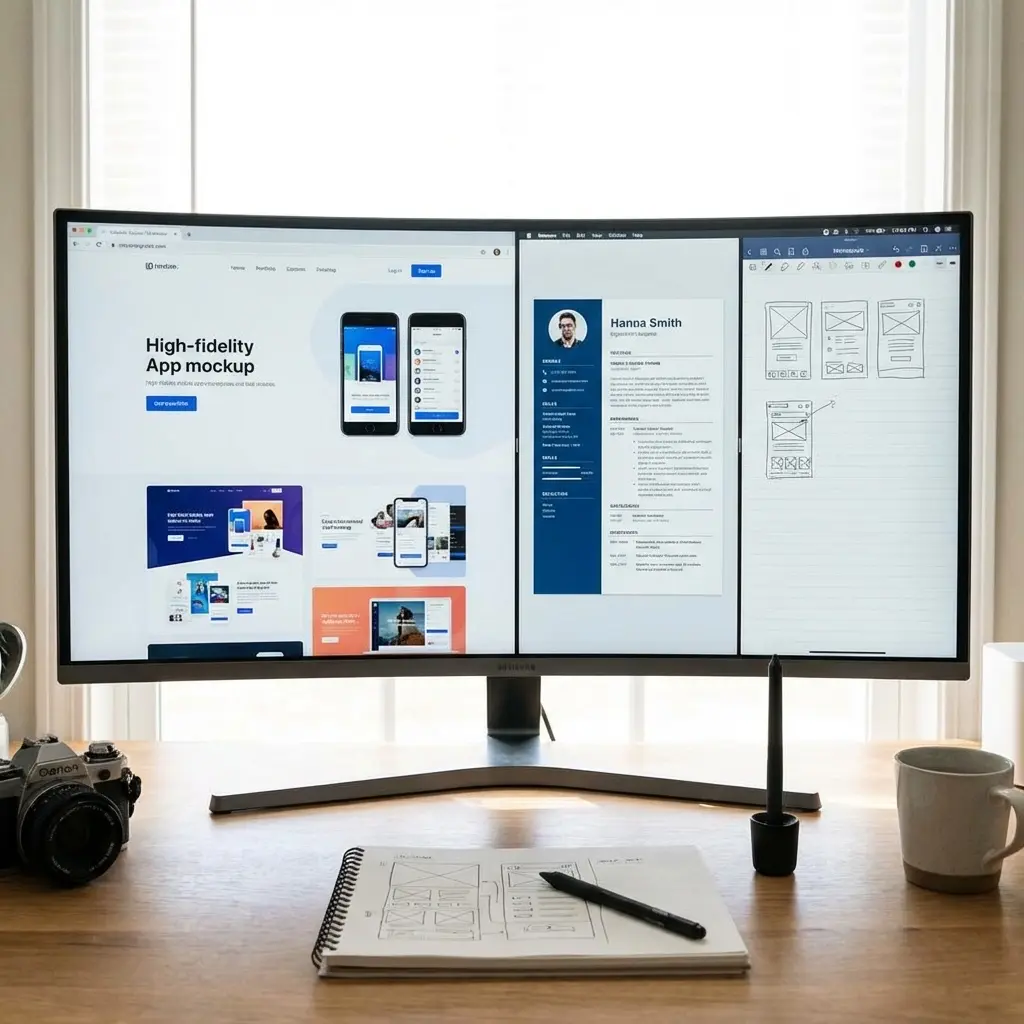
UX design hiring has evolved. Companies want designers who can research, design, and validate—not just make things pretty.
Your resume keywords need to show the full UX process, from discovery to delivery. Listing "Figma" alone won't cut it—ATS systems scan for specific research methods, deliverables, and design process terms.
This guide organizes every keyword by design specialty so you can match job descriptions precisely. For the system on turning these keywords into quantified impact bullets, see our Professional Impact Dictionary.
Design Tools Keywords
Primary Design Tools
- Figma
- Sketch
- Adobe XD
- InVision
- Framer
- Axure
Prototyping Tools
- Figma prototyping
- Principle
- ProtoPie
- Framer
- InVision
- Marvel
- Origami Studio
Collaboration Tools
- FigJam
- Miro
- Mural
- Figjam
- Whimsical
- Notion
Adobe Suite
- Adobe Creative Suite
- Photoshop
- Illustrator
- After Effects
- Adobe XD
User Research Keywords
Research Methods
- User research
- User interviews
- Usability testing
- A/B testing
- Card sorting
- Tree testing
- Surveys
- Contextual inquiry
- Diary studies
- Ethnographic research
- Competitive analysis
- Heuristic evaluation
Research Tools
- UserTesting
- Maze
- Lookback
- Optimal Workshop
- Dovetail
- Hotjar
- FullStory
- Google Analytics
- Mixpanel
Research Deliverables
- Research findings
- User insights
- Research reports
- Personas
- User journey maps
- Empathy maps
- Affinity diagrams
- Research synthesis
UX Process Keywords
Discovery
- Discovery phase
- Problem definition
- User needs analysis
- Stakeholder interviews
- Requirements gathering
- Business requirements
- User requirements
Information Architecture
- Information architecture
- Site mapping
- Navigation design
- Content strategy
- Taxonomy
- Content hierarchy
- User flows
- Task flows
Wireframing
- Wireframing
- Low-fidelity wireframes
- High-fidelity wireframes
- Sketching
- Rapid prototyping
- Paper prototyping
- Concept development
Prototyping
- Prototyping
- Interactive prototypes
- Clickable prototypes
- High-fidelity prototypes
- Micro-interactions
- Animation
- Transitions
Testing & Validation
- Usability testing
- User testing
- Concept testing
- Prototype testing
- Beta testing
- Validation
- Iteration
UI Design Keywords
Visual Design
- Visual design
- UI design
- Interface design
- Visual hierarchy
- Typography
- Color theory
- Layout design
- Grid systems
- Spacing systems
Interaction Design
- Interaction design
- Micro-interactions
- Animation design
- Motion design
- Gesture design
- State design
- Feedback design
Design Systems
- Design systems
- Component libraries
- Style guides
- Pattern libraries
- Design tokens
- Atomic design
- Scalable design
- Design documentation
Accessibility Keywords
Standards
- WCAG 2.1
- WCAG 2.2
- ADA compliance
- Section 508
- Accessibility standards
- Inclusive design
- Universal design
Accessibility Skills
- Accessibility audits
- Screen reader testing
- Keyboard navigation
- Color contrast
- Alt text
- ARIA labels
- Focus management
- Accessible forms
Tools
- axe DevTools
- WAVE
- Lighthouse
- Color contrast checkers
- VoiceOver
- NVDA
Specialization Keywords
Mobile Design
- Mobile UX
- Mobile UI
- iOS design
- Android design
- Responsive design
- Mobile-first design
- Touch interfaces
- Gesture-based interfaces
- App design
Web Design
- Web design
- Responsive web design
- Desktop design
- Web applications
- SaaS design
- Dashboard design
Enterprise UX
- Enterprise UX
- B2B design
- Complex workflows
- Data-heavy interfaces
- Admin panels
- Internal tools
Consumer UX
- Consumer UX
- B2C design
- E-commerce design
- Social features
- Engagement design
- Onboarding design
Soft Skills Keywords
Collaboration
- Cross-functional collaboration
- Design collaboration
- Developer handoff
- Stakeholder management
- Team collaboration
- Remote collaboration
Communication
- Design presentation
- Storytelling
- Design critique
- Feedback incorporation
- Documentation
- Design rationale
Leadership
- Design leadership
- Mentorship
- Design reviews
- Design advocacy
- UX evangelism
- Team building
Process Keywords
Design Methodologies
- Design thinking
- Human-centered design
- User-centered design
- Lean UX
- Agile UX
- Double diamond
- Jobs to be done
Workflow
- Agile
- Scrum
- Sprint design
- Design sprints
- Iterative design
- Continuous improvement
- Design ops
Action Verbs for UX
For Research
- Conducted
- Researched
- Interviewed
- Analyzed
- Synthesized
- Discovered
- Identified
- Validated
For Design
- Designed
- Created
- Developed
- Prototyped
- Wireframed
- Iterated
- Refined
- Crafted
For Impact
- Improved
- Increased
- Reduced
- Enhanced
- Optimized
- Simplified
- Streamlined
For Collaboration
- Collaborated
- Partnered
- Facilitated
- Presented
- Communicated
- Advocated
- Led
Keywords by Experience Level
Junior UX (0-2 years)
- Wireframing
- Prototyping
- Figma
- User research basics
- Usability testing
- Visual design
- Design iteration
Mid-Level UX (3-5 years)
- End-to-end design
- Research planning
- Design systems
- Cross-functional work
- Stakeholder management
- Mentoring
- Complex projects
Senior UX (6+ years)
- Design strategy
- UX leadership
- Team mentorship
- Design vision
- Organizational influence
- Process improvement
- Design ops
Quick Reference: Top 50 UX Keywords
- User research
- Usability testing
- Wireframing
- Prototyping
- Figma
- User interviews
- Design systems
- Information architecture
- User flows
- Personas
- Journey mapping
- Interaction design
- Visual design
- Accessibility
- WCAG
- Mobile design
- Responsive design
- Design thinking
- Human-centered design
- A/B testing
- Heuristic evaluation
- Competitive analysis
- Card sorting
- Tree testing
- High-fidelity design
- Low-fidelity design
- Sketch
- Adobe XD
- InVision
- Miro
- FigJam
- Design critique
- Design handoff
- Developer collaboration
- Stakeholder management
- Cross-functional
- Agile
- Design sprints
- Iteration
- User-centered design
- Empathy
- Problem-solving
- Data-driven design
- Metrics
- Conversion optimization
- Onboarding design
- Dashboard design
- Component libraries
- Style guides
- Design documentation
Build your ATS-optimized UX designer resume with the right keywords
Keyword Strategy
Show Full Process
UX is end-to-end. Show you can research, design, test, and iterate:
Strong: "Led user research for checkout redesign, conducted 15 user interviews, created wireframes and prototypes in Figma, and validated designs through usability testing—resulting in 25% increase in conversion"
Quantify Design Impact
- Conversion rate improvements
- Task completion rates
- Error reduction
- Time on task improvements
- User satisfaction scores
- NPS improvements
Tool Proficiency
Figma is now standard. Make sure it's prominent. Add secondary tools based on the job requirements.
Match Job Description Language
UX roles vary widely. Some emphasize research, others focus on visual design, and many want both. Read the job description carefully and weight your keywords accordingly. If they mention "user research" five times and "visual design" once, lead with research keywords.
If the posting says "Figma," use "Figma" — not "design tools." ATS systems match exact terms.
Context Over Tool Lists
Listing "Figma, Sketch, Adobe XD" tells recruiters nothing about your skill level. Instead, prove depth through your experience bullets.
Example: Instead of listing "usability testing" in skills, write "Conducted usability testing with 30 participants, identifying 8 critical pain points in checkout flow and implementing fixes that increased conversion by 22%."
Common UX Keyword Mistakes
The most common mistake is focusing entirely on tools while ignoring process keywords. Hiring managers want to see research methods, design thinking, and business impact — not just which software you know.
Another mistake is omitting accessibility keywords. WCAG compliance, inclusive design, and accessibility audits are increasingly required. If you have this experience, make it prominent.
Portfolio Keywords Matter Too
Your resume drives recruiters to your portfolio. Use keywords in your case study descriptions that mirror the job posting. If they want "design systems," your portfolio should reference "design systems" — not "component libraries" or "style guides" as substitutes. Consistency between your resume keywords and portfolio language reinforces your expertise signal.
For full formatting tips and examples, see our UX/UI Designer Resume Guide.