How to List Certifications on Your Resume (With Examples)

Last year, I helped a client land a $120K project management role. The deciding factor? Her PMP certification—listed prominently on her resume.
The hiring manager told her: "We had 50 applicants. Only 3 had the PMP. You were one of them."
Certifications can be your competitive edge. But only if you list them correctly.
Here's exactly how to showcase your certifications to maximize their impact. Before you continue, make sure to structure your resume sections to maximize your job search success.
Build a certification-optimized resume with our professional templates
Where to Put Certifications on Your Resume
The placement depends on how critical they are to the job.
Option #1: Dedicated Section (Best for Required/Highly Relevant Certifications)
When to use:
- The job posting specifically requires the certification
- It's an industry-standard credential (CPA, PMP, RN, etc.)
- You have multiple relevant certifications
- The certification is your strongest qualification
Where to place:
- After your professional summary
- Before or after your skills section
- Definitely before work experience
Section title options:
- "Certifications"
- "Professional Certifications"
- "Licenses & Certifications"
- "Credentials"
Example:
PROFESSIONAL SUMMARY
[Your summary here]

CERTIFICATIONS
• Certified ScrumMaster (CSM) - Scrum Alliance (March 2023)
• AWS Certified Solutions Architect - Amazon Web Services (January 2024)
Option #2: Within Education Section (For Academic/Training Certifications)
When to use:
- The certification is from a university or educational institution
- It's closely tied to your degree
- You have limited work experience (recent grad)
Example:
EDUCATION
Bachelor of Science in Computer Science
University of Texas at Austin | Graduated: May 2023

Certifications:
• Google Data Analytics Professional Certificate (2023)
• IBM Cybersecurity Analyst Professional Certificate (2024)
Option #3: Additional Section (For Supplementary Certifications)
When to use:
- Certifications are nice-to-have, not required
- You have many other stronger qualifications
- They're older or less relevant
Section title:
- "Additional Qualifications"
- "Professional Development"
- "Continuing Education"
Place: After work experience, before or after education
Option #4: In Your Header/Summary (For Critical Credentials)
When to use:
- The certification is absolutely essential (RN, CPA, PE)
- It's a legal requirement for the role
- It's your primary credential
Example:
JOHN SMITH, CPA
Dallas, TX | john.smith@gmail.com | (555) 123-4567
Or in your summary:
PROFESSIONAL SUMMARY
Certified Public Accountant (CPA) with 8+ years of experience in corporate tax planning...
How to Format Certifications (The Right Way)
The essential elements:
- Certification name (exactly as it appears on the credential)
- Issuing organization
- Date earned (month and year)
- Expiration date (if applicable)
- Credential ID (optional, for verification)
Format #1: Simple (Most Common)
Certification Name - Issuing Organization (Month Year)
Examples:
• Project Management Professional (PMP) - Project Management Institute (June 2024)
• Certified Public Accountant (CPA) - Texas State Board of Public Accountancy (May 2020)
• AWS Certified Solutions Architect - Amazon Web Services (January 2024)
Format #2: Detailed (For Time-Sensitive or Regulated Credentials)
Certification Name
Issuing Organization | Earned: Month Year | Expires: Month Year
Examples:
• Registered Nurse (RN)
  Texas Board of Nursing | License #123456 | Earned: June 2019 | Expires: June 2025

• Certified Information Systems Security Professional (CISSP)
  (ISC)² | Earned: March 2023 | Expires: March 2026
Format #3: With Credential ID (For Verification)
Certification Name - Issuing Organization (Month Year) | Credential ID: XXXXX
Example:
• Google Cloud Professional Data Engineer - Google Cloud (August 2024) | ID: 12345678
Which Certifications to Include (And Which to Skip)
✅ Always Include
Examples of high-value certifications by field:
Project Management:
- PMP (Project Management Professional)
- CAPM (Certified Associate in Project Management)
- CSM (Certified ScrumMaster)
- SAFe Agilist
IT/Tech:
- AWS Certified Solutions Architect
- Microsoft Certified: Azure Administrator
- Google Cloud Professional
- CompTIA Security+
- CISSP (Certified Information Systems Security Professional)
Finance/Accounting:
- CPA (Certified Public Accountant)
- CFA (Chartered Financial Analyst)
- CMA (Certified Management Accountant)
HR:
- SHRM-CP/SHRM-SCP
- PHR/SPHR (Professional in Human Resources)
Healthcare:
- RN (Registered Nurse)
- NP (Nurse Practitioner)
- Board certifications
❌ Skip or Downplay
Examples to skip:
- Random Udemy certificates (unless from a recognized instructor/program)
- LinkedIn Learning badges (unless highly specific and relevant)
- Internal company training (not externally recognized)
- Outdated technology certifications (e.g., Windows XP certification)
Exception: If you're early in your career, relevant online certifications from platforms like Coursera, edX, or Google Career Certificates can demonstrate initiative.
Not every certification deserves space on your resume, and credential selection requires the same strategic thinking as experience translation. For complete decision frameworks on the relevance filter, three-tier certification hierarchy (industry-recognized, bootcamp, online courses), GPA rules by career stage, bootcamp formatting standards, and expiration date handling, see our Certifications & Education: What to Include (And What to Skip).
How to List Certifications in Progress
If you're currently pursuing a certification:
Format:
Certification Name (In Progress, Expected Completion: Month Year)
Examples:
• Project Management Professional (PMP) - In Progress, Expected: March 2025
• Certified Public Accountant (CPA) - Currently pursuing, 3 of 4 exams passed
• AWS Certified Solutions Architect - Exam scheduled for February 2025
Why this works:
- Shows initiative and commitment
- Signals you'll have the credential soon
- Demonstrates you're actively investing in your development
How to Handle Expired Certifications
Option #1: Note the Expiration and Renewal Status
• Certified ScrumMaster (CSM) - Scrum Alliance (Earned: 2020, Expired: 2022, Renewal in Progress)
Option #2: Only Include If Skills Are Still Current
If the certification expired but you're still using the skills:
• Project Management Professional (PMP) - PMI (2018-2021)
  Note: Certification lapsed; currently using PMP methodologies in project management role
Option #3: Skip It
If it's been expired for years and you're not renewing, just leave it off.
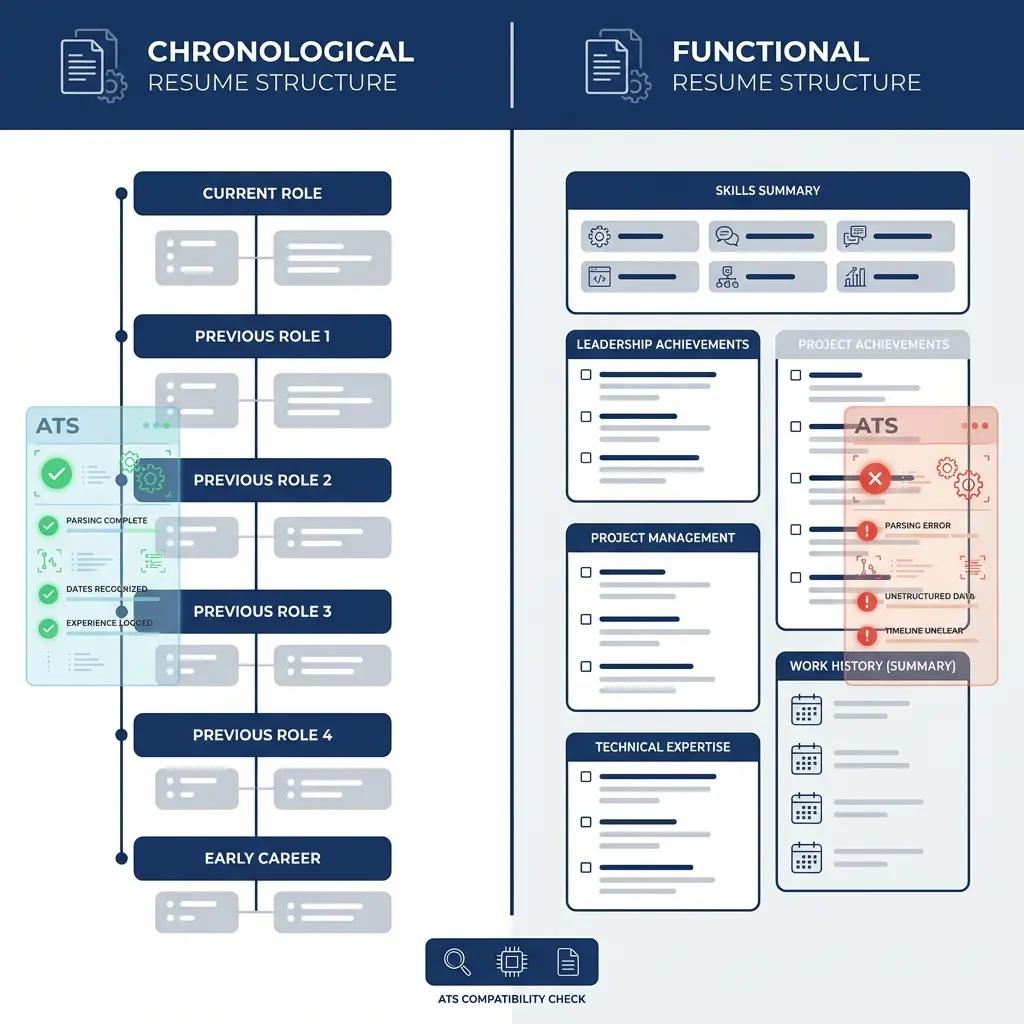
ATS Optimization for Certifications
Why this matters: Many companies use Applicant Tracking Systems (ATS) to scan resumes before a human ever sees them.
How to make your certifications ATS-friendly:
Use Standard Terminology
The problem: Using abbreviations or non-standard names.
Wrong:
- "PMP cert"
- "Scrum Master"
- "AWS SA"
Right:
- "Project Management Professional (PMP)"
- "Certified ScrumMaster (CSM)"
- "AWS Certified Solutions Architect"
Why: ATS systems search for exact certification names. Use the full official name, then include the abbreviation in parentheses.
Include Keywords from Job Descriptions
Strategy: If the job posting mentions specific certifications, use the exact same wording.
Example:
Job posting says: "PMP certification required"
Your resume should say: "Project Management Professional (PMP)" not just "PMP" or "Project Management Certification"
Avoid Tables and Graphics
The problem: ATS systems can't read text in tables, text boxes, or images.
Don't do this:
- Certification badges or logos
- Fancy tables with borders
- Text boxes
- Graphics showing certification levels
Do this:
- Simple bullet points
- Plain text formatting
- Clear section headers
Use Standard Section Headers
ATS-friendly headers:
- "Certifications"
- "Professional Certifications"
- "Licenses and Certifications"
- "Credentials"
Avoid:
- "My Certs"
- "Professional Development" (too vague)
- "Achievements" (ATS might not recognize this as certifications)
Spell Out Acronyms
Best practice: Include both the full name and acronym.
Format: "Certification Full Name (ACRONYM)"
Examples:
- "Certified Public Accountant (CPA)"
- "Project Management Professional (PMP)"
- "Certified Information Systems Security Professional (CISSP)"
Why: Some ATS systems search for the acronym, others search for the full name. Including both ensures you're found either way.
Mistake #1: Listing Irrelevant Certifications
The problem: Including every certification you've ever earned, even if unrelated.
Example:
Applying for a software engineer role and listing:
- CPR Certification
- Real Estate License
- Yoga Teacher Training
The fix: Only include certifications relevant to your target role.
Mistake #2: Vague Formatting
The problem:
• Certified in project management
• AWS certified
The fix:
• Project Management Professional (PMP) - Project Management Institute (June 2024)
• AWS Certified Solutions Architect - Associate Level - Amazon Web Services (January 2024)
Mistake #3: Burying Important Certifications
The problem: Listing a required certification at the bottom of your resume.
The fix: If the job requires it, put it near the top in a dedicated section.
Mistake #4: Including Fake or Exaggerated Certifications
The problem: Claiming certifications you don't have or inflating their level.
The reality: Employers verify certifications. Getting caught lying is an instant rejection (or termination).
The fix: Only list certifications you actually hold. Be honest about the level (Associate vs. Professional, etc.).
Real Resume Examples
Example #1: IT Professional
CERTIFICATIONS
• AWS Certified Solutions Architect - Professional - Amazon Web Services (March 2024)
• Certified Kubernetes Administrator (CKA) - Cloud Native Computing Foundation (January 2024)
• CompTIA Security+ - CompTIA (June 2023)
• Microsoft Certified: Azure Administrator Associate - Microsoft (September 2023)
Example #2: Project Manager
PROFESSIONAL CERTIFICATIONS
• Project Management Professional (PMP) - Project Management Institute (May 2023)
• Certified ScrumMaster (CSM) - Scrum Alliance (February 2022)
• Lean Six Sigma Green Belt - American Society for Quality (November 2021)
Example #3: Accountant
LICENSES & CERTIFICATIONS
• Certified Public Accountant (CPA) - Texas State Board of Public Accountancy
  License #123456 | Earned: May 2020 | Active
• Certified Management Accountant (CMA) - Institute of Management Accountants (August 2021)
Frequently Asked Questions
Where should I put certifications on my resume?
If certifications are required or highly relevant to the job, create a dedicated "Certifications" section near the top (after your summary/skills). If they're supplementary, place them after your work experience or in an "Additional Qualifications" section. Always list them prominently if they're job requirements.
How do I format certifications on a resume?
Include: Certification name, issuing organization, date earned (month/year), and expiration date if applicable. Format: "Certification Name - Issuing Organization (Month Year)" or "Certification Name, Issuing Organization, Earned: Month Year, Expires: Month Year" for time-sensitive credentials.
Should I list expired certifications on my resume?
Only if you're actively renewing them or if the knowledge is still relevant. Note the expiration date and add "Renewal in progress" if applicable. For permanently expired certifications, only include if the skills are still current and you can demonstrate recent application.
Which certifications are worth listing on a resume?
List certifications that are: (1) Required for the job, (2) Industry-recognized and respected, (3) Relevant to your target role, (4) Recent (within 3-5 years), (5) From reputable organizations. Skip generic online certificates unless they're from recognized platforms like Google, AWS, or Microsoft.
Should I list certifications I'm currently pursuing?
Yes, if they're relevant to the job. Format as: "Certification Name (In Progress, Expected Completion: Month Year)" or "Currently pursuing [Certification Name], Expected: Month Year." This shows initiative and commitment to professional development.
Your Certification Checklist
The Bottom Line
Certifications can be your competitive edge—if you use them strategically.
Key takeaways:
- Place required certifications prominently (near the top)
- Format clearly: Name, Organization, Date
- Only include relevant, recognized certifications
- Note in-progress certifications to show initiative
- Skip expired or irrelevant credentials
Remember: Certifications prove you've invested in your professional development. Make sure recruiters see them.