Professional Email Signature Templates: 15+ Free Examples (2026)
Why You Need a Professional Email Signature Template
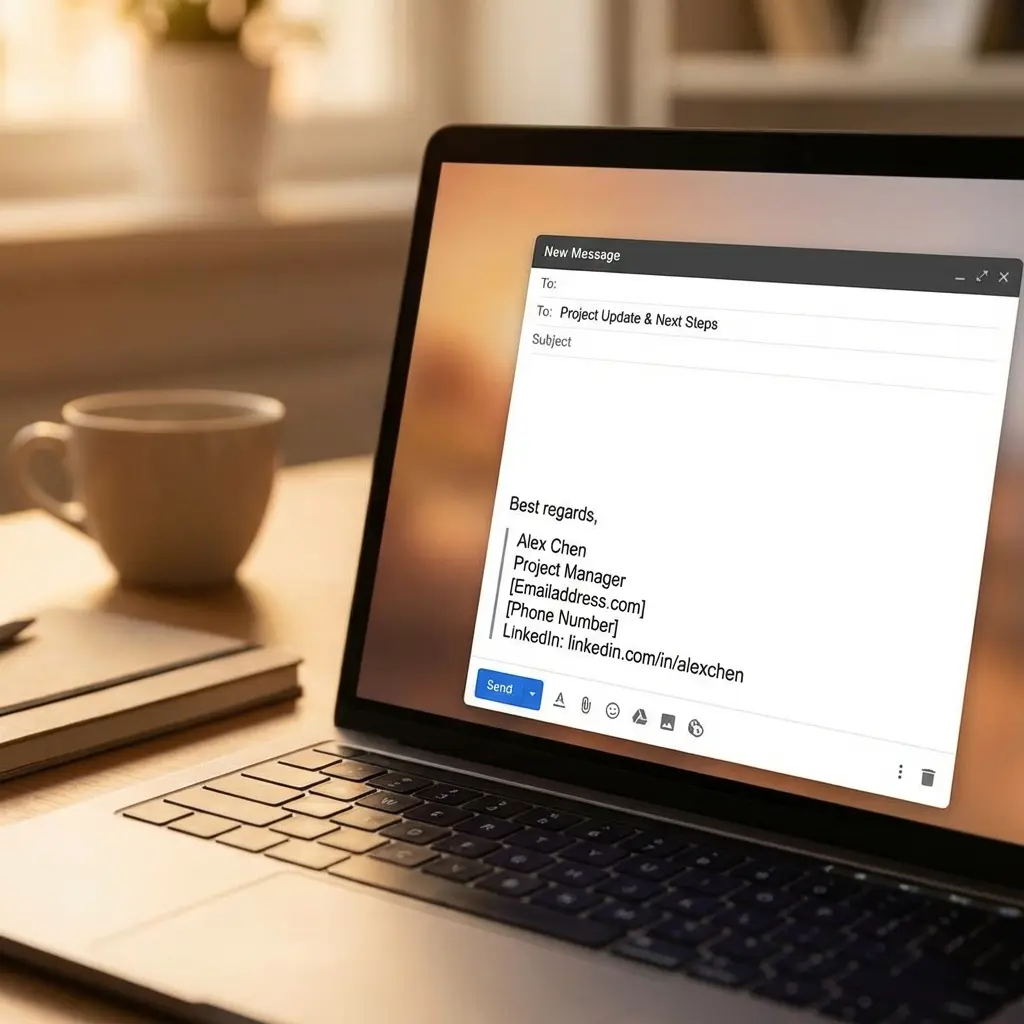
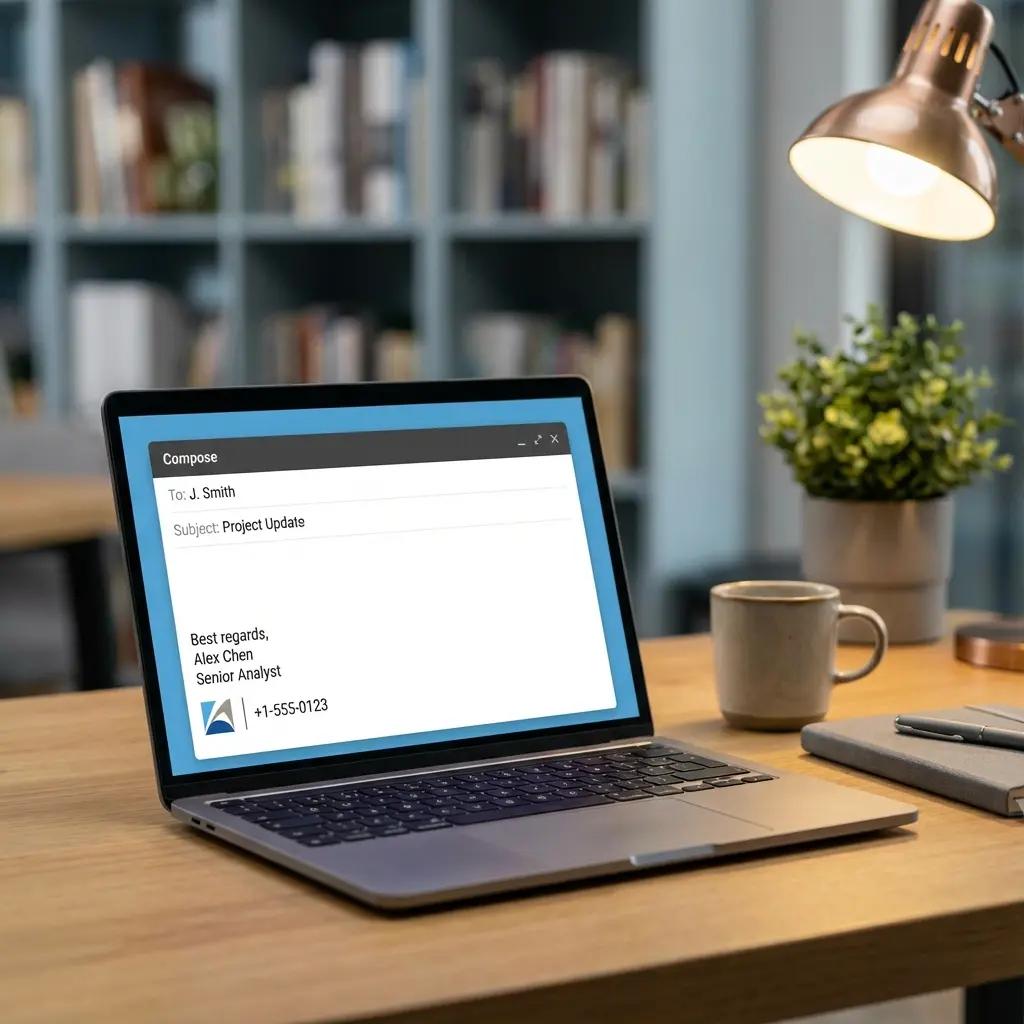
Your email signature is your digital business card. I've tested dozens of formats across different industries and companies on three continents, and I can tell you: the difference between a professional signature and a sloppy one is huge.
After working remotely for 8 years and receiving thousands of emails, I've reverse-engineered what makes email signatures effective. The winners are clean, scannable, and make it stupidly easy to contact you. Let me share the exact templates I use and recommend.
Here's the hack: you don't need to design from scratch. You need proven templates you can customize in 5 minutes and forget about. Let's do this.
The Anatomy of a Perfect Email Signature
For more on professional communication in sales contexts, our career pitch mastery guide covers the complete approach.
Essential Elements (Required)
This is your foundation. Everything else is optional. If you include only these six elements, you'll have a solid, professional signature.
Optional Elements (Add If Relevant)
The key is restraint. Just because you can add something doesn't mean you should. Keep it to 3-5 lines total.
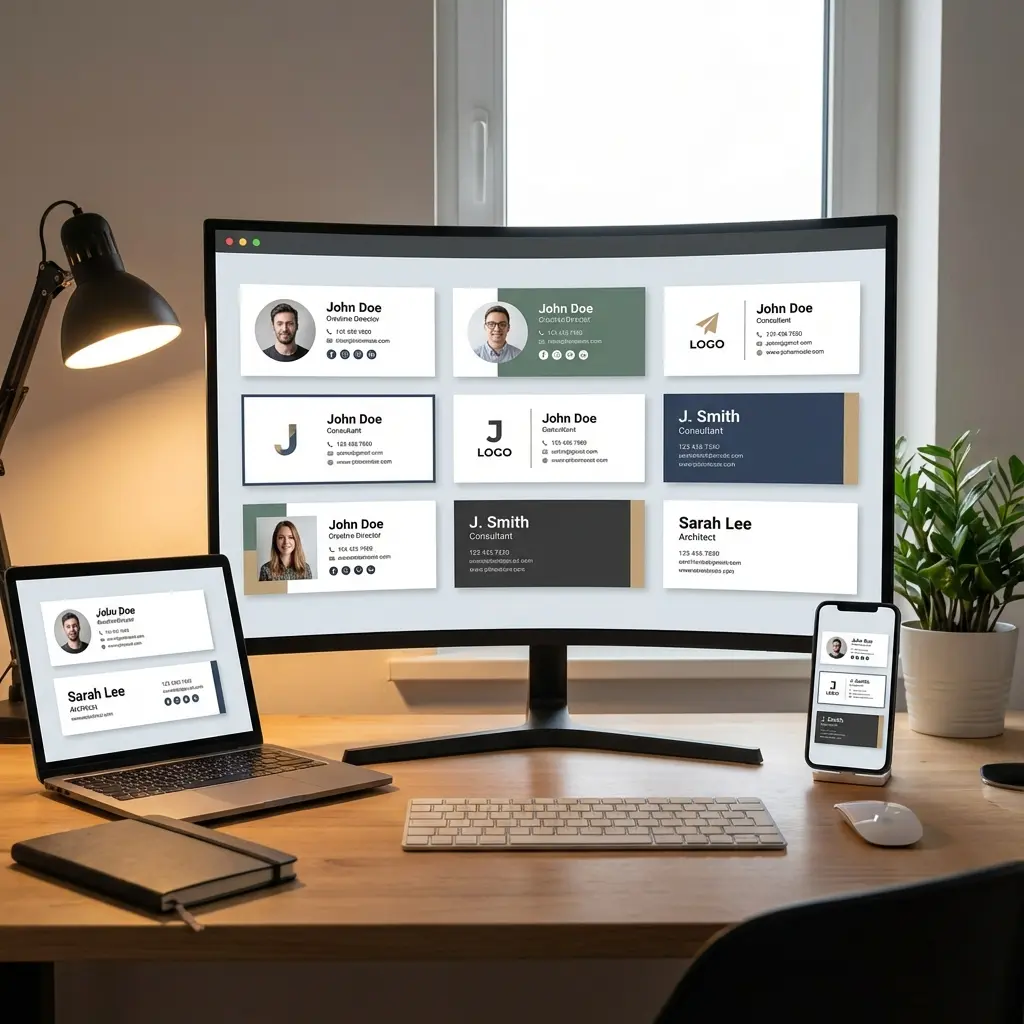
15+ Professional Email Signature Templates
Template 1: Entry-Level Professional
When to use: Fresh graduate, 0-2 years of experience
Emily Carter
Marketing Coordinator | TechStart Inc.
(415) 555-0123 | emily.carter@techstart.com
LinkedIn: linkedin.com/in/emilycarter
Why this works: Clean, simple, and establishes credibility with your company affiliation. No fluff.
Template 2: Mid-Career Professional
When to use: 3-10 years of experience, established in your field
Michael Zhang
Senior Product Manager | Acme Corp
michael.zhang@acmecorp.com | (212) 555-0456
LinkedIn: linkedin.com/in/michaelzhang | Portfolio: michaelzhang.com
Why this works: Adds your portfolio to showcase work, while maintaining professionalism. Perfect for roles where deliverables matter.
Stop Guessing—Use AI to Create a Perfect Email Signature in Seconds
Template 3: Senior Executive
When to use: Director, VP, C-level positions
Rebecca Lawson
Chief Marketing Officer | GlobalTech Solutions
rebecca.lawson@globaltech.com | +1 (646) 555-0789
LinkedIn: linkedin.com/in/rebeccalawson
Why this works: Minimal but authoritative. Your title does the talking. No need for extra links or details.
Template 4: Freelancer/Consultant
When to use: Self-employed, independent contractor
Jordan Taylor
Independent UX/UI Designer
Helping SaaS companies design intuitive user experiences
jordan@jordantaylor.design | (310) 555-0198
Website: jordantaylor.design | LinkedIn: linkedin.com/in/jordantaylor
Why this works: Includes your value proposition in one line, establishing what you do and for whom. Website is critical for freelancers.
Template 5: Tech Professional (Developer/Engineer)
When to use: Software engineers, data scientists, developers
Alex Kim
Full-Stack Developer | React, Node.js, Python
alex.kim@email.com | (206) 555-0321
GitHub: github.com/alexkim | LinkedIn: linkedin.com/in/alexkim
Why this works: Your tech stack is front and center, and GitHub shows your code. This is what tech recruiters and hiring managers want to see.
Template 6: Creative Professional (Design/Marketing)
When to use: Designers, writers, content creators
Maya Rodriguez
Senior Content Strategist | Brand Storyteller
maya@mayarodriguez.com | (415) 555-0654
Portfolio: mayarodriguez.com
Instagram: @mayarodriguez | LinkedIn: linkedin.com/in/mayarodriguez
Why this works: Portfolio is bold and prominent. Adding a professional Instagram (if it showcases your work) is acceptable for creatives.
Template 7: Sales Professional
When to use: Account executives, sales reps, business development
Ryan Mitchell
Account Executive | Enterprise SaaS Sales
ryan.mitchell@salesforce.com | (617) 555-0987
Book a meeting: calendly.com/ryanmitchell
LinkedIn: linkedin.com/in/ryanmitchell
Why this works: Calendly link removes friction—prospects can book time instantly. Critical for sales roles.
Template 8: Minimalist (Ultra-Clean)
When to use: Any role where simplicity is key
Sarah Jenkins
Product Designer
sarah@sarahjenkins.com | linkedin.com/in/sarahjenkins
Why this works: Bare essentials. No clutter. Works across all email clients and devices. If in doubt, use this.
Template 9: Academic/Researcher
When to use: Professors, researchers, Ph.D. students
Dr. James Wilson
Assistant Professor of Environmental Science
University of California, Berkeley
j.wilson@berkeley.edu | Office: (510) 555-0432
ResearchGate: researchgate.net/profile/James-Wilson
Why this works: Includes academic affiliation and ResearchGate (standard for researchers). Title (Dr.) adds credibility.
Template 10: Real Estate Agent
When to use: Real estate professionals
Linda Harris
Licensed Real Estate Agent | Keller Williams
Specializing in luxury homes in Austin, TX
linda.harris@kw.com | (512) 555-0765
Website: lindaharris.com | Schedule a tour: calendly.com/lindaharris
Why this works: Location specialization builds trust, and the booking link makes it easy for clients to schedule viewings.
Template 11: Healthcare Professional
When to use: Doctors, therapists, healthcare administrators
Dr. Priya Mehta, MD
Internal Medicine Physician
Austin Health Clinic
(512) 555-0198 | p.mehta@austinhealth.com
Book an appointment: austinhealth.com/book
Why this works: Credentials (MD) are front and center. Booking link streamlines patient scheduling.
Template 12: Student/Recent Graduate
When to use: Current student looking for internships or first job
David Chen
Computer Science Student | Stanford University (Class of 2027)
david.chen@stanford.edu | (650) 555-0321
LinkedIn: linkedin.com/in/davidchen | GitHub: github.com/davidchen
Why this works: Graduation year shows you're still in school. GitHub is essential for CS students to showcase projects.
Template 13: Remote Worker (With Time Zone)
When to use: Fully remote roles, distributed teams
Taylor Morgan
Remote Software Engineer | Based in Berlin (CET)
taylor.morgan@company.com | +49 555 0123
LinkedIn: linkedin.com/in/taylormorgan
Why this works: Time zone helps colleagues know when you're available. Critical for async teams.
Template 14: Nonprofit Professional
When to use: NGO, charity, advocacy work
Maria Gonzalez
Program Coordinator | Doctors Without Borders
maria.gonzalez@msf.org | (212) 555-0654
Donate: msf.org/donate | LinkedIn: linkedin.com/in/mariagonzalez
Why this works: Including a donation link aligns with the mission of nonprofits and can drive support.
Template 15: Entrepreneur/Founder
When to use: Startup founders, CEOs
Kevin Park
Founder \u0026 CEO | BrightPath AI
Building AI tools to accelerate climate research
kevin@brightpathai.com | (415) 555-0789
Website: brightpathai.com | LinkedIn: linkedin.com/in/kevinpark
Why this works: Mission statement creates intrigue. Website is critical to establish legitimacy.
How to Format Your Email Signature (Technical Details)
Font and Size Best Practices
If your email client doesn't support your font choice, it defaults to the recipient's email client font. Stick with standards to ensure consistency.
Color Recommendations
Rule of thumb: If you're unsure about colors, stick with black text. It's timeless and professional.
Spacing and Alignment
Example with separator:
---
Jordan Lee
Marketing Manager
jordan.lee@company.com | (415) 555-0123
Mobile Optimization
Over 50% of emails are opened on mobile. Your signature MUST work on small screens:
Bad (too wide):
Name | Title | Phone | Email | LinkedIn | Website | Portfolio
Good (stacked):
Name
Title | Company
Phone | Email
LinkedIn | Website
HTML vs. Plain Text Email Signatures
When to Use HTML
HTML signatures allow for:
Downside: HTML can break in some email clients (older Outlook versions, plain-text email settings). Always include a plain-text fallback.
When to Use Plain Text
Plain text signatures are safer for:
Example plain text:
Alex Martinez
Senior Product Manager
alex.martinez@company.com
+1 (415) 555-0789
LinkedIn: linkedin.com/in/alexmartinez
No bold, no colors, no links—just text. It works everywhere.
Common Email Signature Mistakes to Avoid
I've made some of these mistakes myself. My first email signature was 8 lines long with a motivational quote and links to five social accounts. It looked ridiculous. When I stripped it down to essentials, people actually started responding.
Industry-Specific Email Signature Tips
Tech/Startups
- Include GitHub, portfolio, or personal blog
- Use modern fonts (Helvetica, Arial)
- Keep it minimal and fast-loading
Finance/Consulting
- Keep it ultra-professional and formal
- Include credentials (CFA, CPA, MBA)
- No logos or colors unless required by firm branding
Real Estate
- Include headshot (80x80px, professional)
- Add location specialization
- Link to your listings or booking calendar
Creative Industries (Design, Marketing, Content)
- Portfolio link is mandatory
- Small logo or brand color accent is acceptable
- Add professionally curated Instagram if relevant
Healthcare
- Include credentials (MD, RN, Ph.D.)
- Add appointment booking link
- Keep it clean and trustworthy (no flashy colors)
For more context on email signatures for job seekers, check our best email signature for job applications guide.
Tools and Generators for Email Signatures
Here are some tools to create HTML email signatures:
- HubSpot Email Signature Generator (Free, clean templates)
- WiseStamp (Paid, feature-rich)
- HTMLSig (Free, HTML output)
- Canva (Visual design tool)
My take: For most people, manually creating your signature in Gmail/Outlook is faster and cleaner. Save the generators for company-wide standardization or if you need social icons.
How to Install Your Email Signature
Gmail
- Settings (gear icon) → "See all settings"
- Scroll to "Signature" section
- Click "Create new"
- Paste your signature (use formatting toolbar for bold, links)
- Save
Outlook (Desktop)
- File → Options → Mail → Signatures
- Click "New"
- Paste and format your signature
- Click OK
Apple Mail
- Mail → Preferences → Signatures
- Select email account
- Click "+" to add new signature
- Paste your signature (formatting may be limited)
Mobile Setup
- iPhone/iPad: Settings → Mail → Signature
- Android: Gmail app → Settings → Your account → Mobile signature
Pro tip: Set up your signature on desktop first, then sync to mobile. Mobile editors are clunky. For entry-level tips, see our guide on writing your first job resume as a new graduate.
Frequently Asked Questions
What should a professional email signature include?
A professional email signature should include your full name, job title, company name, phone number, email address, and LinkedIn profile. Optionally add your website or portfolio if relevant to your role.
How many lines should an email signature be?
Keep your email signature to 3-5 lines maximum. Include only essential information that helps recipients contact you or learn about your professional identity.
Should I include my photo in my email signature?
For internal company emails or established client relationships, a small professional headshot (80x80px) is acceptable. For cold outreach or job applications, skip the photo to avoid bias.
What is the best font for a professional email signature?
Use web-safe fonts like Arial, Helvetica, Calibri, or Georgia in 10-12pt. These fonts display consistently across all email clients and devices.
Can I use HTML in my email signature?
Yes, HTML allows for better formatting and clickable links. However, keep the HTML simple to ensure it displays correctly across all email clients. Test thoroughly before using.
Should I include social media icons in my email signature?
Include LinkedIn for professional contexts. Add other social icons (Twitter, GitHub, portfolio) only if they're professionally relevant and actively maintained.
Final Thoughts
Your email signature is a small detail with big impact. It's the last thing people see in every email you send, so make it count. Use one of the templates above, customize it for your role and industry, and test it on desktop and mobile.
The goal is simple: make it stupidly easy for people to contact you and understand who you are professionally. Nail that, and you'll make a better impression with every email.
Now pick a template, set it up in your email client, and forget about it. You've got more important work to do.