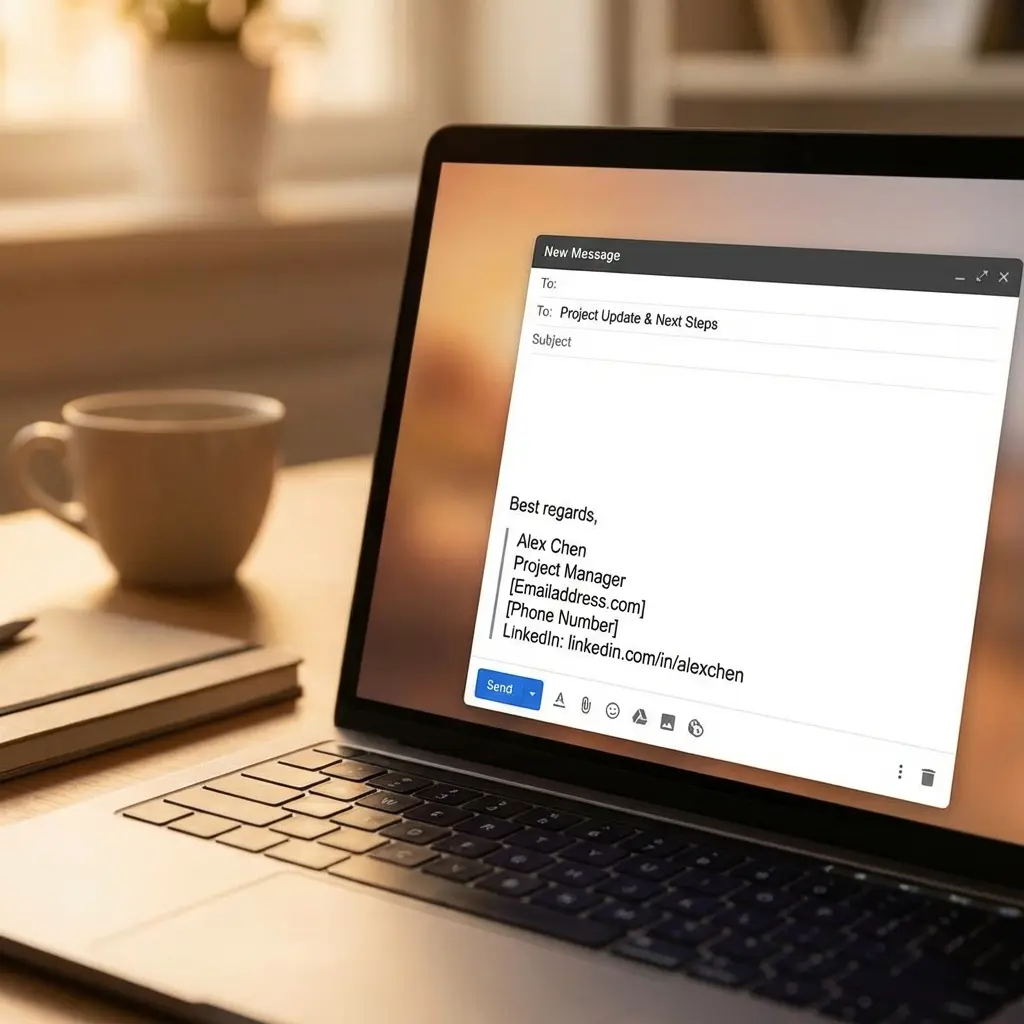
Professional Email Signature for Job Seekers: Templates & Best Practices
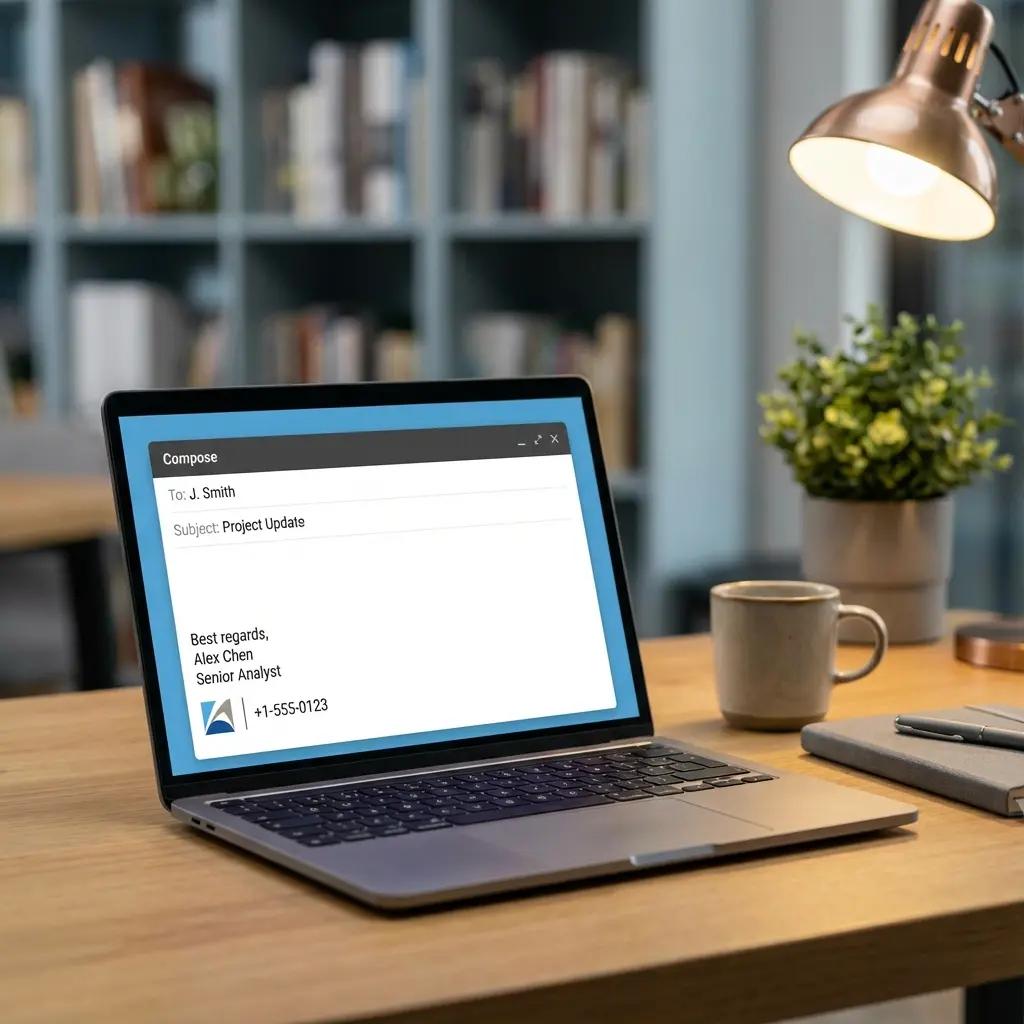
Why Your Email Signature Matters More Than You Think
I'll be honest—when I sent my first job application emails, I didn't even have an email signature. Just my name at the bottom. Maybe a "Thanks" if I was feeling formal.
Then a recruiter told me she almost didn't respond because my email looked like spam. No contact info. No way to verify who I was. Just a random email from someone wanting a job.
That feedback changed everything. Now I help other job seekers create email signatures that actually work—ones that look professional, provide easy contact access, and subtly reinforce their personal brand. For a complete approach to your application materials, our career pitch mastery guide covers how all your documents should work together.
Let me show you exactly how to build one.
What to Include in Your Job Search Email Signature
A job seeker's email signature should include specific elements—but not too many. Here's the balance:
Essential Elements:
- Full name (as it appears on your resume)
- Phone number
- LinkedIn profile URL (customized)
- Optional: City, State
Optional but Valuable:
- Professional title or target role
- Portfolio or personal website
- Relevant certification credentials
What to Avoid:
- Quotes or inspirational sayings
- Pronouns (unless specifically relevant to your industry)
- Company logos (they're often unnecessary for job seekers)
- Social media links beyond LinkedIn
- Fancy graphics that break in some email clients
The goal is clean, professional, and functional. Everything a recruiter needs to reach you, nothing that distracts.
Email Signature Templates for Job Seekers
Here are templates you can adapt immediately:
Template 1: Simple and Clean (Recommended)
--
Sarah Jenkins
Marketing Professional | MBA Candidate

📱 (555) 123-4567
🔗 linkedin.com/in/sarahjenkins
📍 Austin, TX
This format works for almost everyone. It's simple, professional, and displays correctly across email clients.
Template 2: With Portfolio Link
--
Jordan Kim
Full-Stack Developer

📱 (555) 123-4567
💼 linkedin.com/in/jordankim
🖥️ github.com/jordankim | jordankim.dev
📍 San Francisco, CA
Perfect for developers, designers, writers, and anyone with an online portfolio.
Template 3: Currently Employed
--
Alex Chen
Senior Recruiter | TechCorp Inc.

📱 (555) 123-4567
💼 linkedin.com/in/alexchen
📍 New York, NY
If you're currently employed and job searching confidentially, you can include your current title to show credibility.
Template 4: Career Changer
--
Maya Rodriguez
Project Management Professional (PMP)
Transitioning from Marketing to Tech

📱 (555) 123-4567
💼 linkedin.com/in/mayarodriguez
📍 Chicago, IL
For career changers, the subtitle clarifies your direction without requiring explanation.
Template 5: Recent Graduate
--
Sarah Jenkins
Recent Graduate | B.S. Computer Science, State University

📱 (555) 123-4567
💼 linkedin.com/in/sarahjenkins
🖥️ github.com/sarahjenkins
📍 Denver, CO
Recent grads can highlight their degree and any relevant portfolio work.
How to Set Up Your Email Signature
Every major email provider allows custom signatures. Here's how to set yours:
Gmail
- Click the gear icon → See all settings
- Scroll to "Signature"
- Click "Create new" and paste your signature
- Select which emails to use it for
- Save changes
Outlook
- Go to Settings → View all Outlook settings
- Select Mail → Compose and reply
- Create your signature under "Email signature"
- Choose when to include it automatically
- Save
Apple Mail
- Go to Mail → Preferences → Signatures
- Select your email account
- Click "+" to create a new signature
- Paste your signature content
- Drag to assign to your account
Pro tip: Create your signature in a plain text document first. This prevents weird formatting issues when pasting into email clients.
Common Email Signature Mistakes
I've reviewed hundreds of job seekers' emails. Here are the mistakes I see repeatedly:
And here's what works:
Should You Include Your Current Title?
This question comes up constantly. Here's my guidance:
Include your current title if:
- You're employed and proud of the role
- The title is relevant to your target jobs
- You want to show continuous employment
Use a professional descriptor instead if:
- You're currently unemployed
- Your current title doesn't reflect your skills
- You're making a major career change
- Your title is too junior for the roles you're targeting
Descriptors like "Marketing Professional," "Software Developer," or "Financial Analyst" work great. They're honest without being limiting.
LinkedIn URL: How to Customize It
This is essential. Default LinkedIn URLs look like this:
linkedin.com/in/sarah-jenkins-847293847
Customized URLs look like this:
linkedin.com/in/sarahjenkins
To customize:
- Go to your LinkedIn profile
- Click "Edit public profile & URL" on the right
- Click the pencil icon next to your URL
- Type your preferred URL
- Save
Try firstname-lastname first. If taken, add your middle initial or profession (sarahjenkins-marketing).
Phone Number Formatting
Consistency matters. Pick one format and stick with it:
Acceptable Formats:
- (555) 123-4567
- 555-123-4567
- 555.123.4567
- +1 555 123 4567 (international applications)
Avoid:
- 5551234567 (hard to read)
- 555/123/4567 (unusual)
- Inconsistent formatting between resume and signature
I recommend parentheses around the area code: (555) 123-4567. It's the most universally readable format.
For more on building a strong LinkedIn presence, understanding how LinkedIn fits into your job search strategy can make a real difference to recruiters reviewing your applications.
Location: City and State Only
Unless you're applying for remote roles exclusively, including your location helps.
Do include:
- City, State (Austin, TX)
- City, State for international (London, UK)
Don't include:
- Full street address
- Zip code
- General region ("East Coast")
For remote applications, you can omit location entirely or note "Remote | Open to relocation" if that's true.
Email Signature for Mobile Devices
Your mobile signature should be simpler than your desktop version:
Desktop:
--
Sarah Jenkins
Marketing Professional | MBA Candidate

📱 (555) 123-4567
🔗 linkedin.com/in/sarahjenkins
📍 Austin, TX
Mobile:
--
Sarah Jenkins | (555) 123-4567
linkedin.com/in/sarahjenkins
Mobile emails are expected to be shorter. A condensed signature is completely acceptable.
What About Email Signatures in Cover Letter Emails?
When you email a cover letter, your signature serves as your "letter closing." Adapt slightly:
Standard Email Signature:
--
Sarah Jenkins
📱 (555) 123-4567
Cover Letter Email Signature:
Best regards,

Sarah Jenkins
📱 (555) 123-4567
🔗 linkedin.com/in/sarahjenkins
📍 Austin, TX
The salutation ("Best regards") replaces the dashes, making it feel more like a proper letter.
For a complete guide on crafting your cover letter emails, these templates and tips will ensure your signature reinforces your application.
Email Signature for Different Industries
Some industries have specific expectations:
Tech/Startups:
- Include GitHub or portfolio
- Tech stack can be relevant
- Keep it minimal
Creative (Design, Marketing, Writing):
- Portfolio link is essential
- Can be slightly more designed
- Still avoid images that don't load
Finance/Consulting:
- Very formal and clean
- Certifications matter (CPA, CFA)
- Conservative formatting
Healthcare:
- Credentials are important (RN, MD, etc.)
- License state if relevant
- Very professional tone
Academia:
- Include degrees (PhD, MBA)
- Research links if applicable
- Longer signatures acceptable
Testing Your Email Signature
Before using your signature in job applications, test it:
- Send an email to yourself
- Send to a friend using a different email provider (Gmail to Outlook, etc.)
- Check on mobile devices
- Look for broken links or formatting issues
- Ask a friend for honest feedback
Things to watch for:
- Do links work?
- Does formatting display correctly?
- Is it readable on phone screens?
- Does it look professional at first glance?
Frequently Asked Questions
What should I include in my email signature when job searching?
Include your full name, phone number, professional email, LinkedIn profile URL, and optionally your location (city/state). You can also add your portfolio link if relevant. Keep it simple and professional—avoid quotes, logos, or excessive graphics.
Should I include my current job title in my email signature?
If you have a current role, yes. It adds credibility. If you're unemployed or the title doesn't help, use your target role like "Marketing Professional" or "Software Developer" instead.
Is it unprofessional to not have an email signature?
Missing email signatures can appear unprofessional or incomplete. A signature provides easy contact information and reinforces your personal brand. It takes a few minutes to set up and makes a difference.
Should I include my photo in my email signature?
In most cases, no. Photos can introduce bias and may not display properly across all email clients. Save your photo for LinkedIn. Keep your email signature text-based for maximum compatibility.
How many links should be in an email signature?
Stick to 1-3 links maximum. LinkedIn is essential. Add a portfolio or website if relevant. Too many links look cluttered and reduce the chance any get clicked.
Can I use my personal email for job applications?
Yes, but use a professional-looking address like firstname.lastname@gmail.com. Avoid nicknames or numbers. Your email address is part of your first impression.
Final Thoughts
Your email signature is a small detail that makes a big impression. It takes 10 minutes to set up properly, and you'll use it for every single job application email, follow-up, and networking message.
Do this today:
- Create or update your email signature using the templates above
- Customize your LinkedIn URL
- Test your signature across devices
- Ask a friend to review it
That's it. A professional email signature is one of the easiest wins in your job search. Don't skip it.