Best Email Signature for Job Applications: Examples & Templates (2026)
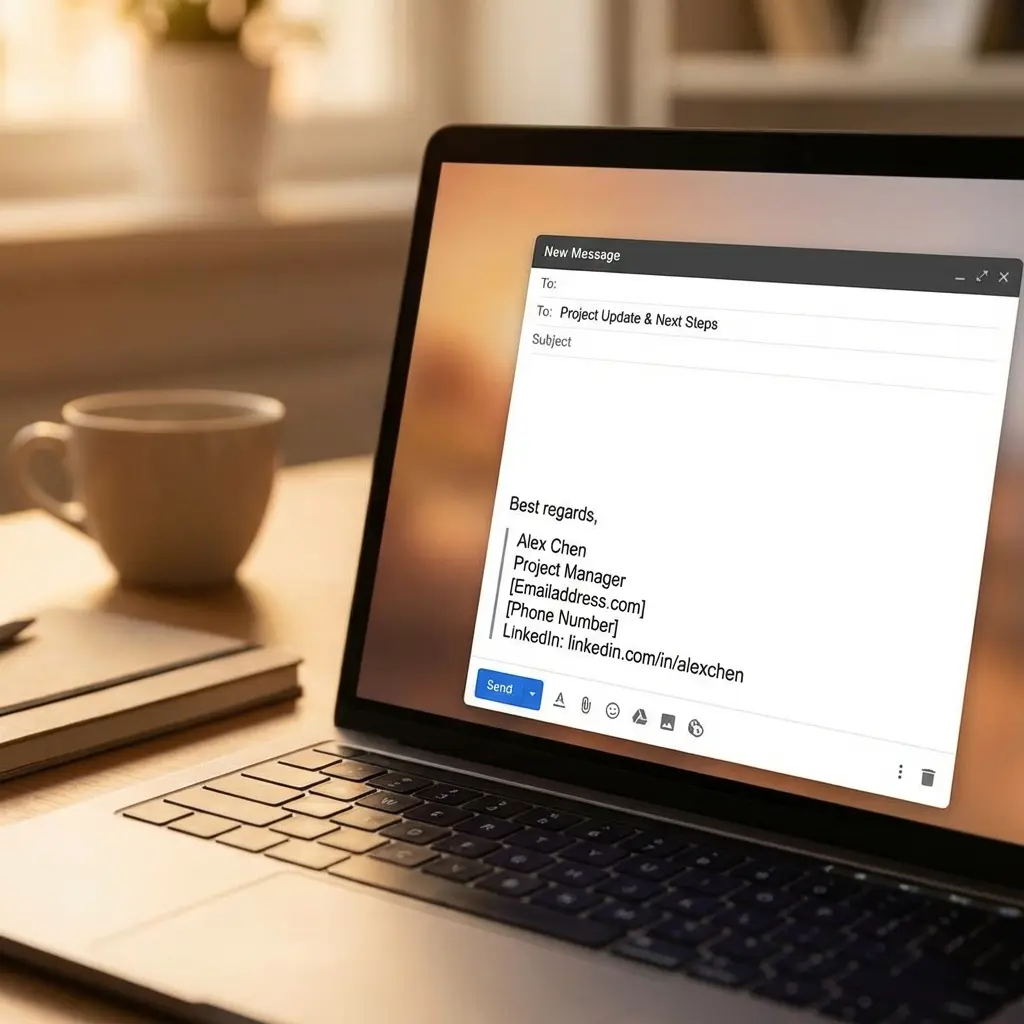
Why Your Email Signature Matters More Than You Think
I learned this the hard way during my first job search. I sent dozens of applications with a cluttered email signature that included my Instagram handle, a motivational quote, and way too many colors. Guess how many responses I got? Zero.
The truth is, your email signature is often the last thing a hiring manager sees before deciding whether to reply. It's your digital business card, and it needs to be clean, professional, and easy to scan. Let me show you exactly what works.
After landing three job offers straight out of college, I reverse-engineered what made my email signature effective. Spoiler: it's not about being creative or memorable. It's about being professional and accessible. For comprehensive resume strategies, our career pitch mastery guide covers how all your application materials should work together.
What Makes a Great Job Application Email Signature
The 3 Non-Negotiable Elements
Every effective email signature for job applications includes:
That's it. Everything else is optional. If your signature doesn't have these three, you're making it harder for recruiters to contact you.
Optional Elements That Add Value
Depending on your situation, consider adding:
Notice what's NOT on this list: photos, logos, inspirational quotes, or social media icons. Those belong on your personal email, not your job search email.
5 Email Signature Templates for Job Seekers
Template 1: Entry-Level/Recent Graduate
When to use: Fresh grad, internship applicant, or career starter
Sarah Jenkins
Marketing Graduate | Boston University 2025
(617) 555-0123
sarah.jenkins@email.com
linkedin.com/in/sarahjenkins
Why this works: You establish credibility with your degree and graduation year, include essential contact info, and keep it ultra-clean. No fluff, just facts.
Template 2: Mid-Career Professional
When to use: 3-10 years of experience, actively employed
Alex Martinez
Senior Product Manager
(415) 555-0789 | alex.martinez@email.com
LinkedIn: linkedin.com/in/alexmartinez
Portfolio: alexmartinez.com
Why this works: Your current title shows credibility, and the portfolio link demonstrates your work. The format is scannable and professional.
Build a Professional Email Signature That Gets Responses—Try Our AI Tool
Template 3: Career Changer
When to use: Transitioning industries or roles
Jamie Chen
Aspiring UX Designer | Former Teacher
(202) 555-0456
jamie.chen@email.com
linkedin.com/in/jamiechen | Portfolio: jamiechen.design
Why this works: You acknowledge your transition while highlighting your new direction. The portfolio is critical here to prove your skills.
Template 4: Tech Professional
When to use: Software engineers, data scientists, developers
Jordan Kim
Full-Stack Developer | React, Node.js, Python
jordan.kim@email.com | (206) 555-0321
GitHub: github.com/jordankim | LinkedIn: linkedin.com/in/jordankim
Why this works: Your tech stack is immediately visible, and linking to GitHub shows your code. This is what tech recruiters want to see.
Template 5: Freelancer/Consultant Seeking Projects
When to use: Project-based work, contract roles, consulting
Morgan Taylor
Independent Marketing Consultant
Helping B2B SaaS companies scale content strategies
morgan@morgantaylor.com | (310) 555-0198
Website: morgantaylor.com | LinkedIn: linkedin.com/in/morgantaylor
Why this works: Your value proposition is clear, and you look established. The website is essential for freelancers to showcase past work and testimonials.
Common Email Signature Mistakes That Hurt Your Job Search
What NOT to Include
I made some of these mistakes myself. My first email signature had a giant photo, a quote about perseverance, and links to my Pinterest and Twitter. It screamed "amateur." When I stripped it down to essentials, my response rate tripled.
Formatting Mistakes to Avoid
If your signature is longer than your actual email, you've gone too far. Keep it tight.
How to Set Up Your Email Signature
For Gmail Users
- Open Gmail and click the gear icon → "See all settings"
- Scroll to the "Signature" section
- Click "Create new" and name it (e.g., "Job Search")
- Type or paste your signature using the formatting toolbar
- Keep formatting minimal: bold for name, standard font, left-aligned
- Click "Save Changes" at the bottom
Pro tip: Create two signatures—one for job applications and one for personal use. Switch between them as needed.
For Outlook Users
- Open Outlook and go to File → Options → Mail → Signatures
- Click "New" and name your signature
- Type your signature in the editor
- Use the formatting toolbar to bold your name
- Add hyperlinks by highlighting text and clicking the link icon
- Click "OK" to save
Mobile tip: Set up your signature on desktop first, then enable it on mobile. Mobile signature editors are clunky.
For Apple Mail Users
- Open Mail → Preferences → Signatures
- Select the email account you use for job applications
- Click the "+" button to create a new signature
- Uncheck "Always match my default font"
- Type your signature in the editor
- Close Preferences (it auto-saves)
Pro tip: Test by sending yourself an email and viewing it on your phone. Apple Mail sometimes adds extra formatting.
Advanced Email Signature Strategies
Customizing for Different Job Types
For creative roles (design, marketing, content):
Include your portfolio prominently. Example:
Taylor Morgan
UX/UI Designer
taylor.morgan@email.com | (415) 555-0987
Portfolio: taylormorgan.design (← Make this bold)
LinkedIn: linkedin.com/in/taylormorgan
For executive/senior roles:
Keep it ultra-professional and minimal:
Rebecca Lawson
Chief Marketing Officer
rebecca.lawson@email.com | (212) 555-0432
LinkedIn: linkedin.com/in/rebeccalawson
No need for bells and whistles at the executive level. Your title and LinkedIn do the talking.
Using Your Signature to Show Skills
If you have certifications that matter, add them:
Michael Chang, PMP
Project Manager | Agile & Waterfall
michael.chang@email.com | (303) 555-0654
LinkedIn: linkedin.com/in/michaelchang
The "PMP" (Project Management Professional) credential signals expertise instantly. Only include certifications that are widely recognized in your industry.
Mobile-Friendly Best Practices
Over 50% of emails are opened on mobile devices. Here's how to ensure your signature looks good everywhere:
If your signature requires horizontal scrolling on mobile, it's too wide. Simplify. For more templates and formatting tips, see our professional email signature templates guide.
What About Email Signature Tools and Generators?
There are tons of email signature generators out there like HubSpot's Email Signature Generator, WiseStamp, and HTMLSig.
Should you use them?
My recommendation: For job applications, manually create your signature in your email client. It's cleaner, faster, and you have full control. Save the fancy generators for when you land the job and want a company-branded signature.
Etiquette: When to Use Your Full Signature
Use Your Full Signature When:
Use a Shortened Version When:
Nobody wants to see your full signature with every reply in a 10-email thread. After the first email, just sign with your first name.
Linking Your Resume and Cover Letter in Your Signature
Some job seekers add links to their resume or cover letter in their signature. My take:
Don't do this for initial applications. Attach your resume and cover letter as separate PDFs as instructed. Recruiters won't click links—they expect attachments.
Do this for networking or follow-ups. If you're reaching out cold or following up weeks later, a link to your online resume (Google Drive, personal site, or LinkedIn) can be helpful.
Example:
Jordan Lee
Data Analyst | SQL, Python, Tableau
jordan.lee@email.com | (404) 555-0789
Resume: bit.ly/jordanlee-resume | LinkedIn: linkedin.com/in/jordanlee
Make sure the link is short, professional, and doesn't expire. For help with career transitions, see our career change at 30 guide.
Frequently Asked Questions
What should I include in my email signature for job applications?
Include your full name, phone number, email address, and LinkedIn profile URL. Optionally add your city/state, relevant certifications, or a portfolio link. Keep it simple, professional, and mobile-friendly.
Should I include my current job title in my email signature when job searching?
If you're currently employed, you can include your current title or use a neutral professional descriptor. If unemployed, use your target role (e.g., "Marketing Professional") or skip the title entirely.
Can I use a logo or photo in my job application email signature?
Avoid logos unless you're a freelancer or consultant. Photos are unnecessary and can introduce bias. Keep your signature text-based and professional for job applications.
How do I make my email signature stand out without being unprofessional?
Use subtle formatting like a horizontal divider line, strategic use of bold for your name, and a professional font. Add a relevant certification or portfolio link. Don't use colors, emojis, or inspirational quotes.
Should I include social media links in my job application email signature?
Include LinkedIn (essential) and a professional portfolio or GitHub if relevant to your field. Avoid Twitter, Instagram, or Facebook unless they're professionally curated and directly relevant to the role.
What's the best font for an email signature?
Use standard web-safe fonts like Arial, Helvetica, Calibri, or Georgia in 10-12pt. Avoid decorative or uncommon fonts that may not display correctly on all devices.
Final Thoughts
Your email signature is a small detail that makes a big difference. It's the last thing recruiters see before deciding whether to reach out, so make it count. Keep it professional, scannable, and mobile-friendly.
Use one of the templates above as your starting point, customize it for your situation, and test it by sending yourself an email. If it looks clean on both desktop and mobile, you're good to go.
Remember: the goal isn't to be memorable or creative. The goal is to make it stupidly easy for hiring managers to contact you. Nail that, and you'll get more responses.
Now go update your email signature and start landing those interviews.