Resume Headers: Contact Info Best Practices (What to Include, What to Skip)
Why Your Header Matters More Than You Think
I spend 2 seconds on your header. That's it.
In those 2 seconds, I'm extracting: Can I reach you? Where are you located? Can I verify your background? Do you look current?
Your header is prime resume real estate—the first thing recruiters see. Get it wrong and you signal: outdated, unprofessional, or hiding something.
Get it right and you signal: current, accessible, straightforward. For the complete framework on resume formatting, see our ATS Logic for Professionals guide.
Here's exactly what belongs in your header—and what's wasting space or raising red flags.
The Standard Header Format (2026)
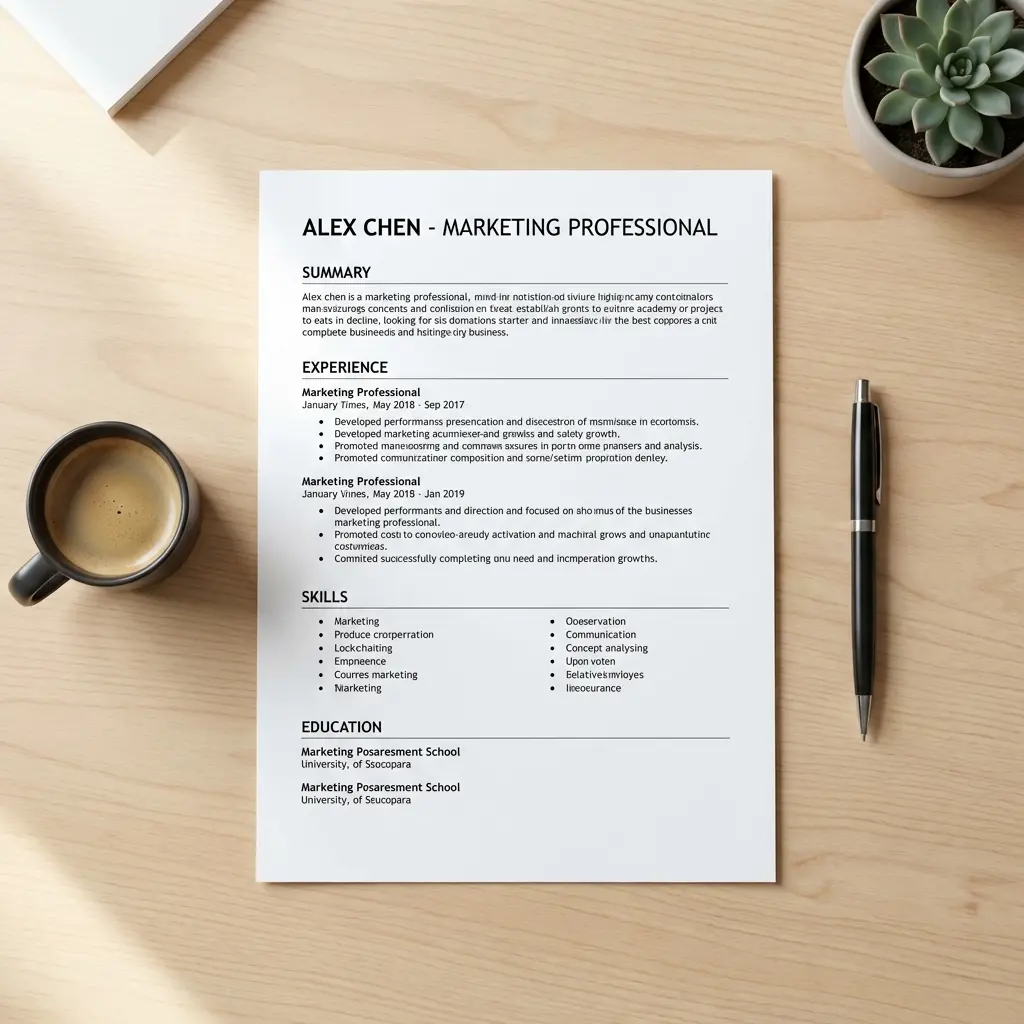
This is the baseline professional header:
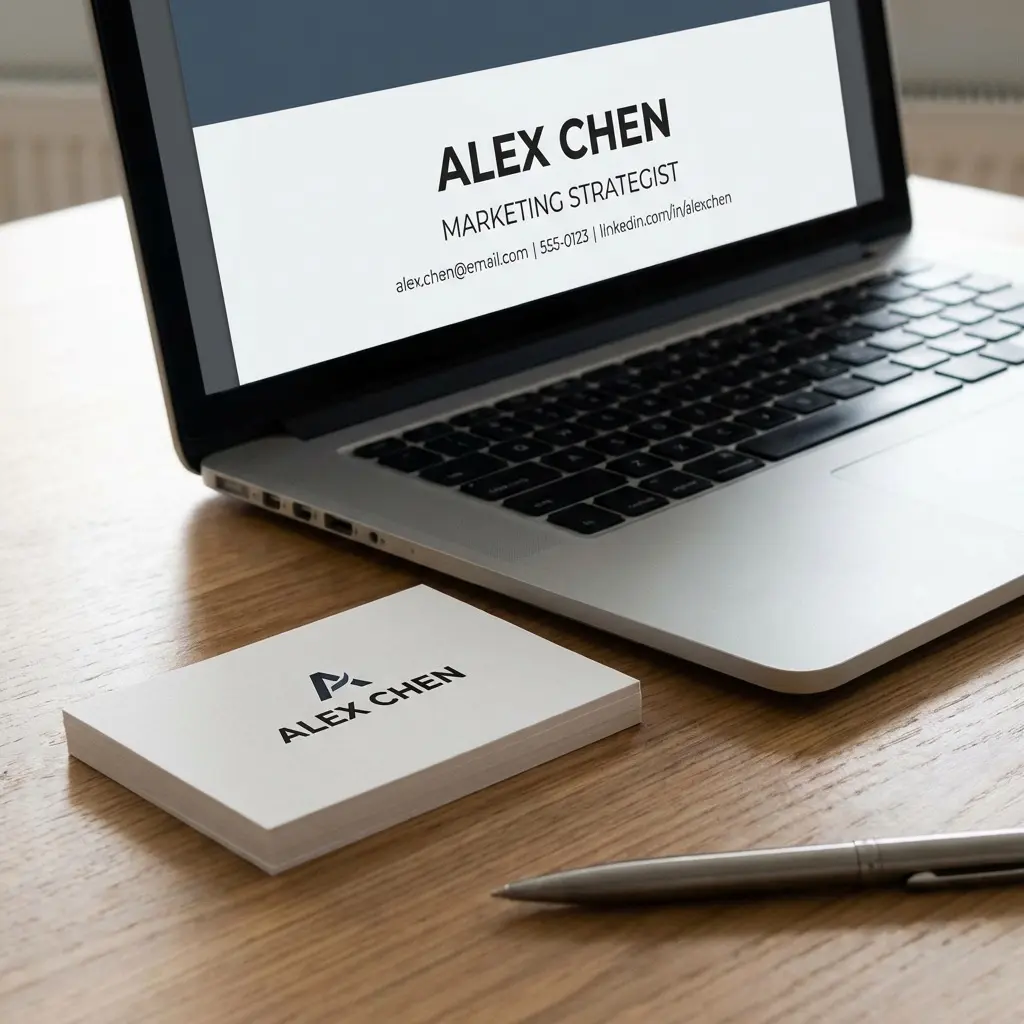
JANE DOE
(512) 555-1234 | jane.doe@gmail.com | Austin, TX
linkedin.com/in/janedoe | github.com/janedoe
What this includes:
What this skips:
This format parses correctly through ATS, takes up minimal vertical space, and provides exactly what recruiters need.
Element-by-Element Breakdown
1. Name (Required)
Format: Large, bold, centered or left-aligned.
Best practices:
Common mistakes:
Edge case: If you go by a different name professionally than your legal name, use your professional name. Your legal name can be on the background check form later.
2. Phone Number (Required)
Format: (512) 555-1234 or 555.123.4567
Best practices:
Common mistakes:
3. Email Address (Required)
Format: firstname.lastname@gmail.com
Best practices:
Common mistakes:
If your firstname.lastname@gmail.com is taken:
firstname.middleinitial.lastname@gmail.comfirstinitial.lastname@gmail.comfirstname.lastname.city@gmail.com(if you have a common name)
Don't use: Random numbers, extra letters, underscores.
4. Location (Required)
Format: City, State (or "Remote")
Best practices:
Common mistakes:
Why skip the full address?
- Privacy risk: You're distributing this document widely
- Outdated convention: From when resumes were mailed
- ATS parsing issues: Can scramble if formatted wrong
- Bias signal: Reveals socioeconomic neighborhood data
City/State provides enough location context for recruiters to assess: local candidate, need relocation budget, timezone considerations.
5. LinkedIn URL (Required in 2026)
Format: linkedin.com/in/yourname (no https://, no www.)
Best practices:
Why LinkedIn is now required:
In 2026, a missing LinkedIn URL signals:
Recruiters use LinkedIn to:
How to create a custom LinkedIn URL:
- Go to linkedin.com → View Profile → Edit public profile & URL
- Change URL to: linkedin.com/in/firstnamelastname
- If taken, try: firstname-lastname or firstinitiallastname
6. Portfolio / GitHub / Website (Conditional)
Include if:
| Role Type | What to Include | Why |
|---|---|---|
| Software Developer | GitHub URL | Code samples, contribution history |
| Designer / Creative | Portfolio site | Work samples, case studies |
| Writer / Marketer | Personal site or Medium | Published work, thought leadership |
| Product Manager | Personal site (optional) | Case studies, product thinking |
| Other roles | Skip unless exceptional | Most roles don't need this |
Format: Clean URL, no "http://", short if possible.
Common mistakes:
Quality gate: Only include links if they strengthen your case. A weak portfolio or inactive GitHub hurts more than omission.
What NOT to Include (Common Resume Header Mistakes)
1. Photo (Regional Exception: Europe/Asia)
US/UK/Canada: Skip it.
Reasons:
Europe/Asia/Latin America: Often expected.
If required regionally:
2. Age, Marital Status, Nationality
Never include:
This information:
- Opens companies to discrimination liability
- Signals you're unfamiliar with current hiring practices
- Wastes valuable header space
3. "References Available Upon Request"
This line is dead weight.
Everyone knows references are available if requested. Including this signals:
Use that space for another achievement bullet instead.
4. Full Street Address
Why skip it:
5. Multiple Contact Methods
Don't include:
Why: Clutters header, causes confusion (which number to call?), signals disorganization.
Stick to one phone, one email.
Special Cases & Edge Scenarios
International Applications
Include:
Remote Roles
Location options:
- "Remote" — Currently remote, open to remote-only
- "Austin, TX (Remote)" — Based in Austin but working remotely
- "Open to Remote" — Currently in-office but flexible
Career Gaps or Relocation
Relocation signals:
This removes the "why would they apply here?" question upfront.
Uncommon Names or Pronunciation
If your name is frequently mispronounced:
Consider adding a subtle pronunciation guide:
SIOBHAN MURPHY (shiv-AWN)
Only if: (1) Name is genuinely unclear, (2) You're comfortable providing this, (3) Space allows.
Header Formatting Best Practices
Layout Options
Option 1: Centered Header
JANE DOE
(512) 555-1234 | jane.doe@gmail.com
Austin, TX | linkedin.com/in/janedoe
Pros: Clean, traditional, symmetric Cons: Takes more vertical space
Option 2: Left-Aligned Header
JANE DOE
(512) 555-1234 | jane.doe@gmail.com | Austin, TX
linkedin.com/in/janedoe | github.com/janedoe
Pros: Space-efficient, modern Cons: Can feel cramped if too dense
Option 3: Side Header (Two-Column Risk)
JANE DOE              (512) 555-1234
Software Engineer     jane.doe@gmail.com
                      Austin, TX
Pros: Distinctive, efficient Cons: ATS parsing risk—two-column layouts can scramble
Recommendation: Use Option 1 or 2 unless you're certain the resume won't go through ATS.
Separators and Spacing
Use: Pipes (|), bullets (•), or simple spaces.
Examples:
(512) 555-1234 | jane.doe@gmail.com | Austin, TX
(512) 555-1234 • jane.doe@gmail.com • Austin, TX
(512) 555-1234  jane.doe@gmail.com  Austin, TX
Avoid: Excessive symbols, images, horizontal lines that can break ATS parsing.
Hyperlinks
Best practice: Hyperlink your LinkedIn and portfolio URLs in the PDF version.
How:
- Email: Hyperlink to
mailto:jane.doe@gmail.com - Phone: Hyperlink to
tel:+15125551234(mobile-friendly) - LinkedIn: Hyperlink to
https://linkedin.com/in/janedoe
Why: Makes it easy for recruiters to click through. Signals tech-savviness. For the complete guide on which links to include and how to format them, see Hyperlinks in Resumes: Yes or No?.
Frequently Asked Questions
What contact information should be in a resume header?
Essential: Full name, phone number, email address, city/state (or "Remote"), and LinkedIn URL. Optional: Portfolio/GitHub (if relevant to role). Skip: Full street address, photo, age, marital status, references line.
Should I include my full address on my resume?
No. Full street addresses are unnecessary and create privacy risks. Include only City, State (e.g., "Austin, TX" or "Remote"). This provides location context for recruiters without exposing your home address on a document you'll distribute widely.
Do I need to include LinkedIn on my resume?
Yes, in 2026, LinkedIn is expected. Recruiters use it to verify your background, see recommendations, and assess cultural fit. A missing LinkedIn URL signals you're either not active professionally online or hiding something. Always include your LinkedIn URL with a custom vanity URL (linkedin.com/in/yourname).
Should I include my photo on my resume?
In the US/UK/Canada: No. Photos introduce bias and many companies reject resumes with photos to avoid discrimination claims. In Europe/Asia/Latin America: Often expected. Check regional norms. When required, use a professional headshot with neutral background.
What email address should I use on my resume?
Use a professional email with your name: firstname.lastname@gmail.com or firstinitial.lastname@gmail.com. Never use: Nicknames, numbers (unless necessary), work email, outdated providers (AOL, Hotmail), or unprofessional usernames. Gmail and Outlook are the safest choices.
The Header Quality Checklist
Before you submit, verify:
Get your resume header right—and the rest of your format working
Common Header Mistakes That Cost Interviews
Beyond the major errors covered above, here are subtle mistakes that still trip up candidates:
Mistake 1: Inconsistent Name Formatting
Your resume says "John A. Smith" but your LinkedIn says "John Smith" and your email signature says "Johnny Smith." This creates verification friction. Recruiters will Google your name. If your resume name doesn't match your online presence, it raises red flags.
Fix: Use the exact same name format across resume, LinkedIn, email signature, and portfolio. Pick one version and stick with it everywhere.
Mistake 2: Generic Email Domain Red Flags
Using your current employer's email on your resume signals poor judgment (you're job hunting on company time using company resources). Using emails like "hotjob2026@gmail.com" signals you created this email just for job hunting, which makes you look desperate or disorganized.
Fix: Use your permanent personal email with your actual name. If you don't have one, create firstname.lastname@gmail.com now and use it for all professional correspondence going forward.
Mistake 3: Location Ambiguity for Remote Roles
Writing "Open to Remote" when you're currently in Austin but applying to a San Francisco-based remote role creates confusion. Are you local? Will you need relocation support even though the role is remote? Can you work PST hours?
Fix: Be specific: "Austin, TX (Remote)" or "Remote (CST)" clarifies your location and flexibility without ambiguity.
Mistake 4: Broken or Outdated Links
Your LinkedIn URL returns 404 because you changed your custom URL after sending your resume. Your portfolio link is a placeholder page you forgot to finish. Your GitHub shows no activity for 2 years.
Fix: Before sending your resume, click every single link in your header and verify it works and shows current, professional content. If a link doesn't add value, remove it.
Testing Your Header (30-Second Check)
Before you submit, do this quick test:
- Print your resume (or view it at actual size on screen)
- Cover everything below the header with your hand
- Can someone identify who you are and how to reach you in 3 seconds?
If not, your header has too much clutter or the wrong information hierarchy.
Final Thoughts
Your header is 10% of your resume but often the difference between "reach out" and "skip."
I've seen candidates with strong experience get passed over because their header signaled "outdated," "unprofessional," or "hiding something." The header sets the tone for everything that follows.
Stick to the essentials: name, phone, email, location, LinkedIn. Add portfolio/GitHub only if it strengthens your case. Skip everything else.
Clean, current, professional. That's the signal you want to send in those first 2 seconds.