3 Resume Templates That Are Banned by ATS Systems
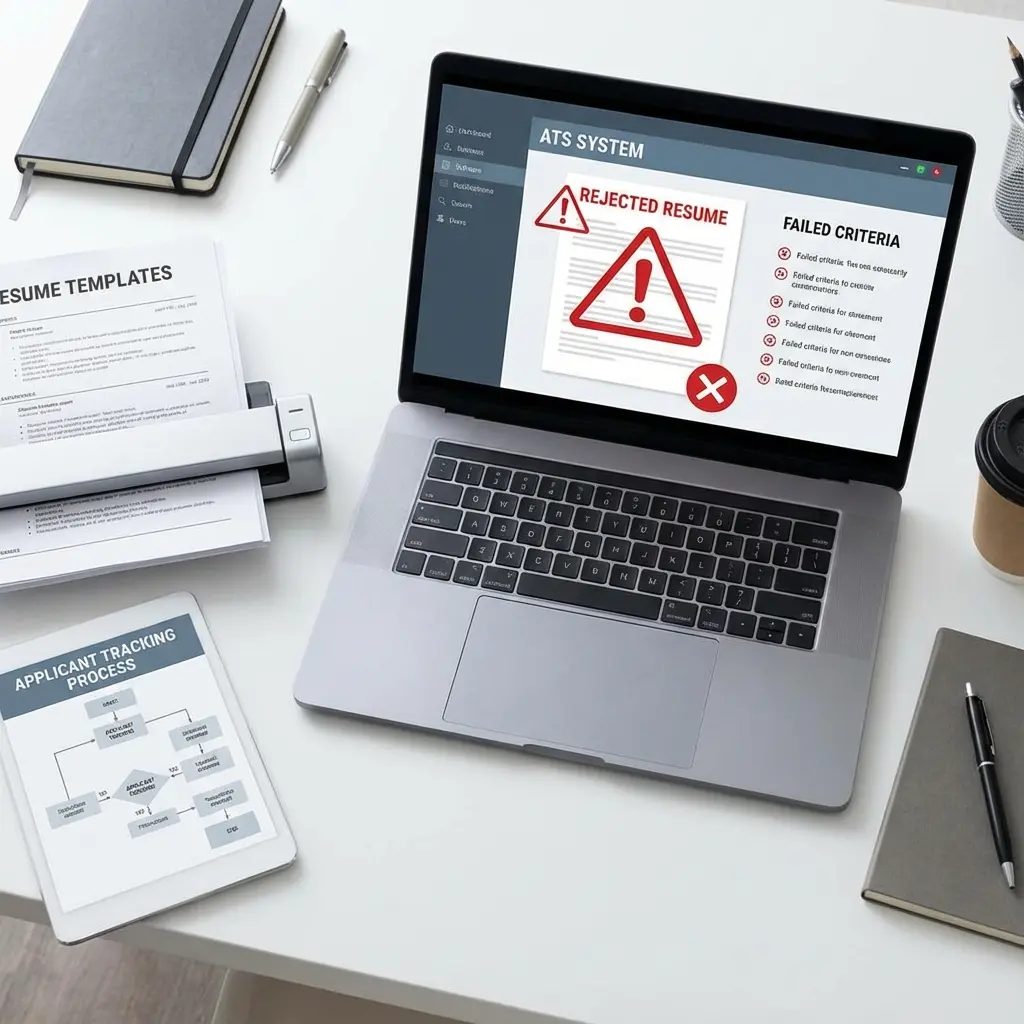
I've reviewed over 50,000 resumes in my 10+ years as a tech recruiter. Want to know the most frustrating thing? Watching qualified candidates get auto-rejected because they chose the wrong template.
Your resume might look stunning to human eyes, but if an Applicant Tracking System (ATS) can't parse it, you'll never make it past the initial screening. Many "creative" templates also force arbitrary length constraints, so check our resume length guide to ensure you aren't cutting valuable content just to fit a bad template. And with 98% of Fortune 500 companies using ATS software, this isn't a minor issue.
Let me show you the three most popular resume templates that will get you instantly rejected—and what to use instead.
Why ATS Systems Reject Certain Templates
Make sure you're using an ATS-friendly resume format before you apply.
Before we dive into the banned templates, you need to understand how ATS systems work.
When you submit your resume online, it goes through an ATS parser that:
If the ATS can't read your template's formatting, it can't extract your information. You get scored as "incomplete" or "unqualified"—even if you're perfect for the role.
I've seen this happen to candidates with 10+ years of experience who used a "creative" template from Canva. The ATS gave them a 20% match score because it couldn't read half their resume.
Many job seekers believe ATS ranks by keyword count or that hidden text tricks work—neither is true. For a complete breakdown of what ATS actually does versus common misconceptions, see our ATS myths versus reality guide.
Template #1: The Two-Column Layout (The Silent Killer)
Why it's popular: Looks modern, fits more information on one page, visually appealing.
Why ATS hates it: Most ATS systems read left-to-right, top-to-bottom. When you use a two-column layout, the ATS reads across both columns simultaneously, scrambling your information.
What happens:
Your resume might look like this:
[Left Column]              [Right Column]
Software Engineer          Skills: Python, Java
Google Inc.                Education: BS Computer Science
2020-2023                  Stanford University
But the ATS reads it as:
Software Engineer Skills: Python, Java
Google Inc. Education: BS Computer Science
2020-2023 Stanford University
Result: Your job title becomes "Software Engineer Skills: Python, Java" and your company is listed as "Google Inc. Education: BS Computer Science." The ATS has no idea what you actually did.
Real example from my inbox:
I once received a resume where the ATS parsed the candidate's name as "John Smith Professional Summary Experienced Marketing Manager." Why? Because their name was in the left column and their summary was in the right column—at the same vertical position.
The candidate never got an interview, despite being highly qualified. They had no idea their template was the problem.
The fix:
Use a single-column layout with clear section headers. Your resume should have one continuous flow from top to bottom:
Template #2: The Infographic Resume (The Show-Off)
Why it's popular: Looks creative, uses charts and graphs, stands out visually.
Why ATS hates it: ATS systems can't read images, icons, charts, or graphics. They only parse text.
What gets lost:
When you use an infographic resume with:
The ATS sees nothing. Zero. Blank space.
Real example:
A designer once sent me a beautiful infographic resume with her skills displayed as colorful bar charts. The ATS extracted exactly zero skills from her resume. She was auto-rejected from a role she was overqualified for because the system thought she had no relevant skills.
The fix:
Save the creativity for your portfolio. Your resume needs to be text-based and ATS-friendly. Use:
If you want to show your design skills, include a link to your online portfolio in your contact section. But keep the resume itself clean and parseable.
Template #3: The Creative PDF with Text Boxes (The Sneaky One)
Why it's popular: Looks professional, allows precise positioning, available on Canva and similar platforms.
Why ATS hates it: Text boxes, especially overlapping or floating ones, confuse ATS parsers. The system can't determine the reading order.
What happens:
Many "modern" resume templates use text boxes to position content precisely. You might have:
The ATS tries to read these in order, but it can't tell which text box comes first. It might read your footer before your header, or your skills section before your work experience.
Real example:
I once saw an ATS parse a resume where the candidate's "References available upon request" footer appeared as their job title. The system read the text boxes in reverse order, making the entire resume incomprehensible.
The fix:
Use a Word document (.docx) or a simple PDF without text boxes. Structure your content using:
If you must use a PDF, create it from a Word document using "Save As PDF" rather than designing it in a graphic design tool.
Check if your resume template is ATS-friendly—scan it now for free
What Makes a Template ATS-Friendly?
Now that you know what to avoid, here's what an ATS-friendly template looks like:
Format requirements:
File format:
Content structure:
How to Test Your Resume Template
Before you submit your resume, test it to make sure ATS systems can read it:
Method 1: The copy-paste test
- Open your resume PDF
- Try to select and copy all the text
- Paste it into a plain text editor (Notepad or TextEdit)
- Check if the text appears in the correct order
If the text is scrambled or missing, the ATS will have the same problem.
Method 2: Use an ATS simulator
Several free tools simulate how ATS systems read your resume:
Upload your resume and see how it's parsed. If the tool can't read your information correctly, neither can an ATS.
Method 3: Save as plain text
- Open your resume in Word
- Save As > Plain Text (.txt)
- Open the .txt file and review
If your resume is ATS-friendly, the plain text version should be readable and in the correct order. If it's a mess, you need a simpler template.
The Templates You Should Use Instead
Here's what I recommend to every candidate:
For most industries:
The Classic Chronological Template
- Single column
- Clear section headers
- Standard fonts
- Reverse chronological work history
- Simple bullet points
This works for 90% of job applications. It's boring, but it works.
For creative industries:
The Minimalist Professional Template
- Single column with subtle design elements
- One accent color (used sparingly)
- Clean typography
- Standard structure with slightly more visual appeal
You can still look professional without sacrificing ATS compatibility. Use white space, a single accent color, and clean typography instead of complex graphics.
For technical roles:
The Skills-Forward Template
- Single column
- Prominent skills section with relevant keywords
- Technical projects section
- Clear work history
- Certifications and education
Technical recruiters often search for specific skills and technologies. Make sure these are clearly listed in plain text.
Common Questions About ATS-Friendly Templates
Q: Can I use color in my resume?
A: Yes, but use it sparingly. Stick to one or two colors for section headers or your name. Avoid colored backgrounds or text that might not print well in black and white.
Q: Are tables okay for ATS systems?
A: Simple tables are usually fine for skills or certifications, but avoid complex tables with merged cells or nested content. When in doubt, use bullet points instead.
Q: Should I submit a Word doc or PDF?
A: Unless the job posting specifies, submit a .docx file. Some older ATS systems struggle with PDFs. If you must use a PDF, create it from Word using "Save As PDF."
Q: Can I use a template from Canva or similar sites?
A: Most Canva templates are not ATS-friendly. They use text boxes, graphics, and complex layouts that ATS systems can't parse. Stick to Word or Google Docs templates.
The Bottom Line
I know it's frustrating. You want your resume to stand out, and these "banned" templates look so much better than a plain Word document.
But here's the reality: if the ATS can't read your resume, it doesn't matter how good it looks. You'll be auto-rejected before a human ever sees it.
Use a simple, ATS-friendly template. Save the creativity for your portfolio, your LinkedIn profile, or your personal website. Your resume's job is to get you past the ATS and into the interview—not to win a design award.
I've seen too many qualified candidates lose opportunities because of template choices. Don't let that be you.
Choose boring. Choose readable. Choose the template that gets you the interview.