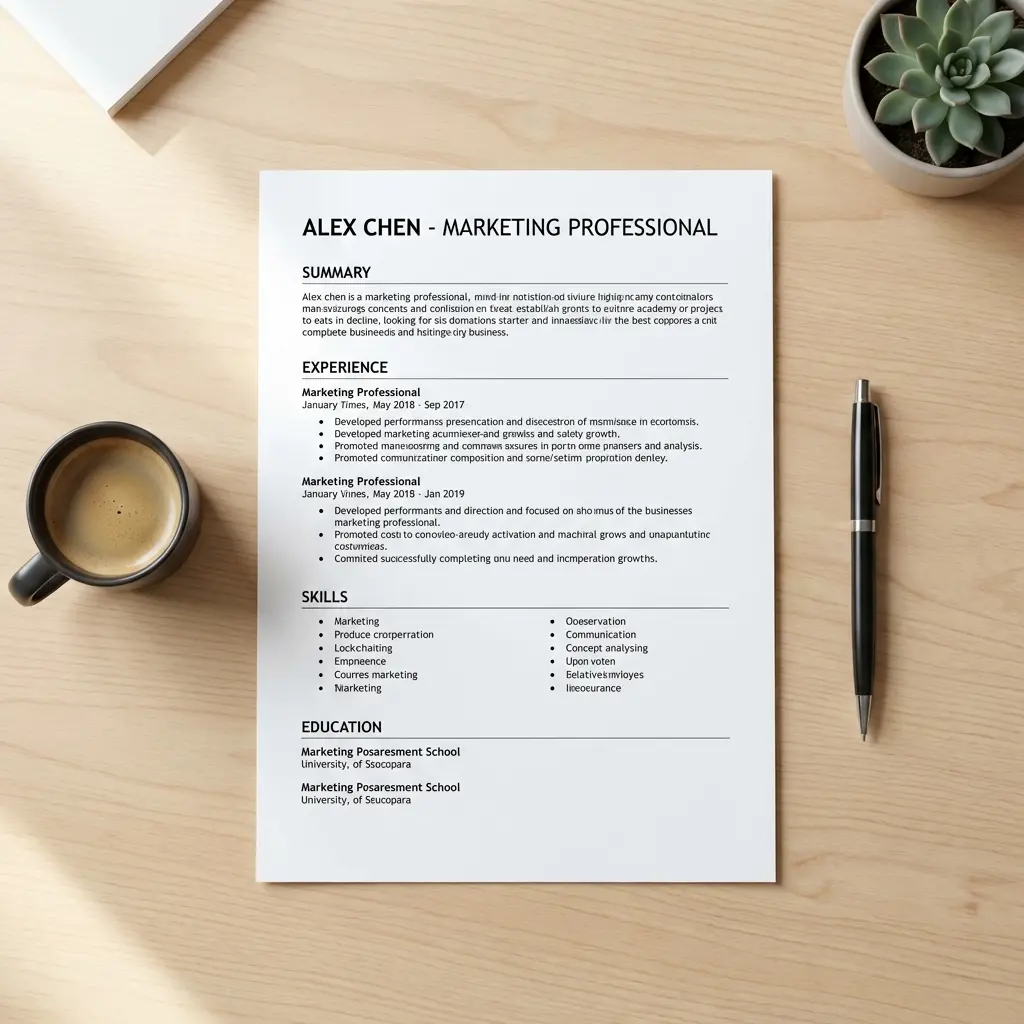
Weekly Audit: Does Your Resume Pass the 6-Second Test?

Introduction
I tested this with a timer. Six seconds. That's how long I gave myself to scan a resume and decide if someone deserves a full read.
The results? Brutal. Most resumes fail within 3 seconds because I can't find what I'm looking for. Your name is buried in decorative headers. Your current title is ambiguous. Your best achievement is hidden in paragraph 4 of your third role.
This isn't about content quality—it's about scan efficiency. If a recruiter can't extract your value proposition in 6 seconds, you're out. The 6-second test isn't about reading; it's about pattern recognition. And your resume either follows the pattern or gets rejected.
This guide shows you the exact scan sequence recruiters use, what they're looking for at each checkpoint, and how to audit your resume weekly to ensure you pass. For the complete technical foundation of resume parsing and formatting, see our ATS Logic for Professionals.
The 6-Second Scan Pattern (What Recruiters Actually Look At)
Eye-tracking studies show recruiters follow a predictable F-pattern scan:
0-2 seconds: Name → Job Title → Company Names 2-4 seconds: First 2-3 bullet points of current/most recent role 4-6 seconds: Education, Skills section (if technical role), Career progression dates
That's it. If these checkpoints don't immediately communicate "relevant + qualified," they move to the next resume.
Here's what this means for your audit:
If any of these fail, your resume doesn't pass the 6-second test—regardless of how well you describe your experience later.
The Weekly Resume Audit Framework
Run this audit every week (or before every application batch). It takes 5 minutes and catches 90% of scan-pattern violations.
Checkpoint 1: The Name-Title-Company Scan (0-2 Seconds)
What recruiters look for: "Who is this person, what do they do, where have they worked?"
Audit checklist:
Header Formatting Best Practices: Your header is the first 0-2 second checkpoint—it must contain exactly the right elements in exactly the right format to pass both ATS parsing and human scan patterns. Essential elements that parse correctly and scan efficiently: Full name (18-24pt, matches LinkedIn), phone with country code if international, professional email (firstname.lastname format), City/State location only (no full address), LinkedIn URL (custom vanity URL), portfolio/GitHub if role-relevant. For complete header specifications including what to skip (photos, full addresses, age, multiple contacts) and regional variations, see our resume header contact info best practices.
Common failures:
- Name is same size as section headers
- Current title is ambiguous ("Specialist," "Consultant," "Associate")
- Company names blend into role descriptions
- Overly creative headers that hide critical information
Fix: If you can't identify your name, title, and companies within 2 seconds on a printed version from 3 feet away, your visual hierarchy is broken.
Checkpoint 2: The First Impression (Current Role, First 3 Bullets)
What recruiters look for: "Can this person do the job I'm hiring for?"
This is where 80% of decisions happen. If your first 3 bullets don't show impact, skill relevance, and scale, you're done.
Audit checklist:
Example: Before (fails the scan)
After (passes the scan):
The difference? Ownership, metrics, and context. The recruiter knows immediately what you delivered and at what scale.
Checkpoint 3: Vertical Rhythm and White Space (Visual Breathing Room)
What recruiters look for: "Can I scan this without effort?"
Dense text walls fail. Too much white space signals lack of content. The balance is 70-80% text coverage with clear section breaks.
Audit checklist:
Test: Print your resume. If you squint and see a giant block of text with no visual breaks, you've failed. If you see clear sections with breathing room, you pass.
Checkpoint 4: Section Headers and Ordering
What recruiters look for: "Where is the information I need?"
Recruiters don't read linearly—they jump to the section they care about. If they can't find it in 2 seconds, your resume is ignored.
Audit checklist:
Common mistake: Creative section names that require interpretation. "Professional Narrative" instead of "Experience" adds cognitive load. Recruiters won't spend time decoding your structure.
Checkpoint 5: Density Balance (The 70-80% Rule)
What recruiters look for: "Does this person have enough experience without overwhelming me?"
Too sparse = lack of substance. Too dense = unreadable.
Audit checklist:
Test: Take a screenshot of your resume. Use a grid overlay (10x10). Count how many grid squares contain text. Ideal: 70-80 squares.
The 6-Second Audit Checklist (Print This)
Use this weekly before application batches:
| Checkpoint | Pass Criteria | Your Status |
|---|---|---|
| Name Prominence | Name is 18-24pt, largest text element | ☐ |
| Title Visibility | Current/target title clear within 1 second | ☐ |
| Company Context | Company names bolded, recognizable or explained | ☐ |
| First Bullet Impact | Contains biggest metric (revenue, scale, or efficiency) | ☐ |
| Verb Strength | No "Responsible for," "Helped," "Supported" in first 3 bullets | ☐ |
| White Space | Sections clearly separated, no text walls | ☐ |
| Section Headers | Standard names, visually distinct, scannable | ☐ |
| Density Balance | 70-80% text coverage, no cramming or sparse gaps | ☐ |
| Date Consistency | MM/YYYY or Month YYYY format throughout | ☐ |
| ATS Compatibility | No tables, text boxes, or graphics in critical sections | ☐ |
Scoring:
- 9-10 checks: Your resume passes the 6-second test
- 7-8 checks: Borderline—fix failing checkpoints immediately
- <7 checks: Major scan-pattern violations—rebuild visual hierarchy
Advanced Optimization: Heat Map Testing
Want to know exactly where recruiters look on your resume? Use a heat map test:
- Upload your resume to a tool like VisualEyes or Attention Insight (AI-based heat mapping)
- Check the first 3 seconds of predicted attention: Does it land on your name, title, and top bullets?
- Identify cold zones: Sections that get zero attention in the first 6 seconds are wasted real estate
Common findings:
This level of optimization is overkill for most roles, but if you're applying to competitive positions (FAANG, consulting, finance), heat map testing gives you a measurable edge.
Common 6-Second Test Failures (And Fixes)
Failure 1: "Creative" Layouts
Symptom: Your resume looks like a design portfolio with timelines, icons, pie charts for skills, and decorative sidebars.
Why it fails: Recruiters don't have time to decode visual metaphors. Pie charts for "Proficiency in Python" communicate nothing. Timelines obscure chronological progression.
Fix: Strip all graphics. Use traditional single-column layout with clear headers and bullet points.
Failure 2: Buried Achievements
Symptom: Your best metric is in the 4th bullet of your 2nd role, or worse, in a paragraph summary.
Why it fails: Recruiters only read the first 3 bullets of your current role. Everything else is scanning for red flags (gaps, job-hopping, irrelevant titles).
Fix: Reorder bullets within each role to front-load impact. Your biggest wins go first, always.
Failure 3: Ambiguous Job Titles
Symptom: Your title is "Specialist II," "Consultant," "Associate," or "Analyst" without context.
Why it fails: These titles are meaningless without qualification. "Analyst" could be finance, data, business, or HR.
Fix: Add a parenthetical qualifier: "Business Analyst (Supply Chain Optimization)" or use your target title in the professional summary: "Data Analyst specializing in Python-based revenue forecasting."
Failure 4: Inconsistent Formatting
Symptom: Some dates are "Jan 2024," others are "01/2024." Some companies are bolded, others aren't. Bullet styles vary between roles.
Why it fails: Inconsistency signals lack of attention to detail—a red flag for any role.
Fix: Run a formatting audit. Pick one date format (Month YYYY preferred), one bolding pattern (company names bolded, role titles regular), and one bullet style (solid circles, not mixed).
Frequently Asked Questions
How often should I run this audit?
Every week if you're actively applying. Before every application batch at minimum. Resume visual hierarchy degrades over time as you add new roles or tweak content. Weekly audits catch drift.
Does the 6-second rule apply to ATS systems?
No. ATS systems parse text, not visual hierarchy. But humans review resumes after ATS filtering. The 6-second test applies to human reviewers (recruiters, hiring managers, interviewers who skim your resume before the call). However, one ATS-related detail affects human review: your file name. Recruiters search downloads folders by candidate name—"Resume_v3.pdf" is invisible while "John-Smith-Product-Manager.pdf" surfaces instantly. For complete file naming conventions that satisfy both ATS logging and recruiter findability, see our resume file naming best practices guide.
What if I have 15+ years of experience and can't fit everything?
Condense older roles. Roles older than 10 years get 1-2 bullets max. Roles from 10-15 years ago get 2-3 bullets. Only your last 3-5 roles need full detail. If you're still over 2 pages, see our guidance on resume length optimization.
Can I use graphics or icons to improve visual hierarchy?
No. Icons, progress bars, and decorative elements add cognitive load. Recruiters don't process "70% proficiency in Excel" as a visual bar—they need to read the text anyway. Graphics slow down the scan without adding information.
What if my industry expects creative resumes (design, marketing, media)?
Test the 6-second scan first. Even creative resumes must communicate Name → Title → Company → Impact within 6 seconds. If your creative layout passes this test, proceed. If it fails, your creativity is working against you.
Should I optimize for the 6-second test or ATS compatibility?
Both. ATS compatibility ensures you pass parsing (text-based, standard headers, no graphics). The 6-second test ensures you pass human review (visual hierarchy, scan efficiency). These aren't mutually exclusive—they're sequential gates.
Weekly Audit Action Plan
Here's your implementation system:
Week 1:
- Print your current resume
- Run the 6-second scan yourself (set a timer)
- Mark the first 3 things your eyes land on
- If they're not Name → Title → Top Metric, you've failed
Week 2:
- Fix visual hierarchy (name size, title prominence, company bolding)
- Reorder bullets to front-load impact
- Run the audit again—did your fixes work?
Week 3:
- Optimize white space and density
- Standardize formatting (dates, bullet styles, section headers)
- Run a peer scan test: ask someone unfamiliar with your background to spend 6 seconds on your resume and tell you what they remember
Week 4:
- If you're getting interviews: your resume is working—maintain the current structure
- If you're not getting interviews: the problem is content, not structure (audit your metrics and achievement framing)
Get ATS-tested resume templates that pass the 6-second scan
Final Thoughts
The 6-second test isn't about dumbing down your resume—it's about respecting cognitive load. Recruiters review 50-200 resumes per role. They don't have time to decode your creative layout or hunt for your achievements.
Your job is to make their job easy: Name, Title, Company, Impact. In that order. Within 6 seconds.
Run this audit weekly. Fix violations immediately. And remember: if a recruiter can't scan your value in 6 seconds, they won't spend 6 minutes reading to find it.
Your resume either works in 6 seconds or it doesn't work at all.